
Squid: Take Notes, Markup PDFs
Replaces paper for note-taking on Android
4.1
Reviews
0
Discussion
Check update
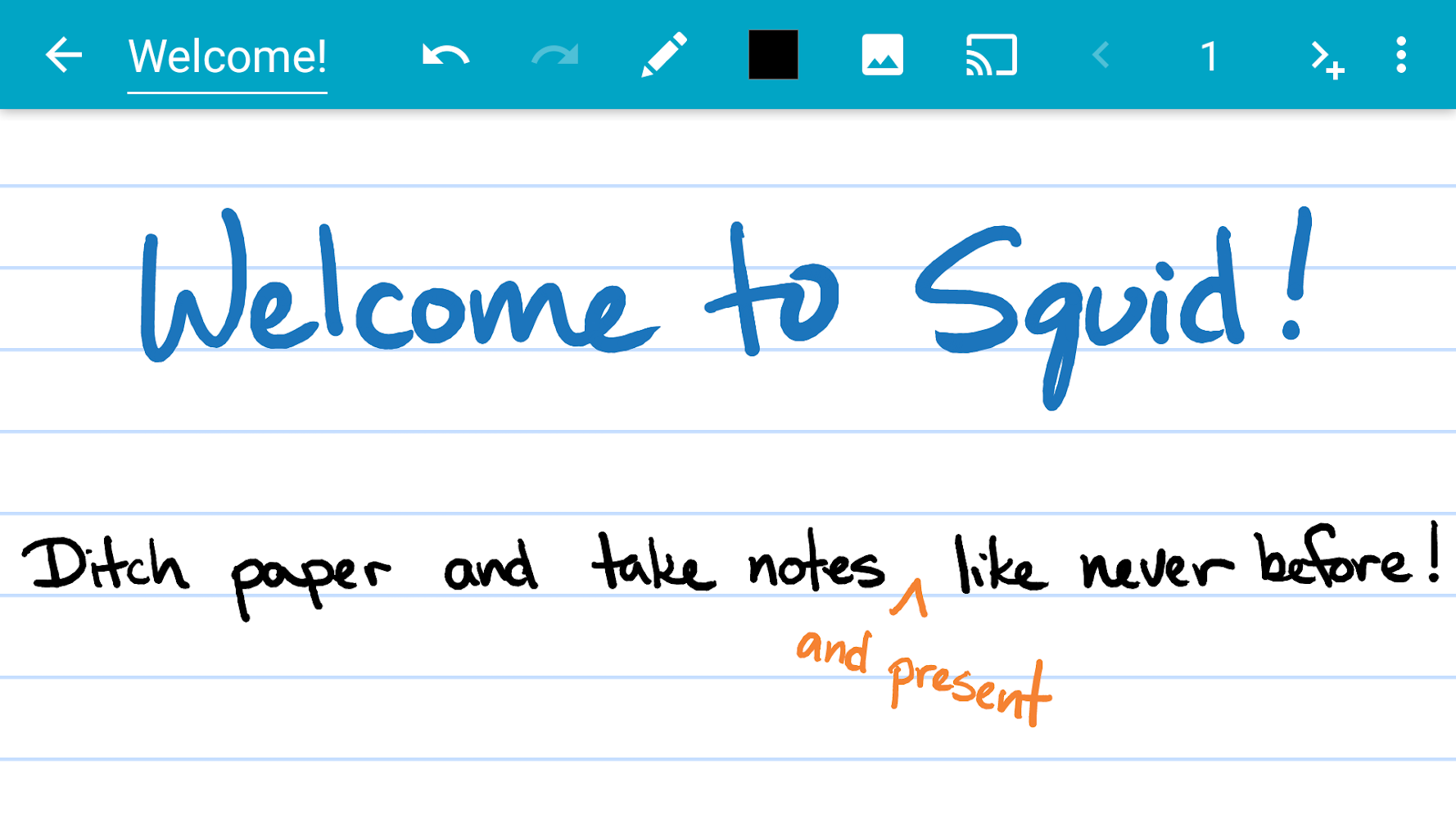
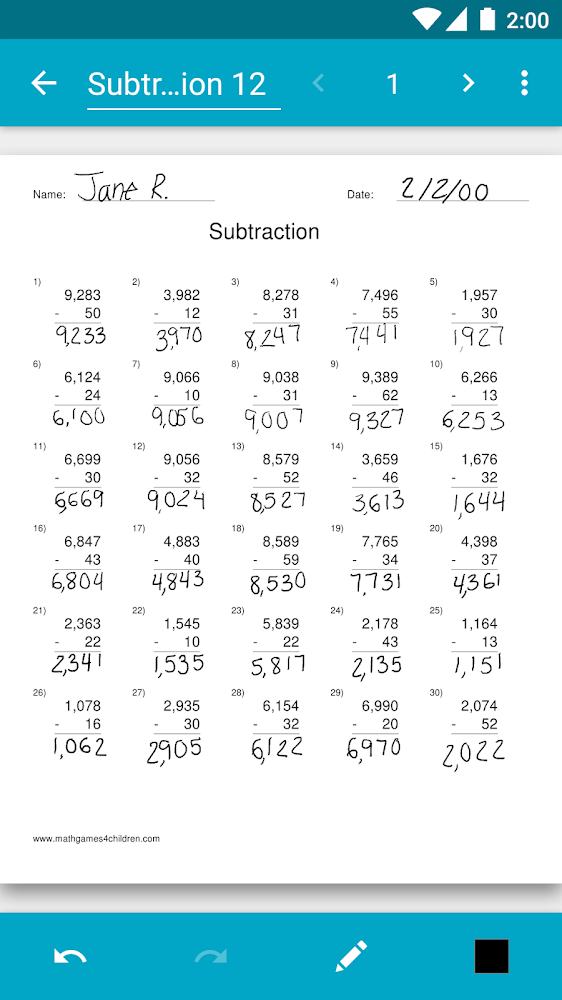
Squid turns your Android tablet, phone, or Chromebook into a digital notebook. For over 12 years, the app has helped millions of users ditch paper, saving money and reducing waste. Write with a pen, erase with your finger, work with PDFs, and create presentations — all with a natural writing feel.
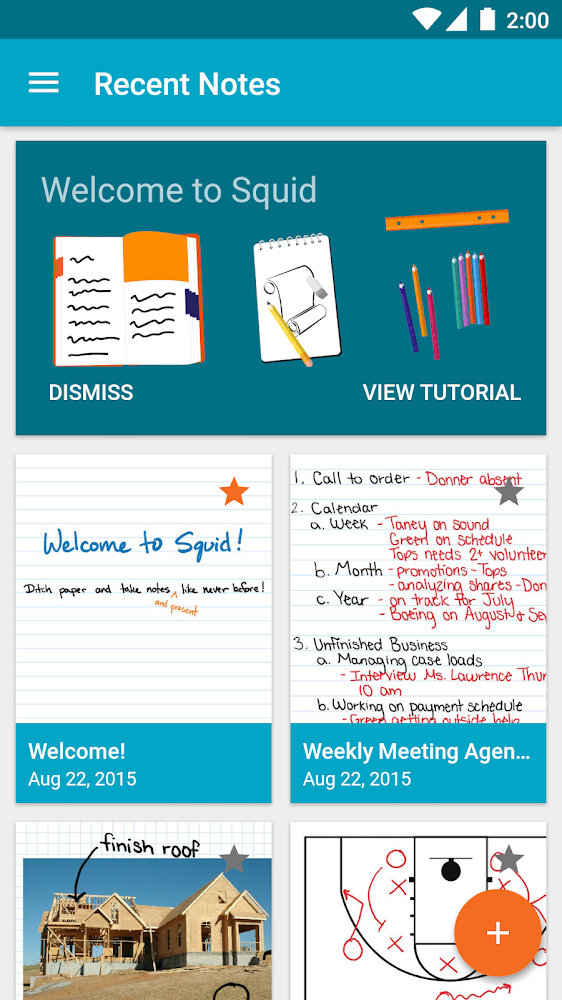
The app supports low-latency ink for smooth and responsive writing. Notes are stored locally on your device, requiring no account or sign-in. You can organize them into folders, export as PDFs, images, or the Squid Note format, and share via cloud services.
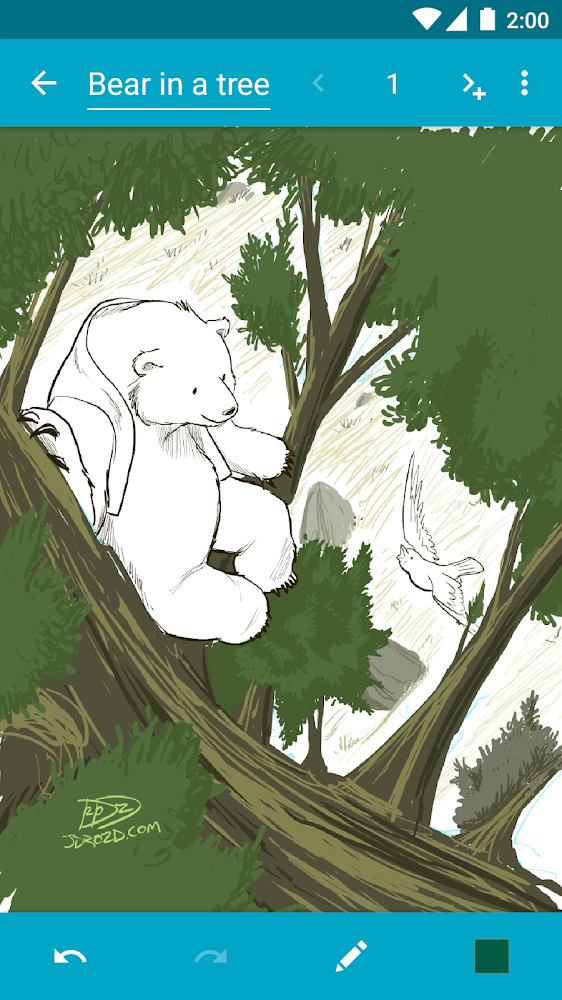
Squid has been recognized by Google Play and Samsung, including Editors' Choice. Core features include vector graphics, various paper backgrounds (ruled, graph, blank), undo/redo, image handling, and a dark theme. Premium unlocks specialized backgrounds, advanced tools, and backup capabilities.
The app supports low-latency ink for smooth and responsive writing. Notes are stored locally on your device, requiring no account or sign-in. You can organize them into folders, export as PDFs, images, or the Squid Note format, and share via cloud services.
Squid has been recognized by Google Play and Samsung, including Editors' Choice. Core features include vector graphics, various paper backgrounds (ruled, graph, blank), undo/redo, image handling, and a dark theme. Premium unlocks specialized backgrounds, advanced tools, and backup capabilities.
Version
4.5.3-GP
Version code
4005003
Android OS
Android 5.0
Disk space
22.13 МБ
Updated
-----
First release
13 Jun 2026
Open GL
Views today
0
Rating
4.1
Hits today
1

Files for downloads
Squid: Take Notes, Markup PDFs
Version: 4.5.3-GP :: 13 Jun 2026
Apk Debug arm64 22.13 МБ
About filetypes
XAPK and APKS are original file formats fully compatible with versions from Google Play. Use them if official versions in Google Play are unavailable to you. All your saves and progress will remain unchanged when updating. Installation: For APKS use SAI, For XAPK — XAPK Installer.
Authentication required to add a comment. Please sign in or sign up
How to update Squid: Take Notes, Markup PDFs
- Download the new version of the app
- Install it over the old one (do not uninstall the previous version)
- Important: The update will only work if the previous version was downloaded from our website. If the app was installed from another source, the new version will cause a signature conflict, and you will see the error "App not installed".
- You can read more about signatures in the documentation.
Attention
Due to the modified signature and modifications, the native security may detect the app as malicious.Update history
13 Jun 2026
4.5.3-GP (4005003)
Similar Apps

Alarmy - Alarm Clock & Sleep
The most powerful alarm clock for Android devices
Version: 26.26.0
419.83 МБ
04 Jul 2026
NEW

MiX Archive (MiXplorer Add-on)
Archiver add-on for MiXplorer with multi-format support
Version: 3.20
1.81 МБ
28 Jun 2026
NEW

Ascent: screen time & offtime
Build healthy phone usage habits
Version: 4.8.3
27.74 МБ
27 Jun 2026
NEW

CS PDF Reader - PDF Editor
All-in-one PDF tool powered by CamScanner
Version: 3.13.7.202604030000
94.03 МБ
27 Jun 2026

WPS Office-PDF, Word, Sheet
The application is designed to work with MS Office on your gadget
Version: 26.6.4
556.08 МБ
26 Jun 2026
NEW

AOL: Email News Weather
News, weather and email in one app
Version: 7.80.2
155.86 МБ
23 Jun 2026
NEW

Taskade - One Prompt. One App.
Workspace with memory and AI
Version: 6.0.6
208.8 МБ
23 Jun 2026
NEW

ArcSite: CAD & Floor Plans
Create accurate drawings on your phone or tablet
Version: 5.51.1
389.51 МБ
22 Jun 2026
NEW

t2 Диск
Convenient service for creating and storing backups
Version: 1.1.21
50.19 МБ
22 Jun 2026
NEW

Procore
Manage construction projects from mobile
Version: 2026.0603.1
764.7 МБ
22 Jun 2026