spacedesk - USB Display for PC
Extend Windows desktop to Android devices
4.5
Reviews
0
Discussion
Check update
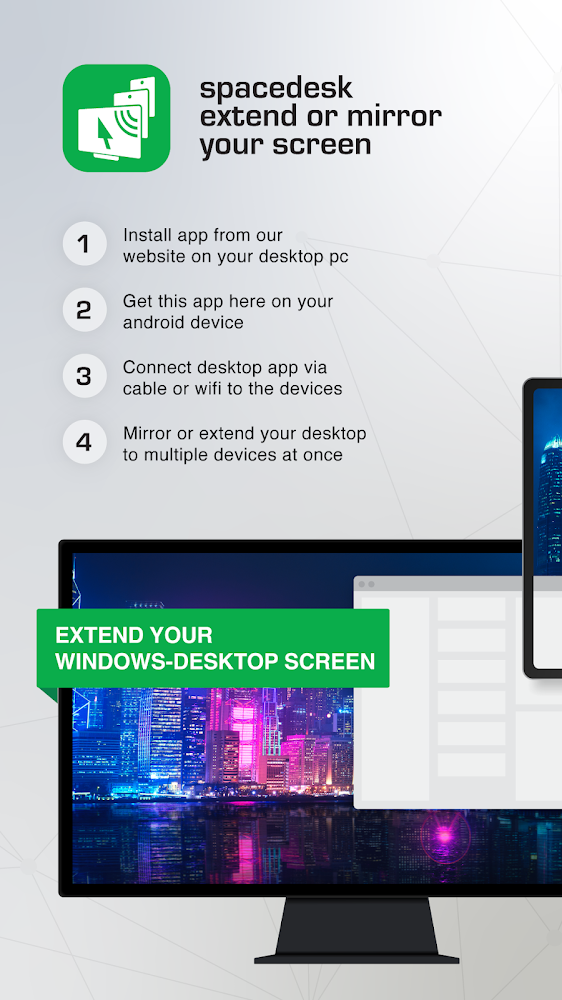
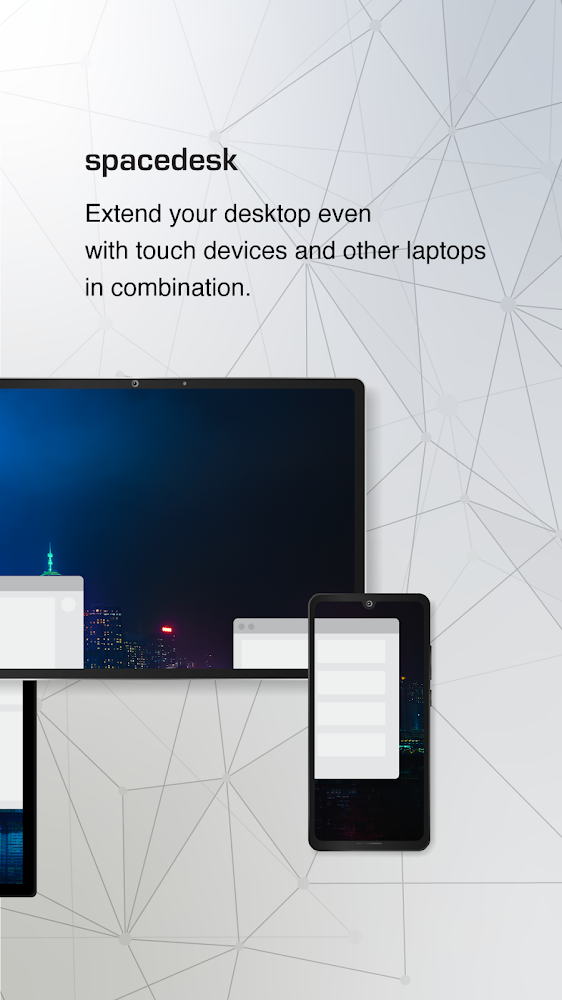
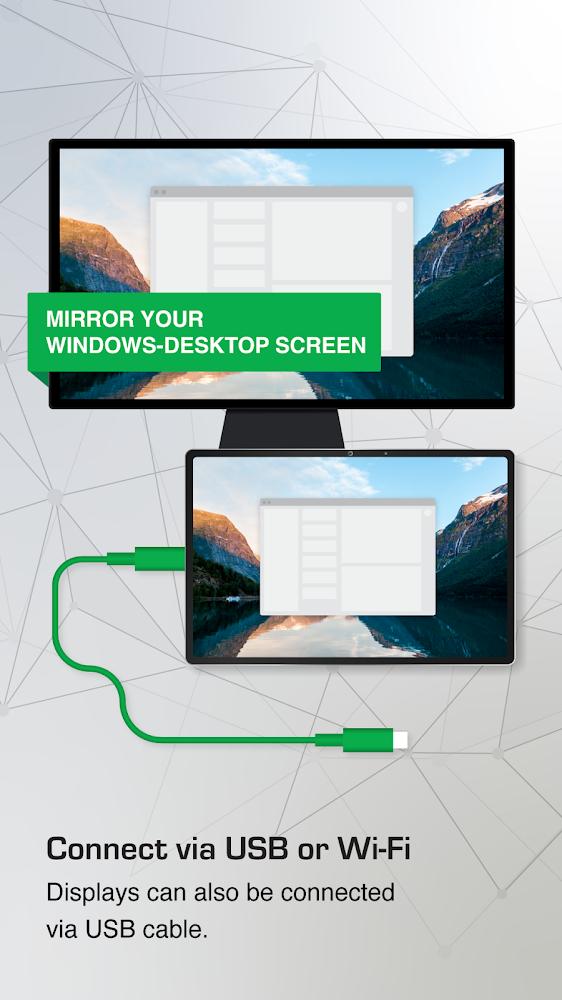
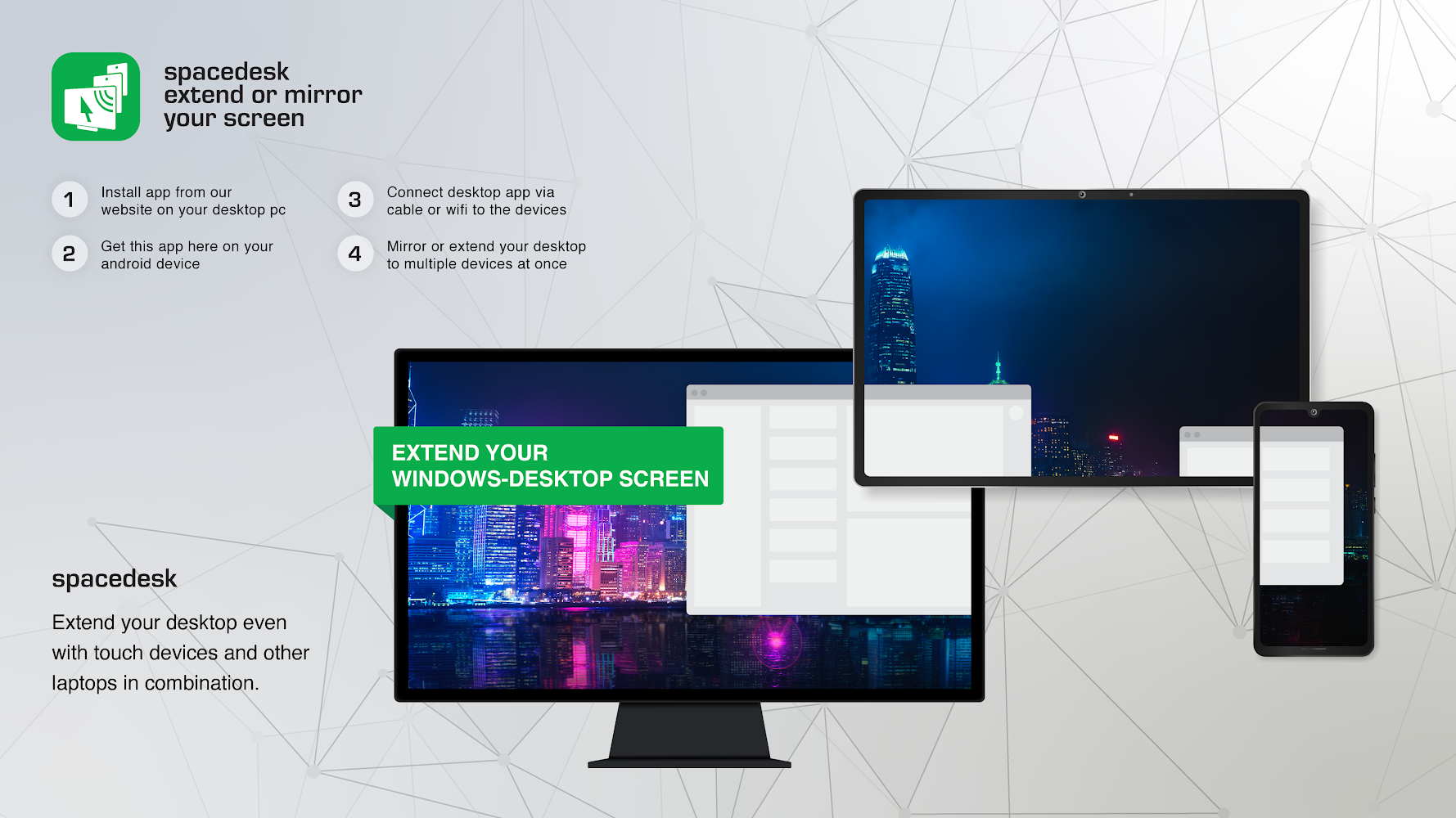
This app turns your Android tablet or smartphone into an extra monitor for a Windows PC. It supports connections via Wi-Fi, USB, or local network, offering flexible workspace setup. You can extend, duplicate, stream media, or remotely control your main computer.
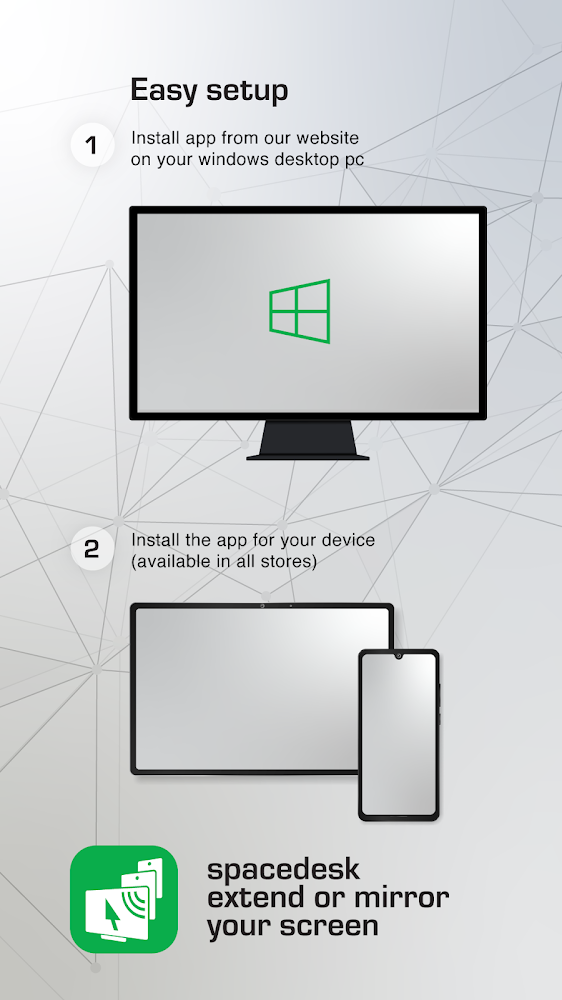
Features include screen mirroring, audio streaming, and using the device as a graphics tablet with stylus support. It requires the spacedesk driver on the PC and the viewer app on Android. Connections can be wired or wireless, and no internet is needed for local network use.
The app works with Windows 11, 10, and 8.1, but not with macOS. It supports multi-monitor setups, touch input, and keyboard control. For best performance, use a direct USB or Wi-Fi hotspot connection to reduce lag and ensure high-quality display.
Features include screen mirroring, audio streaming, and using the device as a graphics tablet with stylus support. It requires the spacedesk driver on the PC and the viewer app on Android. Connections can be wired or wireless, and no internet is needed for local network use.
The app works with Windows 11, 10, and 8.1, but not with macOS. It supports multi-monitor setups, touch input, and keyboard control. For best performance, use a direct USB or Wi-Fi hotspot connection to reduce lag and ensure high-quality display.
Version
2.1.37
Version code
178
Android OS
Unknown
Disk space
9.17 МБ
Updated
-----
First release
30 Jul 2026
Open GL
Views today
37
Rating
4.5
Hits today
1
Files for downloads
spacedesk - USB Display for PC
Version: 2.1.37 :: 30 Jul 2026
Apks Original arm64 9.17 МБ
About filetypes
XAPK and APKS are original file formats fully compatible with versions from Google Play. Use them if official versions in Google Play are unavailable to you. All your saves and progress will remain unchanged when updating. Installation: For APKS use SAI, For XAPK — XAPK Installer.
Authentication required to add a comment. Please sign in or sign up
How to update spacedesk - USB Display for PC
- Download the new version of the app
- Install it over the old one (do not uninstall the previous version)
- Important: The update will only work if the previous version was downloaded from our website. If the app was installed from another source, the new version will cause a signature conflict, and you will see the error "App not installed".
- You can read more about signatures in the documentation.
Attention
Due to the modified signature and modifications, the native security may detect the app as malicious.Update history
30 Jul 2026
2.1.37 (178)
Similar Apps

Alarmy - Alarm Clock & Sleep
The most powerful alarm clock for Android devices
Version: 26.31.2
424.17 МБ
29 Jul 2026

Mobizen Screen Recorder
Manage device from a large PC
Version: 3.11.2.5
196.84 МБ
28 Jul 2026
Google Drive
Google drive. Cloud file storage
Version: 2.26.297.3.all.alldpi
89.63 МБ
28 Jul 2026
NEW
Time Tracker Go
Time tracking with timers and archiving
Version: 1.0.20
23.18 МБ
26 Jul 2026
NEW
QR Scanner: Barcode Scanner
QR and barcode scanner with autofocus
Version: 2.7.5
72.1 МБ
26 Jul 2026

Yandex Disk – Cloud Storage
Yandex Cloud serveces
Version: 6.76.0
256.69 МБ
24 Jul 2026
NEW
Smallpdf: Scanner & PDF Editor
All-in-one PDF editor and document converter
Version: 3.4.0
129.74 МБ
23 Jul 2026
NEW
Notepad Notes
Notebook with folders and password protection
Version: 4.5.0
79.29 МБ
22 Jul 2026

Todoist: To Do List & Calendar
Great organizer for planning things
Version: v12214
94.81 МБ
21 Jul 2026
Google Calendar
Create notes available on all your devices
Version: 2026.27.0-946652271-release
58.79 МБ
21 Jul 2026