Google Calendar
Create notes available on all your devices
4.6
Reviews
2
Discussion
Check update
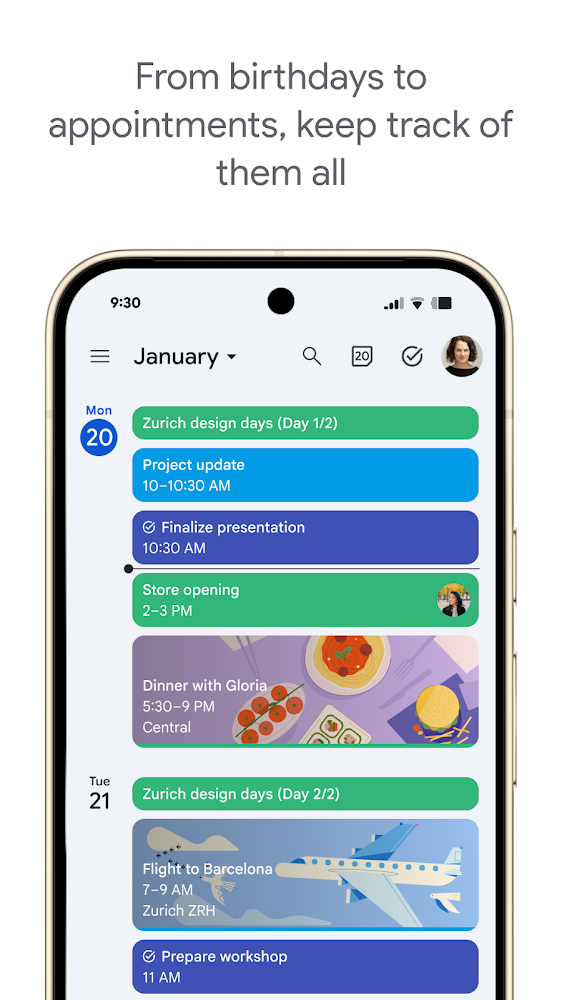
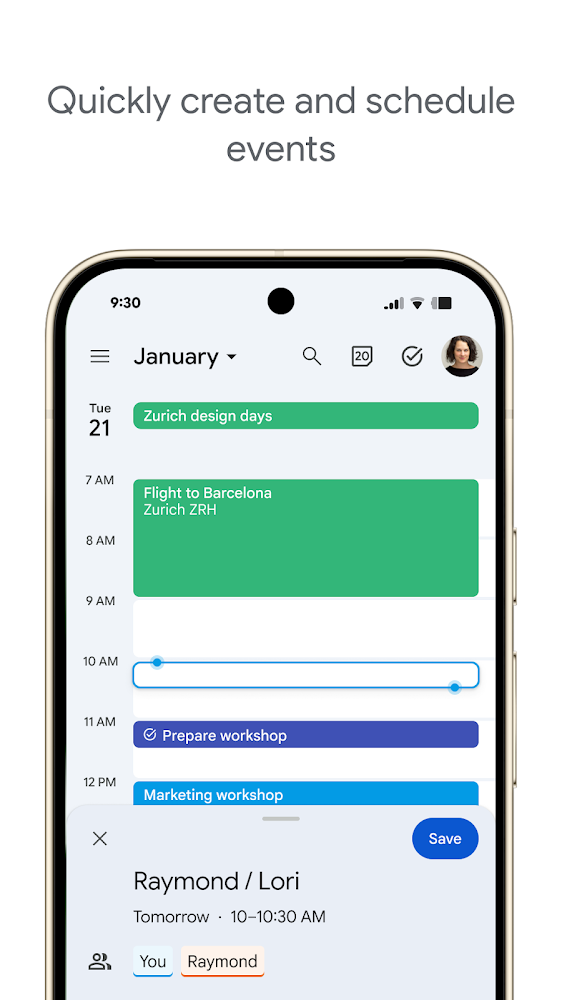
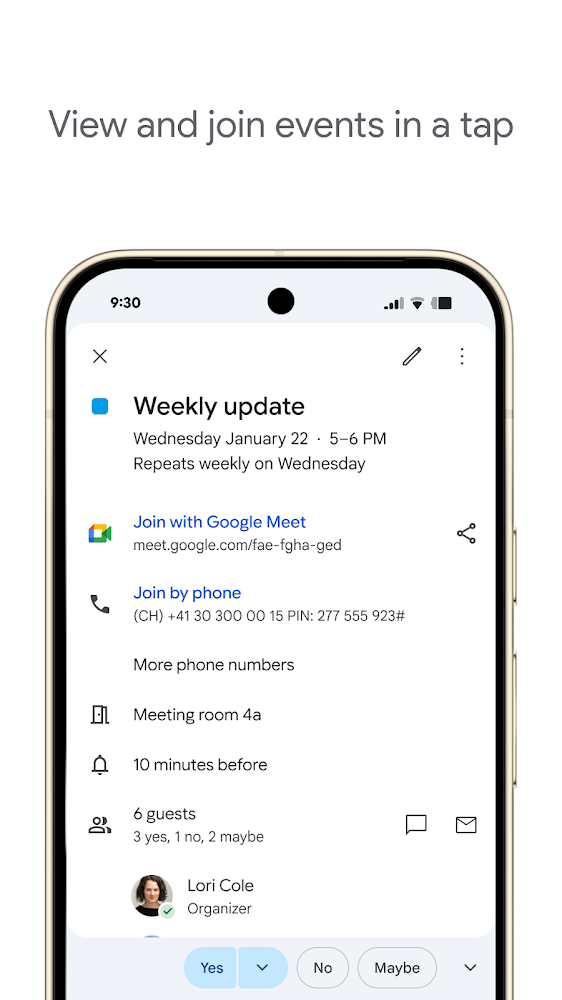
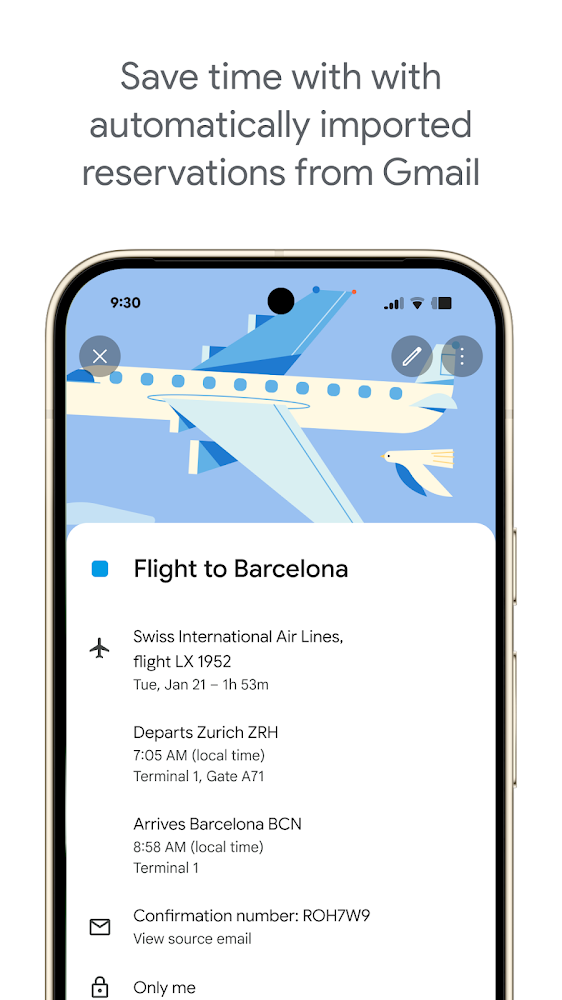
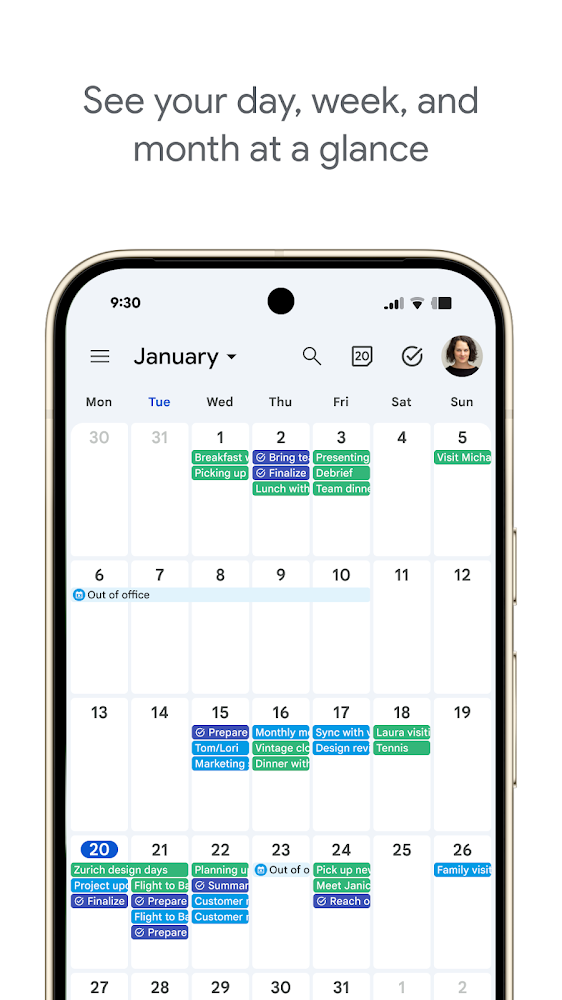
Explore the advantages of the Calendar app in Android 4.0.3 and later versions. In the Calendar application, you can view events for any Google account synced with your device, along with additional capabilities.
You can create, modify, and delete events, open multiple calendars simultaneously including those from third-party apps, and send messages directly from event notifications to participants. However, there are known issues with HTC devices, such as the Day and Week view modes not working on some devices, notes and photos being removed from all calendar events while remaining in the Notes app, unsynced events created in the device calendar being deleted after installing Google Calendar, notification sounds playing only when the built-in HTC calendar is disabled, and tapping an invitation opening a web service instead of the Calendar app.
You can create, modify, and delete events, open multiple calendars simultaneously including those from third-party apps, and send messages directly from event notifications to participants. However, there are known issues with HTC devices, such as the Day and Week view modes not working on some devices, notes and photos being removed from all calendar events while remaining in the Notes app, unsynced events created in the device calendar being deleted after installing Google Calendar, notification sounds playing only when the built-in HTC calendar is disabled, and tapping an invitation opening a web service instead of the Calendar app.
Version
2026.25.0-939476906-release
Version code
2018187368
Android OS
Android 12L
Disk space
58.78 МБ
Updated
15 Jul 2026
First release
01 May 2026
Open GL
1.0
Views today
0
Rating
4.6
Hits today
0
Files for downloads
Google Calendar
Version: 2026.25.0-939476906-release :: 15 Jul 2026
Apks Original arm64 58.78 МБ
About filetypes
XAPK and APKS are original file formats fully compatible with versions from Google Play. Use them if official versions in Google Play are unavailable to you. All your saves and progress will remain unchanged when updating. Installation: For APKS use SAI, For XAPK — XAPK Installer.
How to update Google Calendar
- Download the new version of the app
- Install it over the old one (do not uninstall the previous version)
- Important: The update will only work if the previous version was downloaded from our website. If the app was installed from another source, the new version will cause a signature conflict, and you will see the error "App not installed".
- You can read more about signatures in the documentation.
Attention
Due to the modified signature and modifications, the native security may detect the app as malicious.Update history
15 Jul 2026
2026.25.0-939476906-release (2018187368)
12 Jun 2026
2026.21.0-924344952-release (2018145364)
06 Jun 2026
2026.20.0-920621254-release (2018135832)
28 May 2026
2026.19.0-915581253-release (2018125870)
01 May 2026
2026.14.0-895011949-release (2018089258)
Similar Apps
NEW

LectMate: 有道留学听课宝
Real-time speech transcription and translation
Version: 2.3.1
34.68 МБ
15 Jul 2026
NEW
Obsidian
Powerful Markdown knowledge base
Version: 1.12.7
35.54 МБ
15 Jul 2026

PhotoCat - Enhancer & Cleaner
Smart AI photo editor and storage cleaner
Version: 3.27.0
94.46 МБ
15 Jul 2026
Easy Notes - Note Taking Apps
Colorful and modern notepad for notes, notes and reminders
Version: 1.3.53.0626
164.59 МБ
15 Jul 2026

Microsoft Excel: Spreadsheets
Official spreadsheet program
Version: 16.0.20228.20042
538.59 МБ
15 Jul 2026

Microsoft Word: Edit Documents
Original Word editor for Android
Version: 16.0.20228.20042
552.99 МБ
15 Jul 2026

Yandex Disk – Cloud Storage
Yandex Cloud serveces
Version: 6.75.1
248.51 МБ
15 Jul 2026

Notepad, Notes, Easy Notebook
Handy notepad for notes and to-do lists
Version: 1.4.3
72.98 МБ
14 Jul 2026

MobiPDF: PDF Editor & Scanner
Modern Scanner and PDF Editor
Version: 11.15.270544
181.57 МБ
14 Jul 2026

Todoist: To Do List & Calendar
Great organizer for planning things
Version: v12206
96.98 МБ
14 Jul 2026
New Comments