Penly: Digital Planner & Notes
Convenient notepad planner and PDF editor
Ability to work with pdf files
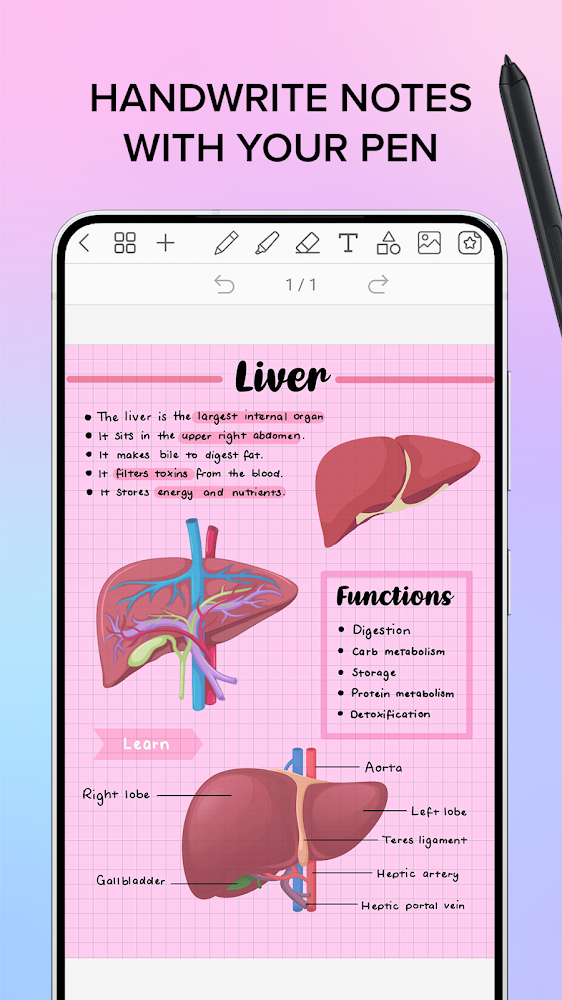
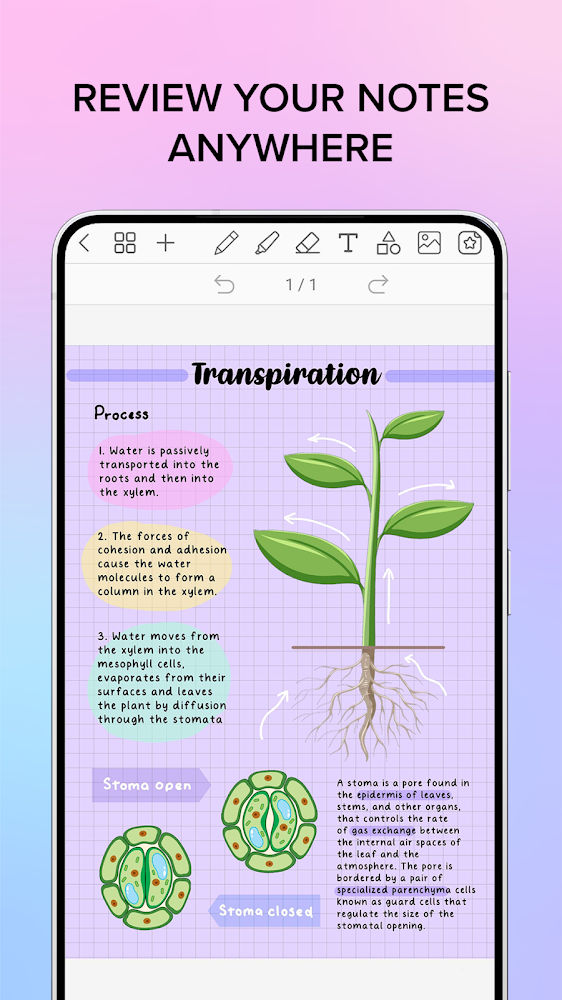
Great application for all Android device users, thanks to which you can take notes, plan your activities, edit and create PDF files, and use as a daily notepad. More in Penly: Digital Planner & Notes you can use the stylus to adjust the color, thickness and style of the pen, type using the keyboard, and highlight and underline important details with the highlighter.
Digital Planner
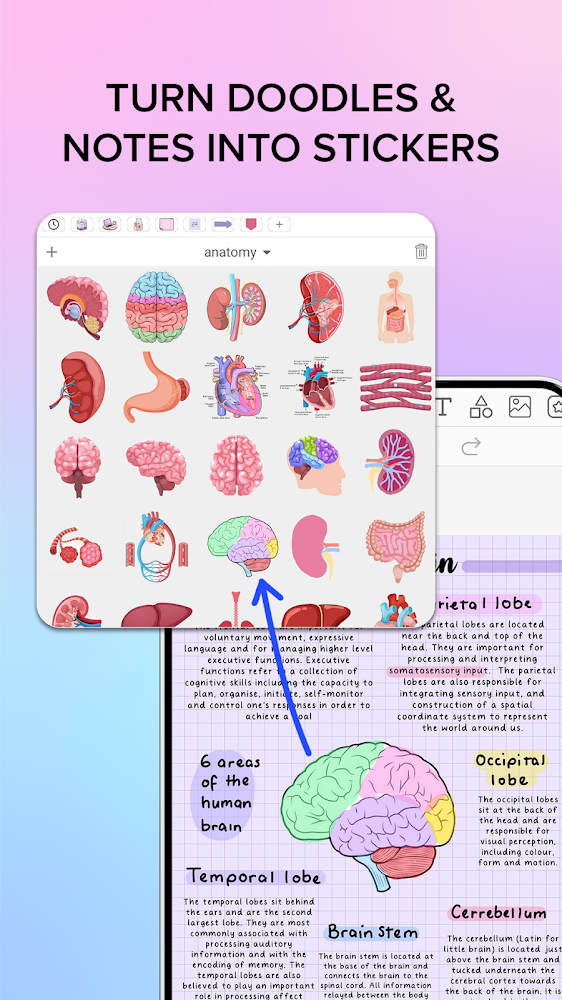
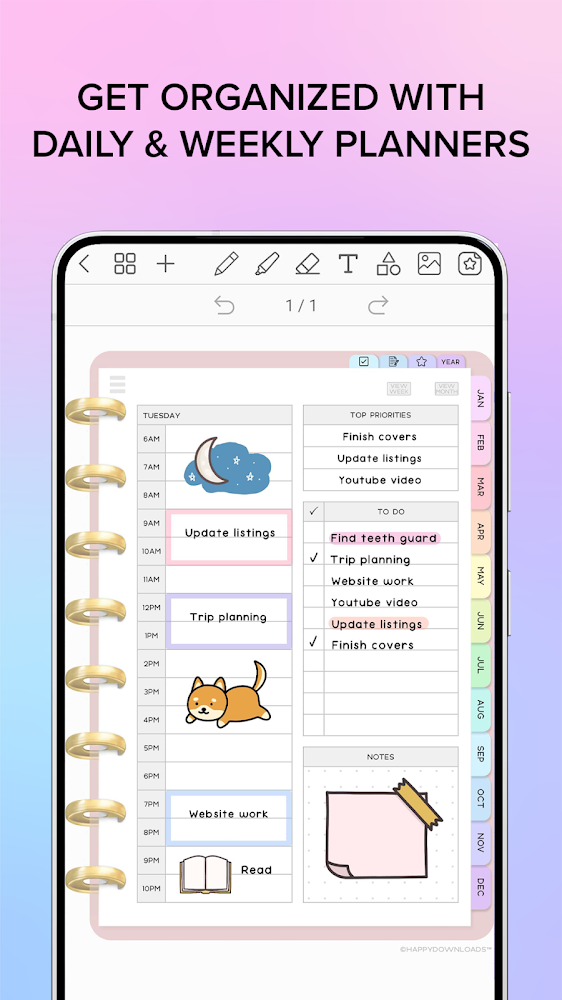
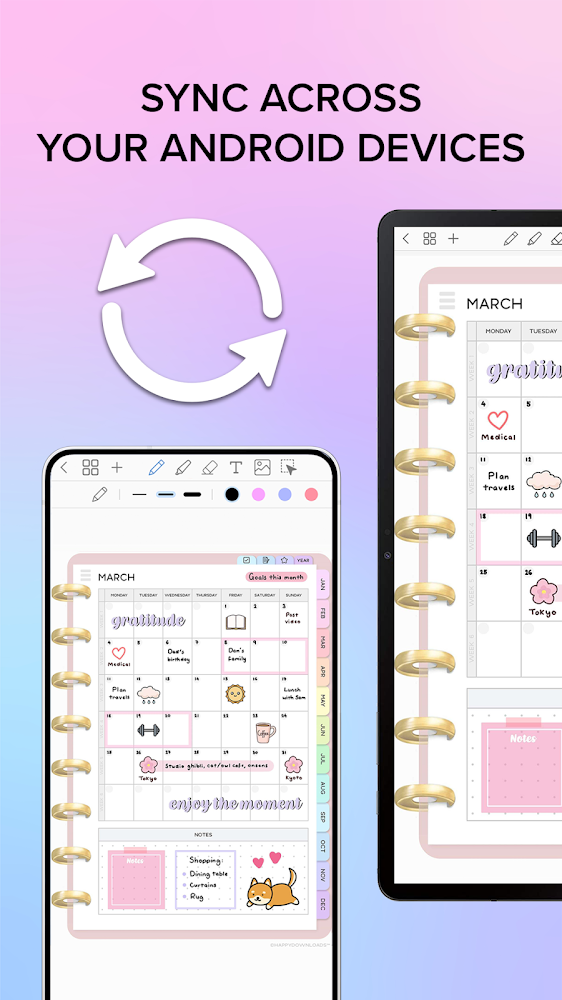
Inside the file you can move, resize, rotate and group objects. There is also a built-in digital to-do planner where you can enter your monthly, weekly and daily plans, add hyperlinks. You can import a PDF file into the application, add images, set up custom backgrounds, and export the file. In any document, you can place hyperlinks, use functional stickers, and the application will delight you with a comfortable and customizable interface.
About filetypes
How to update Penly: Digital Planner & Notes
- Download the new version of the app
- Install it over the old one (do not uninstall the previous version)
- Important: The update will only work if the previous version was downloaded from our website. If the app was installed from another source, the new version will cause a signature conflict, and you will see the error "App not installed".
- You can read more about signatures in the documentation.
Attention
Due to the modified signature and modifications, the native security may detect the app as malicious.Similar Apps










New Comments
По крайне мере я не нашёл... Ответить