Minecraft: Dream it, Build it!
One of the most popular games in the genre sandbox for Android platform
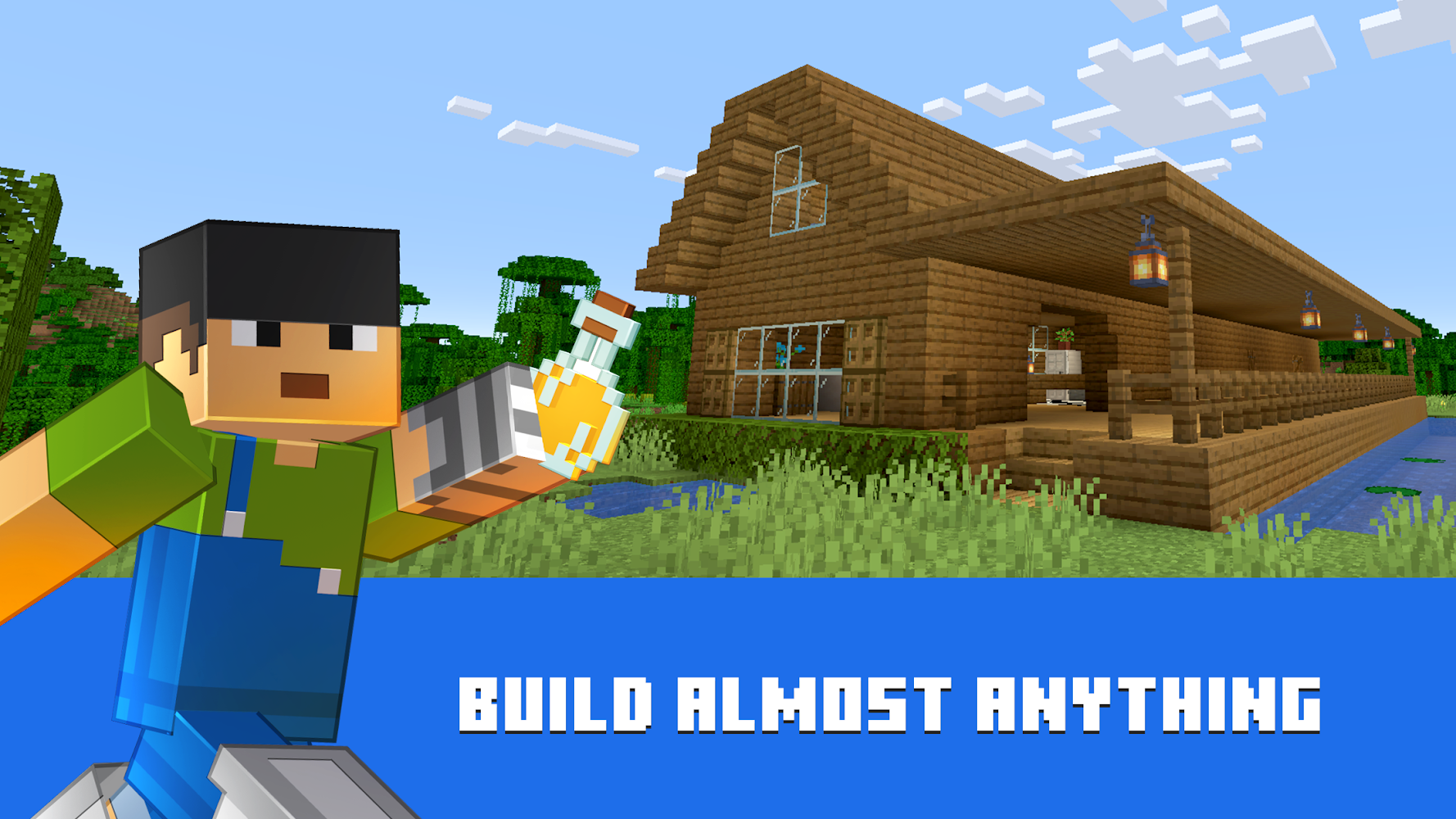
Minecraft - this is truly an exciting game in the genre of "sandbox", which takes place in the open world created from a variety of blocks where you controlling the main character have to survive, doing nothing but craft (crafting).
Surprisingly, the game itself is of Minecraft, developed only a week, but for a long time, arrived at the stage of alpha and beta testing, then November 17, 2011 it was officially presented to the public and ported to almost all known gaming platform.
If you are a creative person, if you are able to realize their fantasies in the form of arrangement of their own worlds, and love to spend time truly exciting games, then you just have to download maynkraft on android.
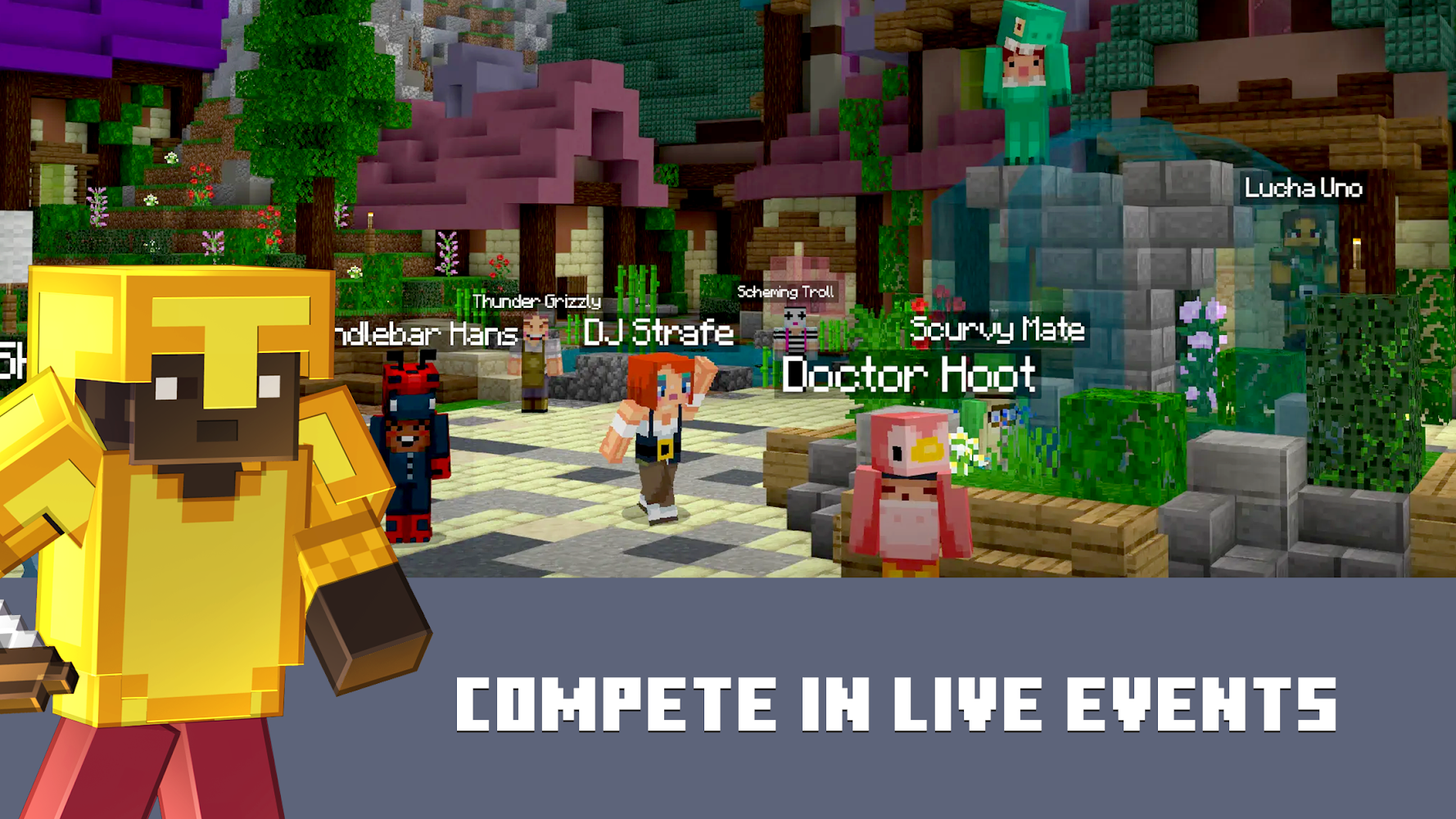
Currently Maynkraft supports 4 modes of play: Creative (Creative), Hardcore (Hardcore), Survival (Survival) and adventure mode - Adventure
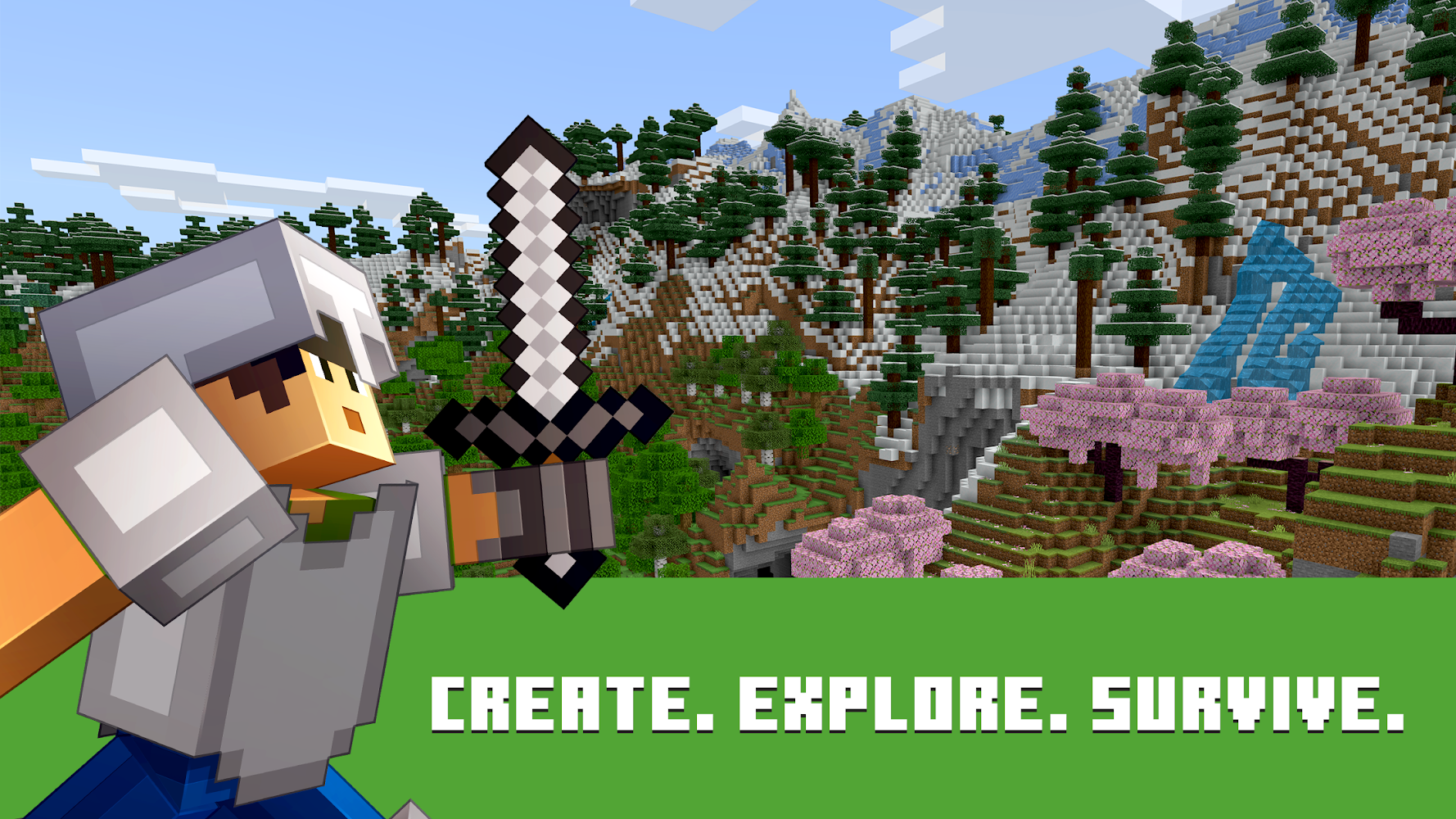
The most favorite players - this is a survival mode where you have to get yourself all sorts of resources found on the open spaces of your world, of which, as mentioned earlier, it is possible to construct and produce more sophisticated and elements. Also in this mode, at night, there and your enemies - the monsters, spiders, skeletons, and of course Creeper. And if you have not had time to build yourself any weapons, then one way out - to build a shelter.
Of course, this is not all the charm of the game and this masterpiece can be described indefinitely. But one look at the page top paid games on Google Play Market makes it clear that more than one million users have downloaded this game can not be wrong.
Crashes at startup? Try to remove /sdcard/games/com.mojang/minecraftpe/ folder or else install the older version.
COMMENTS "When will the new version of", "Will there be a new version of", "What will happen in the new version," "When the update" will be deleted.
Files for downloads
Minecraft [Мод меню]
Minecraft [Patched]
About filetypes
How to update Minecraft: Dream it, Build it!
- Download the new version of the app
- Install it over the old one (do not uninstall the previous version)
- Important: The update will only work if the previous version was downloaded from our website. If the app was installed from another source, the new version will cause a signature conflict, and you will see the error "App not installed".
- You can read more about signatures in the documentation.
Attention
Due to the modified signature and modifications, the native security may detect the app as malicious.Similar Apps









New Comments
Конфликтует с другим процессом Ответить