
Microsoft Word: Edit Documents
Original Word editor for Android
4.8
Reviews
14
Discussion
Check update
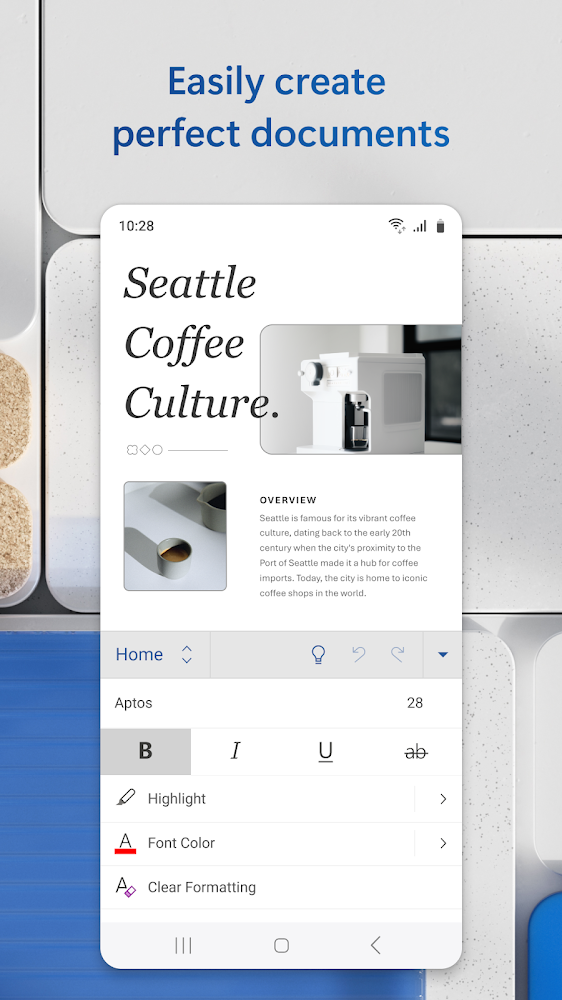
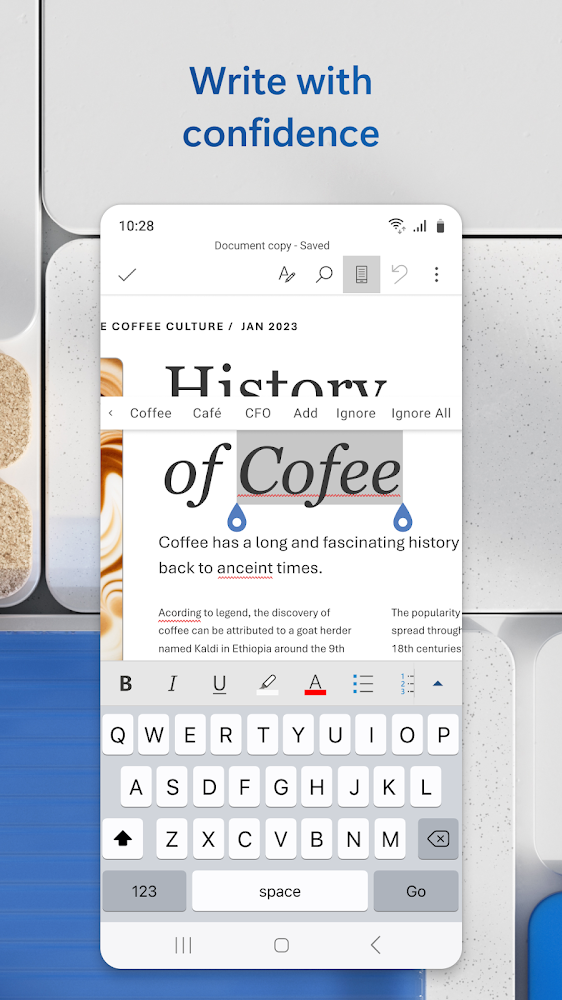
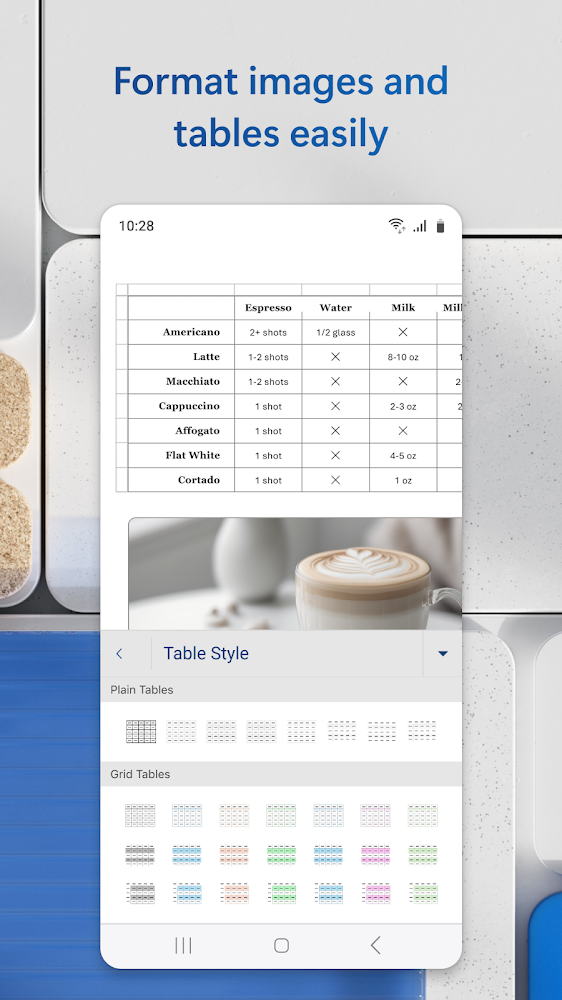
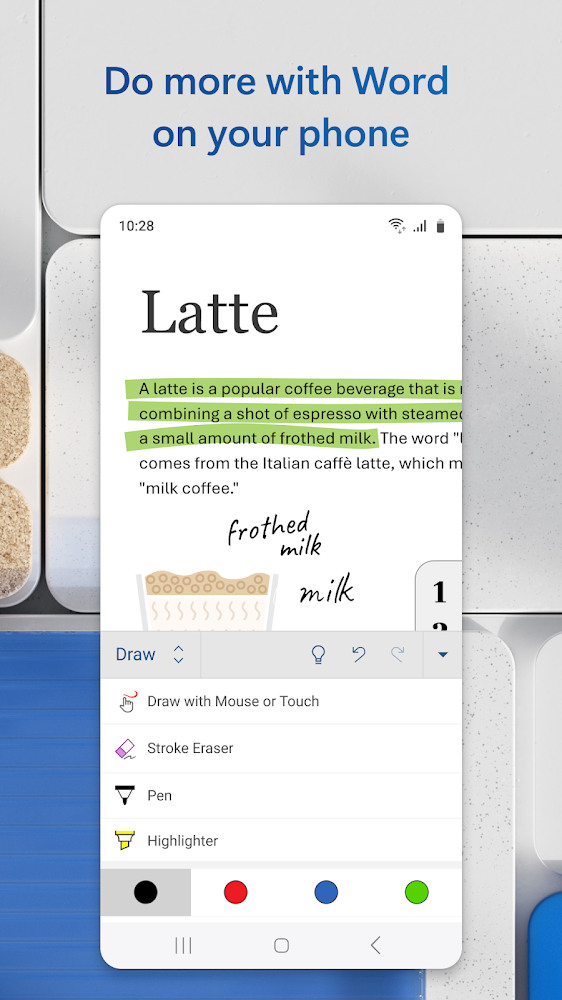
Microsoft Word, the most popular text editor, is now available for Android. This program combines everything that was available in the original MS Word, plus adds many modern features. You will find all the familiar tools for work, the usual visual design, templates, and full synchronization across all devices. Creating documents is now easier than ever, and adding text fields, images, charts, and tables to them is even simpler.
The application offers a familiar appearance with very convenient controls, great format compatibility, and support for images, charts, headers and footers, formulas, and tables. It works on both smartphones and tablets, allowing for one-handed operation. Users benefit from convenient templates, task lists, a reading mode, and seamless synchronization between devices. Cloud storage is also supported through Google Drive, Dropbox, SharePoint, and others.
The application offers a familiar appearance with very convenient controls, great format compatibility, and support for images, charts, headers and footers, formulas, and tables. It works on both smartphones and tablets, allowing for one-handed operation. Users benefit from convenient templates, task lists, a reading mode, and seamless synchronization between devices. Cloud storage is also supported through Google Drive, Dropbox, SharePoint, and others.
Version
16.0.20228.20042
Version code
2005246523
Android OS
Android 13
Disk space
552.99 МБ
Updated
15 Jul 2026
First release
04 Aug 2015
Open GL
2.0
Views today
0
Rating
4.8
Hits today
0

Files for downloads
Microsoft Word: Edit Documents
Version: 16.0.20228.20042 :: 15 Jul 2026
Apks Original arm64 552.99 МБ
About filetypes
XAPK and APKS are original file formats fully compatible with versions from Google Play. Use them if official versions in Google Play are unavailable to you. All your saves and progress will remain unchanged when updating. Installation: For APKS use SAI, For XAPK — XAPK Installer.
How to update Microsoft Word: Edit Documents
- Download the new version of the app
- Install it over the old one (do not uninstall the previous version)
- Important: The update will only work if the previous version was downloaded from our website. If the app was installed from another source, the new version will cause a signature conflict, and you will see the error "App not installed".
- You can read more about signatures in the documentation.
Attention
Due to the modified signature and modifications, the native security may detect the app as malicious.Update history
15 Jul 2026
16.0.20228.20042 (2005246523)
03 Jun 2026
16.0.20026.20116 (2005156299)
28 May 2026
16.0.20026.20090 (2005155675)
03 May 2026
16.0.19822.20190 (2005066075)
Similar Apps
NEW

LectMate: 有道留学听课宝
Real-time speech transcription and translation
Version: 2.3.1
34.68 МБ
15 Jul 2026
NEW

Obsidian
Powerful Markdown knowledge base
Version: 1.12.7
35.54 МБ
15 Jul 2026

PhotoCat - Enhancer & Cleaner
Smart AI photo editor and storage cleaner
Version: 3.27.0
94.46 МБ
15 Jul 2026
Easy Notes - Note Taking Apps
Colorful and modern notepad for notes, notes and reminders
Version: 1.3.53.0626
164.59 МБ
15 Jul 2026

Microsoft Excel: Spreadsheets
Official spreadsheet program
Version: 16.0.20228.20042
538.59 МБ
15 Jul 2026

Yandex Disk – Cloud Storage
Yandex Cloud serveces
Version: 6.75.1
248.51 МБ
15 Jul 2026

Google Calendar
Create notes available on all your devices
Version: 2026.25.0-939476906-release
58.78 МБ
15 Jul 2026

Notepad, Notes, Easy Notebook
Handy notepad for notes and to-do lists
Version: 1.4.3
72.98 МБ
14 Jul 2026

MobiPDF: PDF Editor & Scanner
Modern Scanner and PDF Editor
Version: 11.15.270544
181.57 МБ
14 Jul 2026

Todoist: To Do List & Calendar
Great organizer for planning things
Version: v12206
96.98 МБ
14 Jul 2026
New Comments