Mi Browser

Mi Browser

Comfortable and very fast browser

4.7
Reviews
4
Discussion
   
Check update

Comfortable and very fast
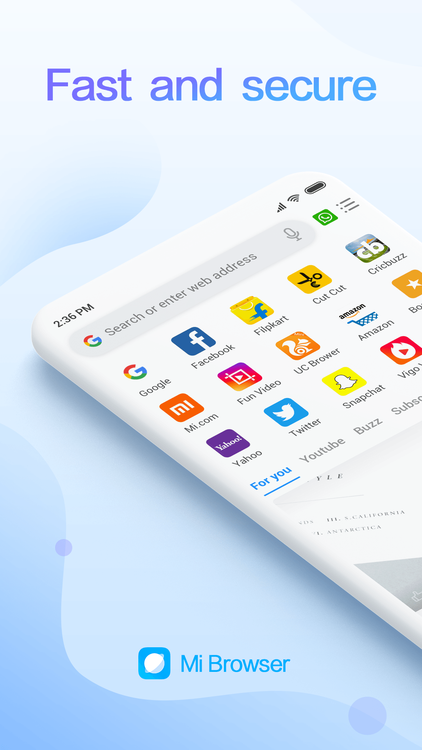
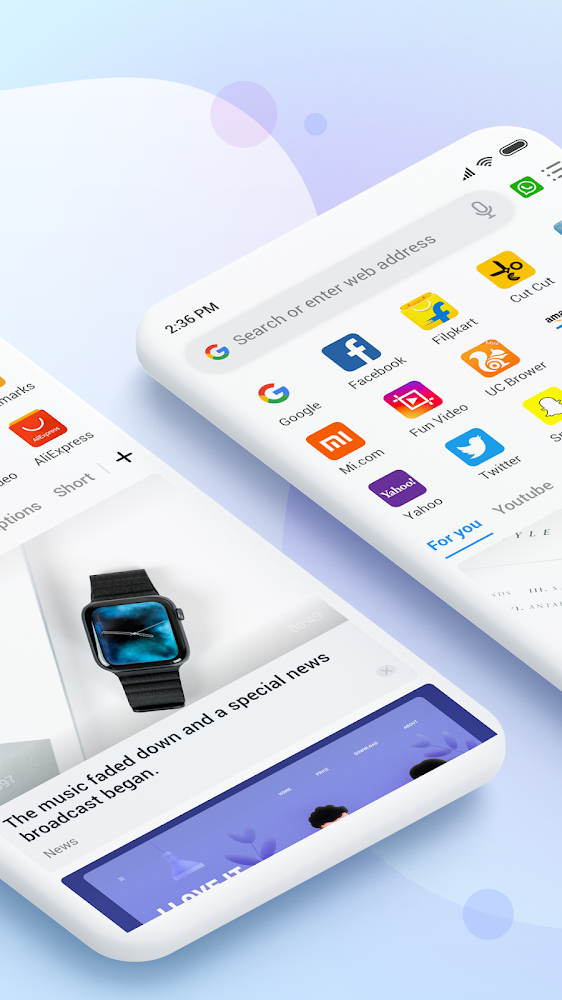
High quality mobile browser, which will not only be a great alternative to the standard application on your smartphone, but will also be able to prove itself as a professional tool for performing a large number of work tasks. Excellent optimization, convenient, but at the same time multifunctional interface, intuitive menu implementation, as well as a lot of interesting features - all this you will find in Mi Browser — fast and secure browser for android.

Lots of cool features
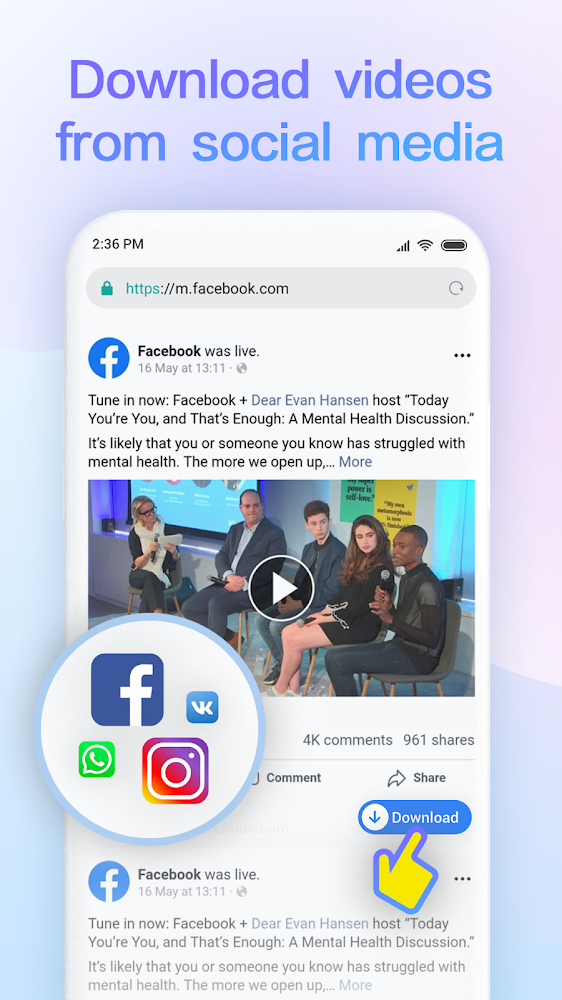
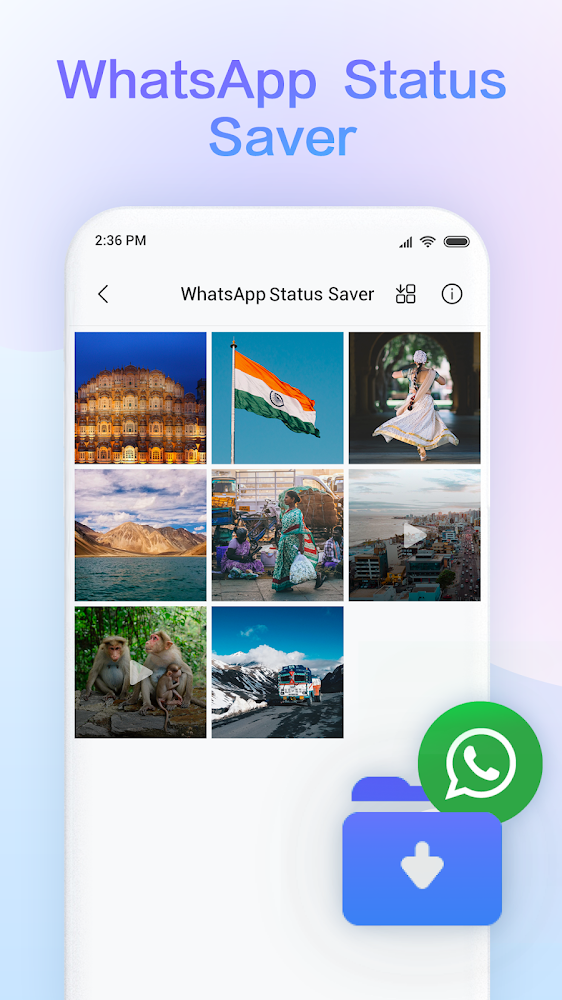
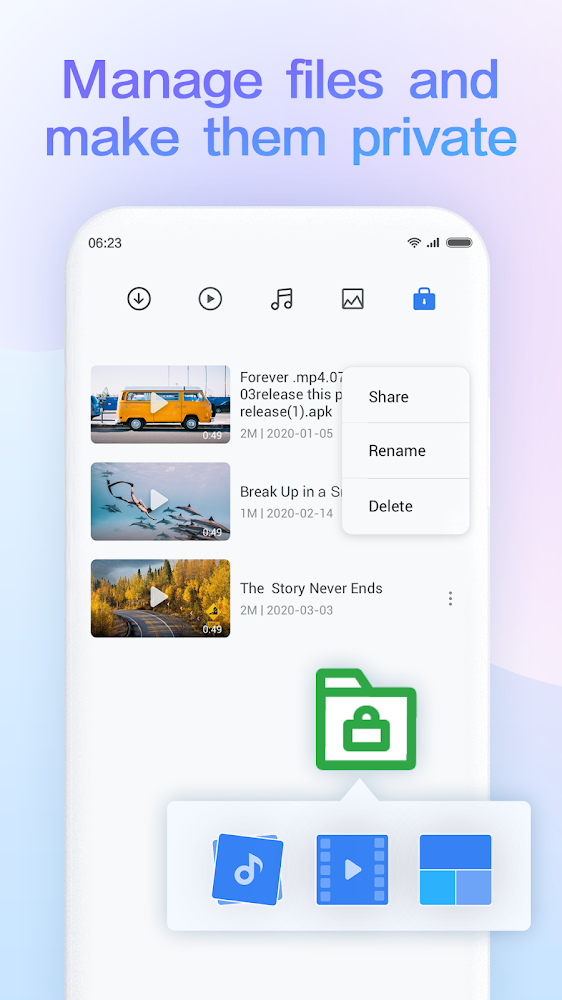
Mi Browser — a fast and secure browser will allow you to manage hidden files and create a personal folder in the browser itself, it will help you download the necessary video and audio recordings directly from the most popular social networks, and it can also translate text into the language you need, including with voice acting and search function .
Version
14.56.0-gn
Version code
202605210
Android OS
Android 4.4W
Disk space
275.95 МБ
Updated
31 May 2026
First release
11 Mar 2022
Open GL
Views today
3
Rating
4.7
Hits today
0
Screenshot
Screenshot
Screenshot
Screenshot
Screenshot

About filetypes

XAPK and APKS are original file formats fully compatible with versions from Google Play. Use them if official versions in Google Play are unavailable to you. All your saves and progress will remain unchanged when updating. Installation: For APKS use SAI, For XAPK — XAPK Installer.

New Comments

12 Mar 2024 id: 365681
Answer on comment id:314073 ↳ Это и есть "родной" (встроенный) браузер Xiaomi. А точнее в 20-м году компания Xiaomi передала его другой компании и он просто получил приставку "PRO". При этом абсолютно ничего в нём не поменялось. Разве что обновления стали приходить чаще. Ответить
12 Mar 2024 id: 365680
Пишу для тех, кто столкнулся с проблемой обновленной версии браузера из Google Play за 29.02.2024. Проблема заключается в следующем: я захожу в Mi Браузер (после обновления), а вместо него открывается приложение с названием "Контент Центр". При его запуске, по середине экрана появляется надпись с ошибкой сети, браузер не работает. Я пробовал переустановить приложение, но это не помогло. Вместо Браузера снова появляется "Контент Центр" и так по кругу. Устранить эту проблему возможно 2 способами. 1-й. Те пользователи, у которых этот браузер системный, то просто удалите обновления приложения в настройках и снимите галочку с "Автообновления" на странице браузера в Google Play. 2-й. У кого этот браузер не системный, а сторонний, то просто удалите его и скачайте версию с этого сайта, с ней как раз всё в порядке. Ответить
11 Mar 2022 id: 314073
Чем про отличается от родного? Ответить
11 Mar 2022 id: 315151
ну возможно у тебя установлена лайт версия этого браузера. а здесь полная версия.
Честно скажу дерьмо этот браузер, оставь родной и не обновляй, глюков станет в разы больше Ответить
All Comments
Authentication required to add a comment. Please   sign in or sign up

How to update Mi Browser

  1. Download the new version of the app
  2. Install it over the old one (do not uninstall the previous version)
  3. Important: The update will only work if the previous version was downloaded from our website. If the app was installed from another source, the new version will cause a signature conflict, and you will see the error "App not installed".
  4. You can read more about signatures in the documentation.

Attention

Due to the modified signature and modifications, the native security may detect the app as malicious.
Update history
31 May 2026
14.56.0-gn (202605210)