
Google Family Link
Track your child's location and manage their account settings
Safety First
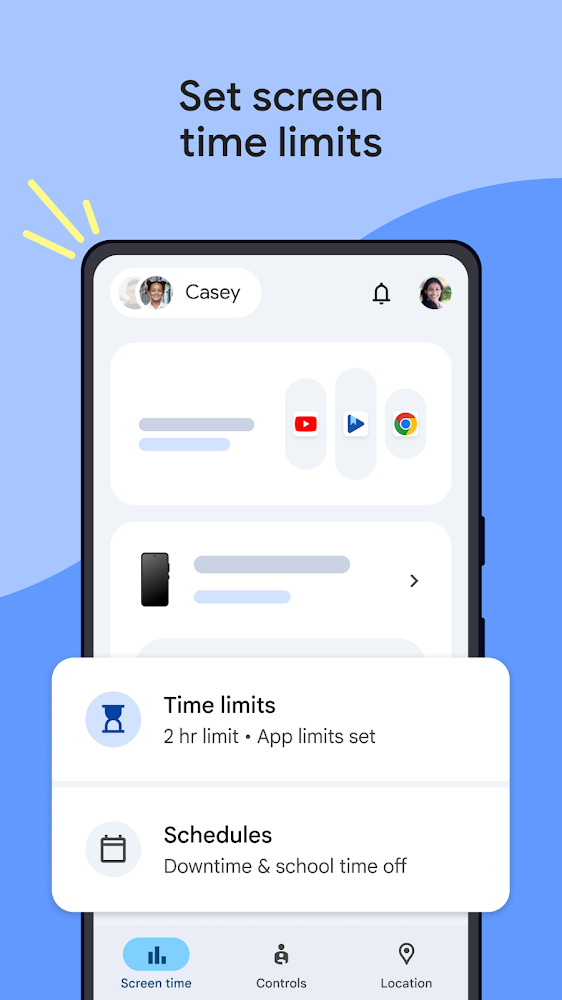
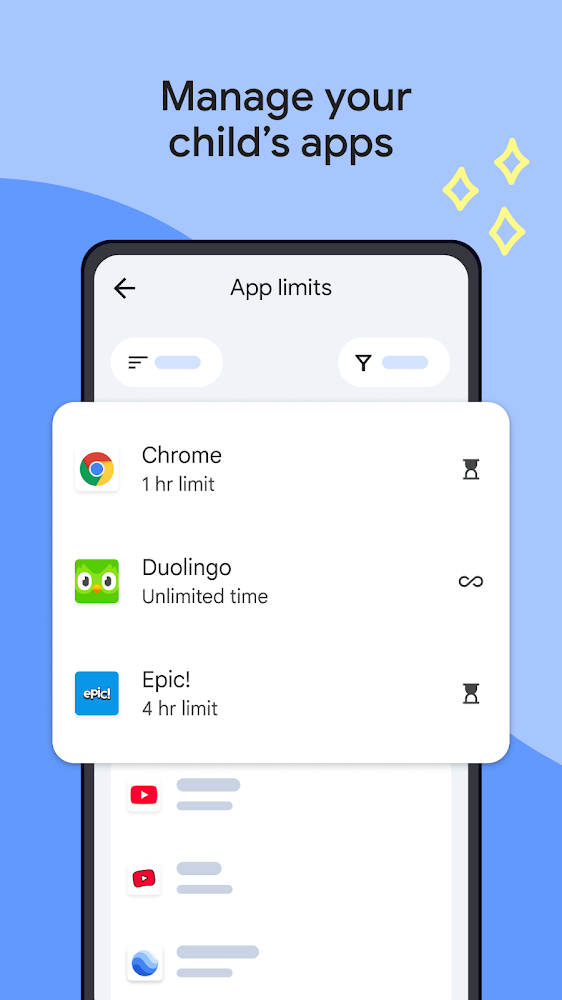
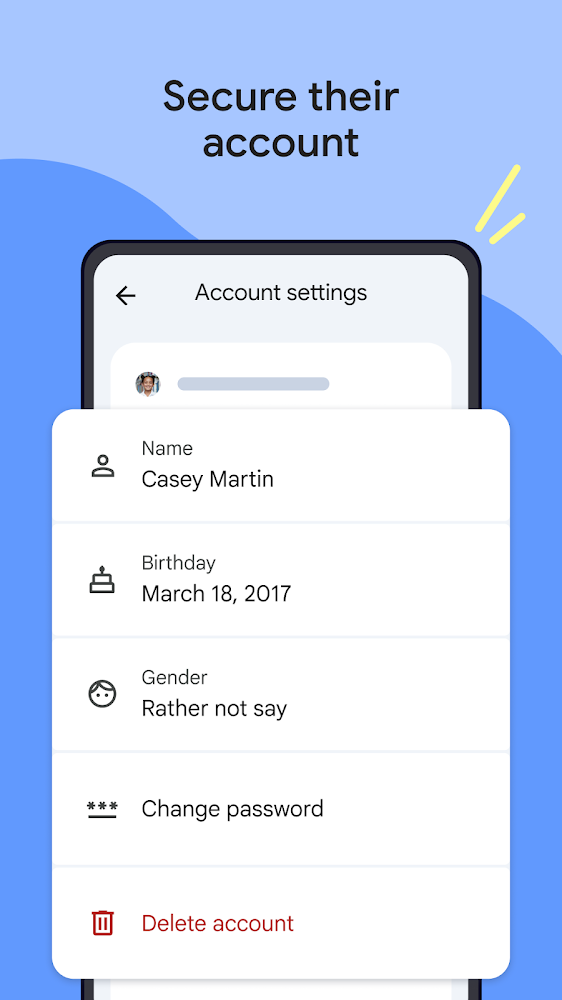
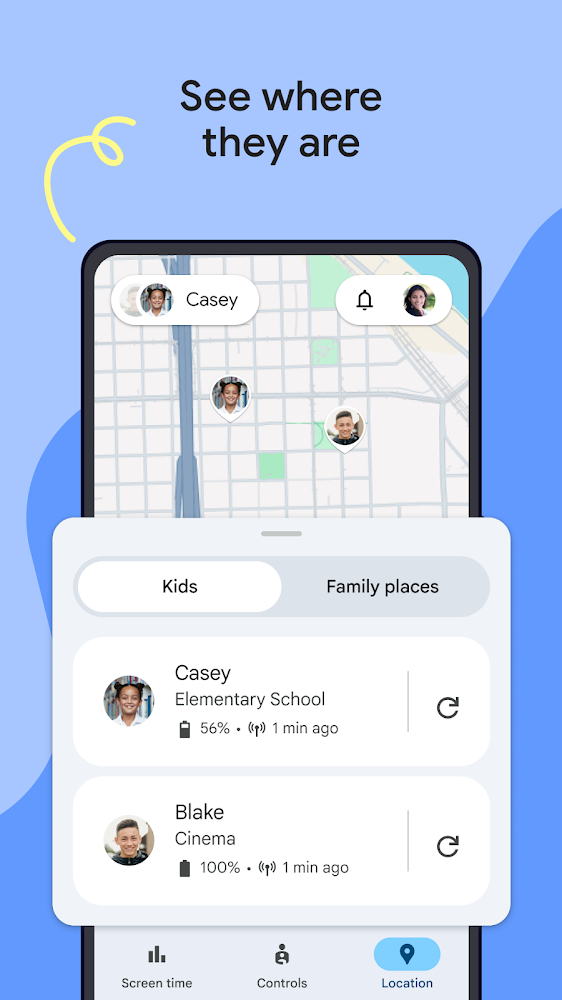
A useful parental control app that provides Safety of your family on the Internet. With Google Family Link for Android you can track the amount of time your child spends in apps and games on your device, as well as manage its settings remotely. Additionally, users will be able to track location of the desired device, if necessary, limit its functionality and control privacy settings. With just a couple of clicks, you can edit your account information, reset or change your password, and delete your account if needed.
Blocking Unwanted Programs and Content
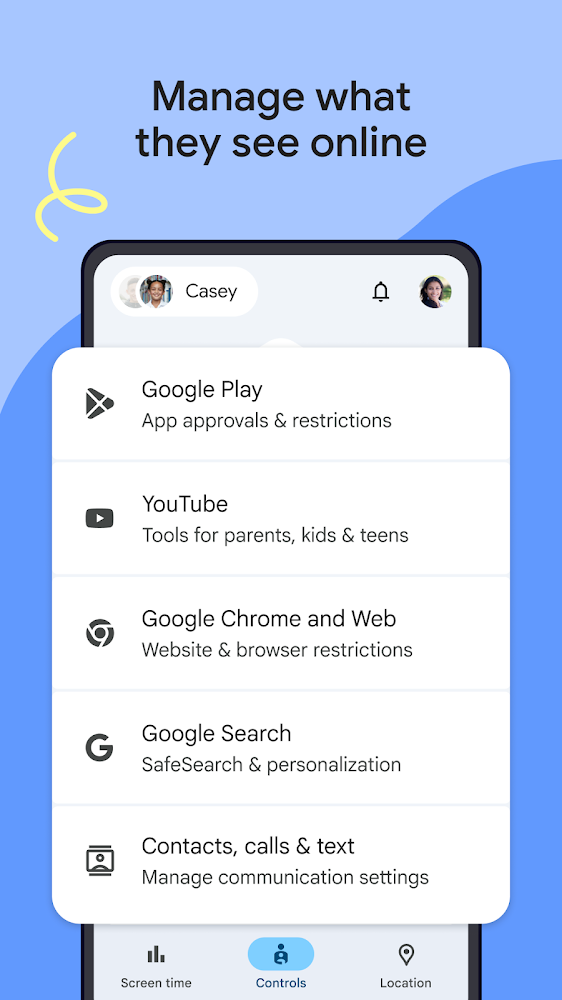
With the help of numerous tools and features, parents will be able to set device usage rules for their child. Limiting usage time, schedule or work time will allow you to find the perfect balance between leisure, study and entertainment. You can download the Android parental control app for free and manually configure each of the settings. Finding the right content, approving and blocking installed apps, restricting access to suspicious sites, managing site and extension permissions, all of this will be available to parents from their primary device.
Files for downloads
Google Family Link
About filetypes
How to update Google Family Link
- Download the new version of the app
- Install it over the old one (do not uninstall the previous version)
- Important: The update will only work if the previous version was downloaded from our website. If the app was installed from another source, the new version will cause a signature conflict, and you will see the error "App not installed".
- You can read more about signatures in the documentation.
Attention
Due to the modified signature and modifications, the native security may detect the app as malicious.Similar Apps