Flashcards: Learn Languages
Learn foreign languages with flashcards
4.9
Reviews
6
Discussion
Check update
Flashcards Lexilize makes language learning convenient and effective. Almost everyone has studied a foreign language at some point, and the most crucial part is learning new vocabulary. To truly memorize words, repetition is essential, as our brains require multiple reviews to retain information. This step is unavoidable, but with the right tools, it becomes much easier.
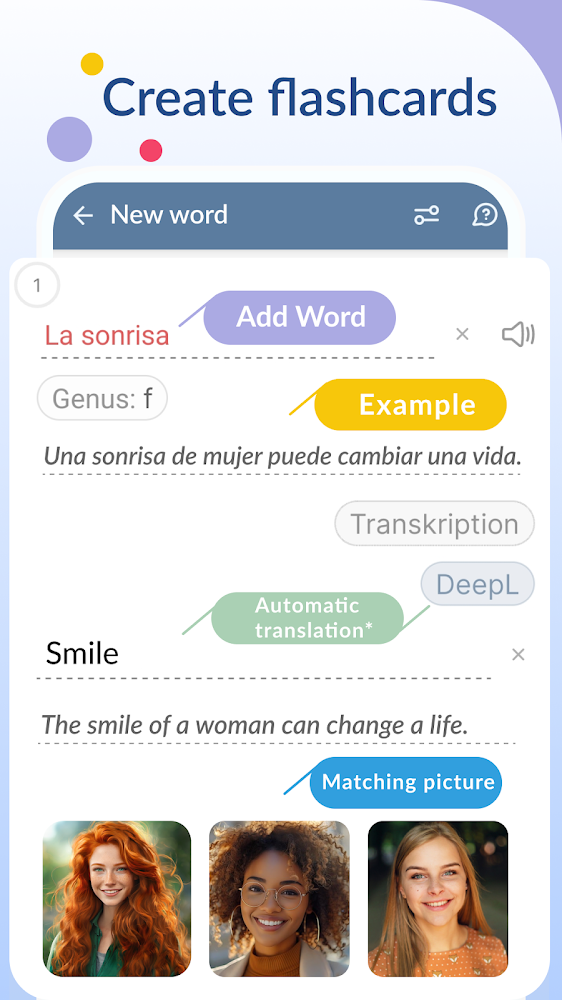
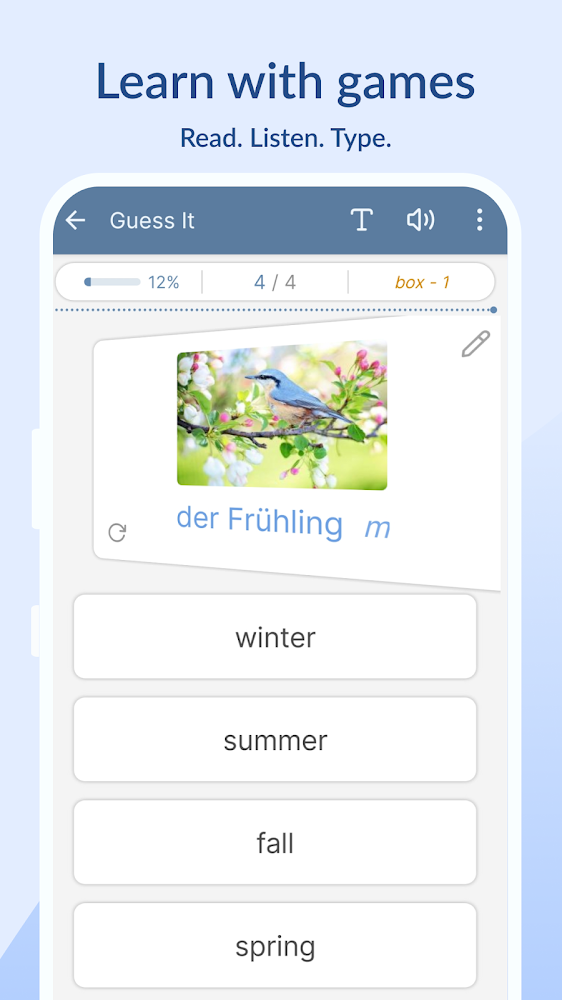
Vocabulary flashcards allow you to study words just as you would with traditional paper cards, but in a much more convenient way. Simple games are used to practice, where you need to guess the translation of a word. The main goal of the app is to provide functionality for learning words and to let you create and study your own personalized vocabulary sets. You can also use the ready-made word lists that come with the application.
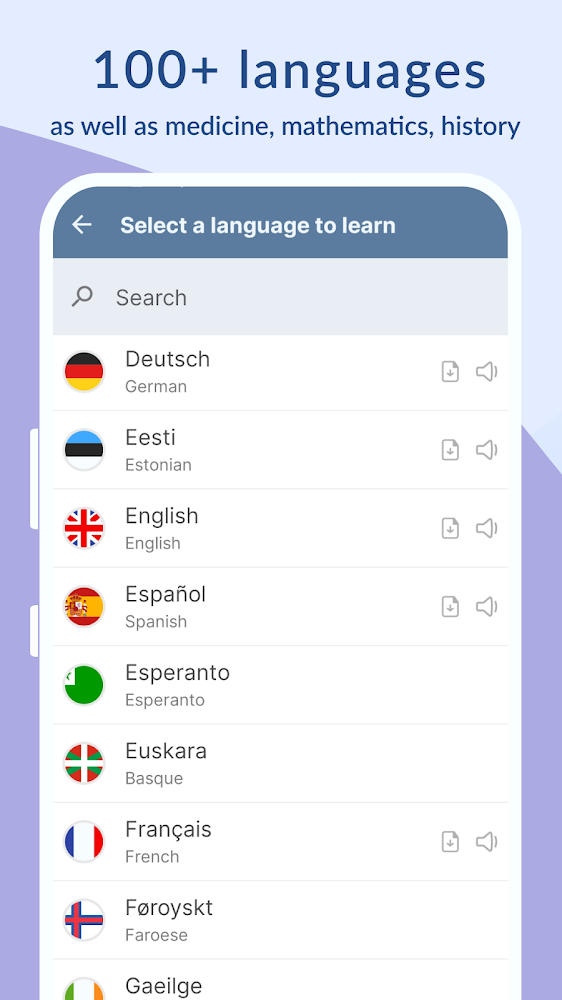
Flashcards Lexilize helps you learn new foreign words through engaging games, create your own category sets as personal flashcards, and study the default flashcard sets. You can track your progress and reset the learning statistics to practice words again. With Lexilize vocabulary cards, you can learn English, French, Spanish, Italian, Dutch, Russian, and other European languages.
Vocabulary flashcards allow you to study words just as you would with traditional paper cards, but in a much more convenient way. Simple games are used to practice, where you need to guess the translation of a word. The main goal of the app is to provide functionality for learning words and to let you create and study your own personalized vocabulary sets. You can also use the ready-made word lists that come with the application.
Flashcards Lexilize helps you learn new foreign words through engaging games, create your own category sets as personal flashcards, and study the default flashcard sets. You can track your progress and reset the learning statistics to practice words again. With Lexilize vocabulary cards, you can learn English, French, Spanish, Italian, Dutch, Russian, and other European languages.
Version
5.1.23
Version code
523
Android OS
Unknown
Disk space
105.45 МБ
Updated
14 Jul 2026
First release
18 Oct 2016
Open GL
Views today
1
Rating
4.9
Hits today
0
Files for downloads
Flashcards: Learn Languages
Version: 5.1.23 :: 14 Jul 2026
Apks Original arm64 105.45 МБ
About filetypes
XAPK and APKS are original file formats fully compatible with versions from Google Play. Use them if official versions in Google Play are unavailable to you. All your saves and progress will remain unchanged when updating. Installation: For APKS use SAI, For XAPK — XAPK Installer.
How to update Flashcards: Learn Languages
- Download the new version of the app
- Install it over the old one (do not uninstall the previous version)
- Important: The update will only work if the previous version was downloaded from our website. If the app was installed from another source, the new version will cause a signature conflict, and you will see the error "App not installed".
- You can read more about signatures in the documentation.
Attention
Due to the modified signature and modifications, the native security may detect the app as malicious.Update history
14 Jul 2026
5.1.23 (523)
13 May 2026
5.1.21 (521)
Similar Apps

Duolingo: Language Lessons
Good educational app
Version: 6.88.2
300.22 МБ
15 Jul 2026

HelloChinese: Learn Chinese
Learn Chinese through game-based lessons
Version: 7.10.35
170.73 МБ
15 Jul 2026

Cake - Learn English & Korean
A comfortable app for learning English
Version: 6.8.0
76.68 МБ
15 Jul 2026

Yandex Translate
Online translator app for words and phrases
Version: 112.1
75.37 МБ
15 Jul 2026
NEW

Ninja Focus : Sleep & Relax
Improving sleep, focus and emotions in children
Version: 4.3.5
89.82 МБ
14 Jul 2026

Chemistry
Educational application - Chemistry guide
Version: 5.3
54.13 МБ
14 Jul 2026

Yousician: Learn & Play Guitar
A comfortable app for learning to play musical instruments
Version: 5.34.1
242.25 МБ
14 Jul 2026

Bilingual Books: Parallel Read
Great foreign language reading app
Version: 3.6
176.91 МБ
14 Jul 2026

Memrise: Languages for life
A great place to learn a foreign language
Version: 2026.07.06.0
89.79 МБ
14 Jul 2026

Learn Chinese: ChineseSkill
Learn Chinese together
Version: 6.6.61
143.72 МБ
14 Jul 2026
New Comments
если во время инсталляции приложения Вы выбрали не ту языковую пару и программа создала категории, то надо удалить приложение и проинсталлировать заново и выбрать нужную языковую пару.
Если языковая пара правильная и Вам надо поменять направление языковой пары, то это можно сделать путем нажатия кнопки между двуми выпадающими списками (где есть языки) в основном окне. Данная кнопка в виде двух стрелочек.
Если Вам нужно создать свои категории со своими словами, то просто выберете в тулбаре пункт меню в виде листа и плюсиком на углу. Ответить