File Manager
Feature-packed file manager with vault and cleaner
4.8
Reviews
0
Discussion
Check update
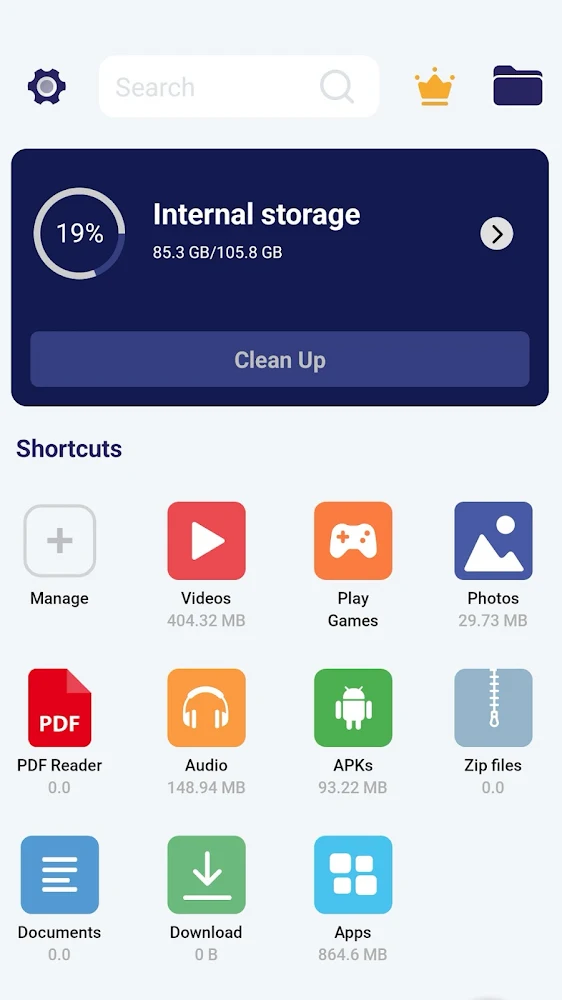
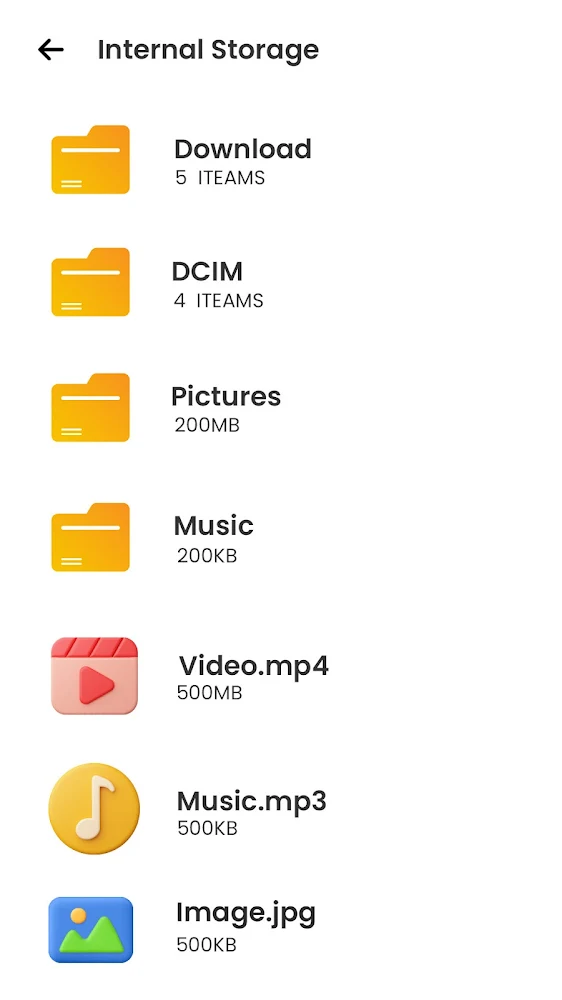
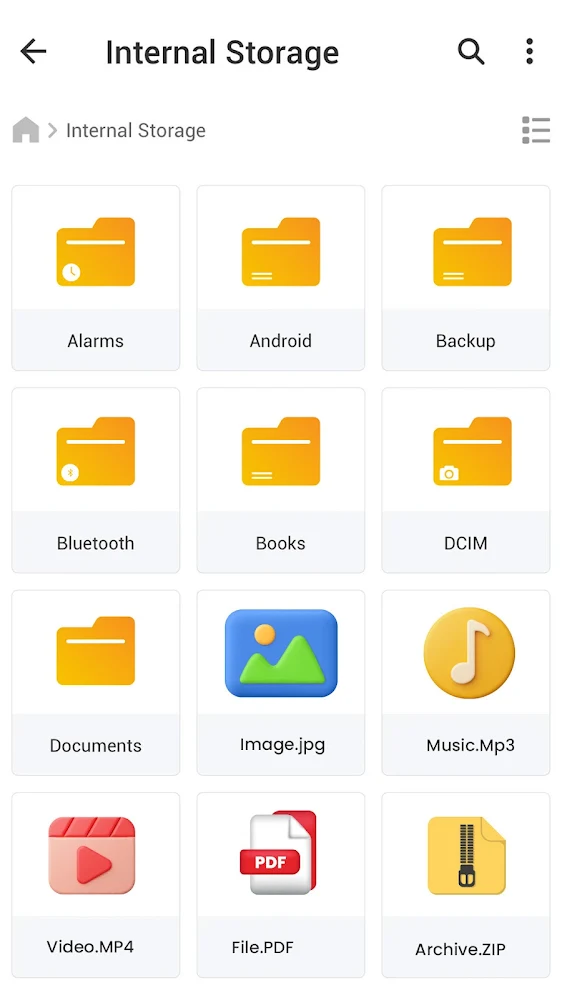
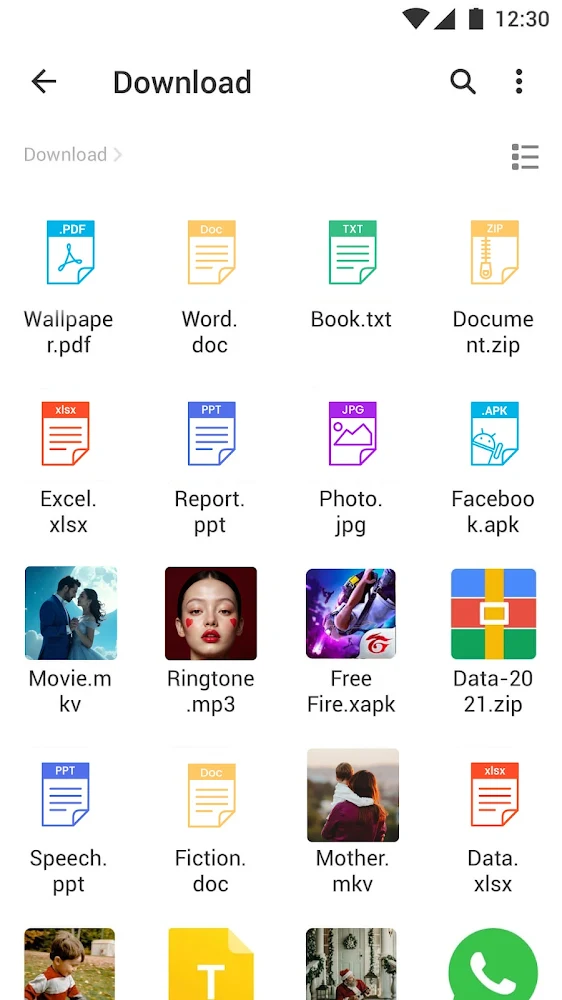
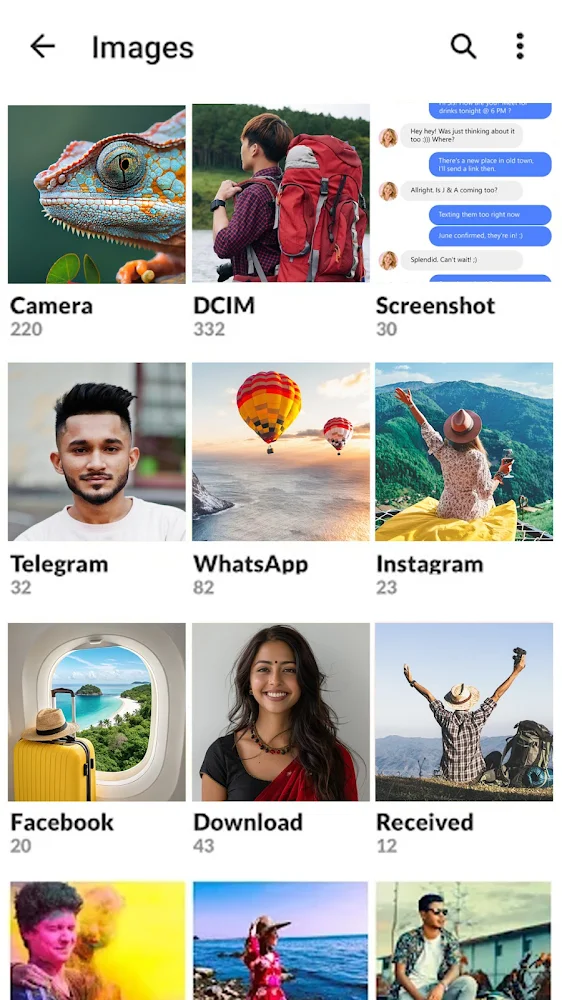
ASD File Manager offers a complete set of tools for managing files on your device. You can copy, move, rename, compress, encrypt data, as well as scan documents and manage storage. The app is completely free and safe to use.
The built-in "Secret Folder" feature provides reliable protection for confidential files using a PIN code. Clean Master helps remove residual and junk files, freeing up device space. The Duplicate Filter detects and deletes duplicate media files, while the document scanner converts physical documents to PDF.
The app also includes a built-in browser, video player, calculator, download manager, and offline file sharing. It supports over 30 languages, dark mode, and shortcut management on the home screen. ASD File Manager is a versatile solution for organizing and protecting your data.
The built-in "Secret Folder" feature provides reliable protection for confidential files using a PIN code. Clean Master helps remove residual and junk files, freeing up device space. The Duplicate Filter detects and deletes duplicate media files, while the document scanner converts physical documents to PDF.
The app also includes a built-in browser, video player, calculator, download manager, and offline file sharing. It supports over 30 languages, dark mode, and shortcut management on the home screen. ASD File Manager is a versatile solution for organizing and protecting your data.
Version
v4.1.587
Version code
487
Android OS
Unknown
Disk space
130 МБ
Updated
15 Jul 2026
First release
28 Jun 2026
Open GL
Views today
1
Rating
4.8
Hits today
0
Files for downloads
File Manager
Version: v4.1.587 :: 15 Jul 2026
Apks Original arm64 130 МБ
About filetypes
XAPK and APKS are original file formats fully compatible with versions from Google Play. Use them if official versions in Google Play are unavailable to you. All your saves and progress will remain unchanged when updating. Installation: For APKS use SAI, For XAPK — XAPK Installer.
Authentication required to add a comment. Please sign in or sign up
How to update File Manager
- Download the new version of the app
- Install it over the old one (do not uninstall the previous version)
- Important: The update will only work if the previous version was downloaded from our website. If the app was installed from another source, the new version will cause a signature conflict, and you will see the error "App not installed".
- You can read more about signatures in the documentation.
Attention
Due to the modified signature and modifications, the native security may detect the app as malicious.Update history
15 Jul 2026
v4.1.587 (487)
28 Jun 2026
v4.1.581 (481)
Similar Apps
NEW

Me QR: QR Code Generator
Convenient QR code generator and scanner
Version: 1.12.0
215.26 МБ
19 Jul 2026

Google Play services
Google Play services. Component for the proper operation of Google services
Version: 26.26.34 (260400-945364269)
399.49 МБ
18 Jul 2026
Smart Calculator: Photo Math
27 tools for precise calculations
Version: 6.7.8
120.98 МБ
18 Jul 2026

Google Family Link
Track your child's location and manage their account settings
Version: 2.92.0.2026w28.943850374
40.54 МБ
18 Jul 2026

Google Play Services for AR
The official app for working with AR
Version: 1.55.261550593
96.64 МБ
18 Jul 2026

Google Translate
The most powerful tool for live translation
Version: 10.26.47.945893473.8-release
99.22 МБ
18 Jul 2026

1.1.1.1 + WARP: Safer Internet
Secure internet connection
Version: 6.38.8
65.62 МБ
16 Jul 2026

Clone App-Parallel Dual Space
Private vault for app clones and multi-account management
Version: 4.1.7
148.07 МБ
15 Jul 2026

Yandex Search
Search with Alice, smart camera, and caller ID
Version: 26.63
595.42 МБ
15 Jul 2026

UltData: Photo & Data Recovery
Recover deleted data on Android
Version: 3.5.13
139.54 МБ
15 Jul 2026