Document Reader - PDF Editor
Universal file viewer for all formats
4.9
Reviews
0
Discussion
Check update
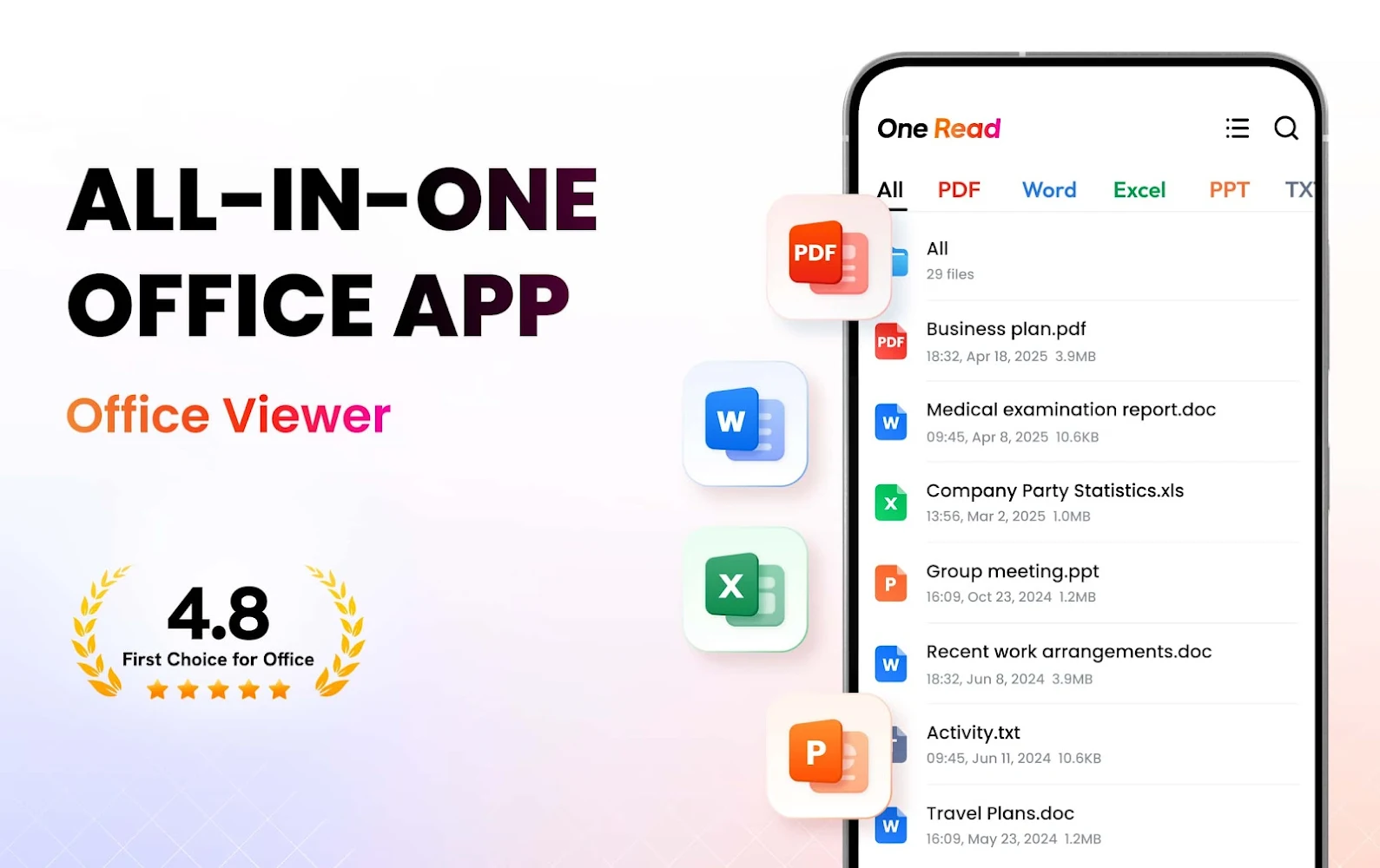
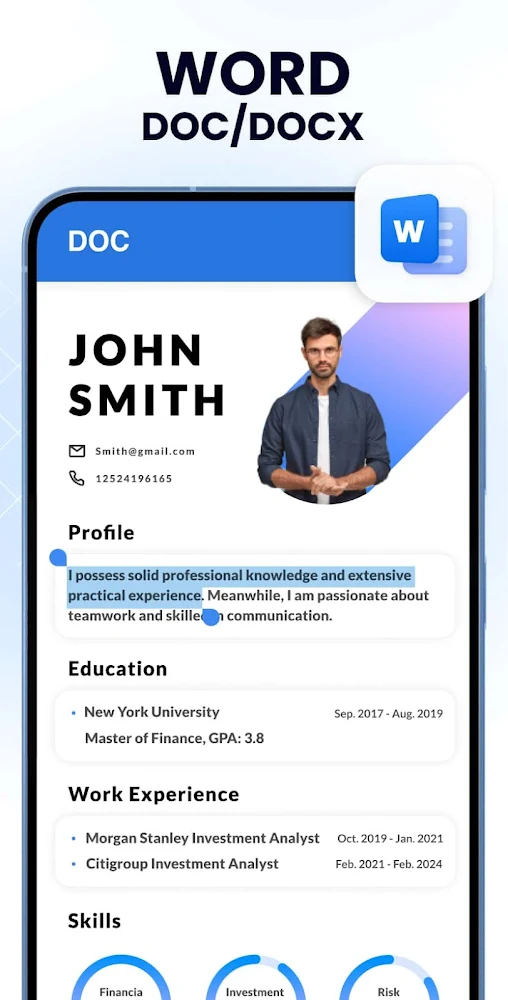
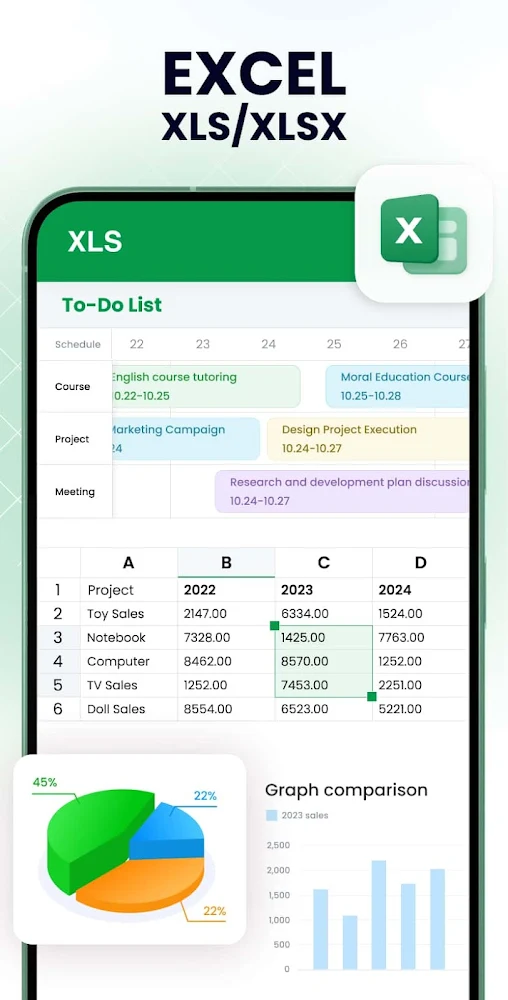
All Document Reader is a universal tool for viewing and managing files of any format directly on your smartphone. It supports all popular office documents, including PDF, DOC, DOCX, XLS, XLSX, PPT, TXT, and many others. The app automatically scans device storage, organizing files into convenient folders for quick search and viewing.
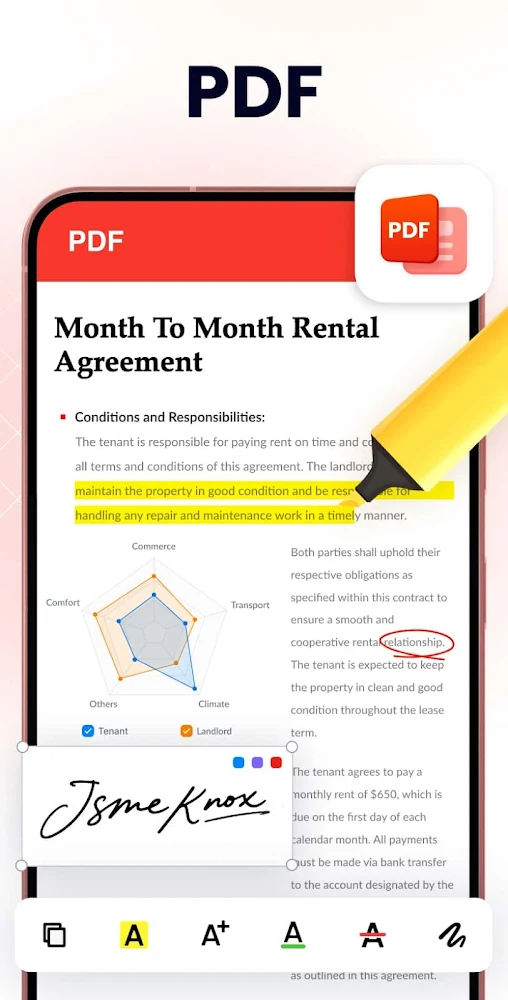
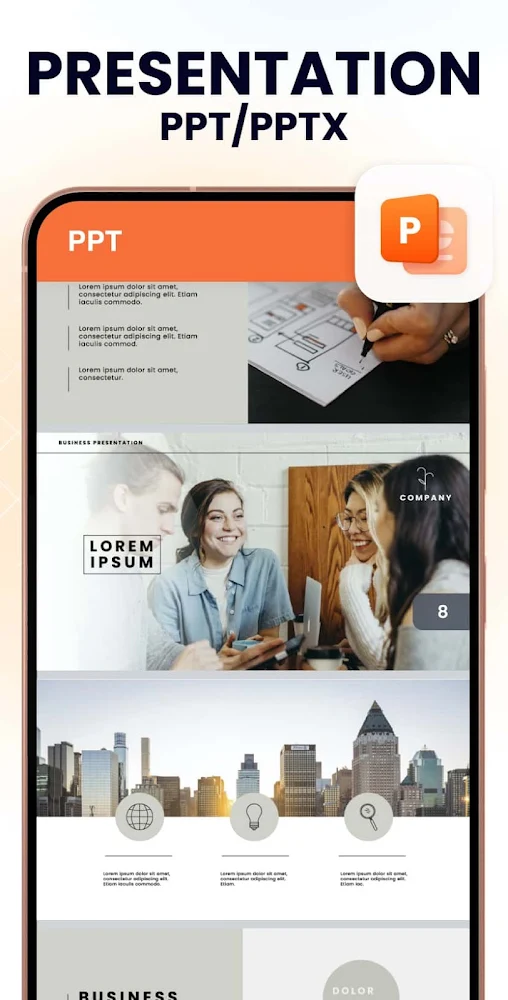
The built-in PDF editor allows not only reading but also editing text, adding signatures, highlighting fragments, and converting PDFs to images or Word. For spreadsheets, Excel file viewing is available, while PowerPoint presentations open with high quality and stable performance. TXT file reading is also supported.
The app features a small size (only 12 MB), fast response, dark mode, and the ability to sort files by name, size, or modification date. No internet connection is required. Future updates will include support for RAR archives, MOBI, HTML, ODT, XML formats, as well as document editing and creation functions.
All Document Reader is a simple and lightweight solution for those who want to manage documents on the go without using a computer. All formats are supported, and you can view, edit, and share files anytime.
The built-in PDF editor allows not only reading but also editing text, adding signatures, highlighting fragments, and converting PDFs to images or Word. For spreadsheets, Excel file viewing is available, while PowerPoint presentations open with high quality and stable performance. TXT file reading is also supported.
The app features a small size (only 12 MB), fast response, dark mode, and the ability to sort files by name, size, or modification date. No internet connection is required. Future updates will include support for RAR archives, MOBI, HTML, ODT, XML formats, as well as document editing and creation functions.
All Document Reader is a simple and lightweight solution for those who want to manage documents on the go without using a computer. All formats are supported, and you can view, edit, and share files anytime.
Version
1.3.0
Version code
62
Android OS
Unknown
Disk space
59.49 МБ
Updated
-----
First release
31 May 2026
Open GL
Views today
1
Rating
4.9
Hits today
0
Files for downloads
Document Reader - PDF Editor
Version: 1.3.0 :: 31 May 2026
Apk Debug arm64 44.95 МБ
About filetypes
XAPK and APKS are original file formats fully compatible with versions from Google Play. Use them if official versions in Google Play are unavailable to you. All your saves and progress will remain unchanged when updating. Installation: For APKS use SAI, For XAPK — XAPK Installer.
Authentication required to add a comment. Please sign in or sign up
How to update Document Reader - PDF Editor
- Download the new version of the app
- Install it over the old one (do not uninstall the previous version)
- Important: The update will only work if the previous version was downloaded from our website. If the app was installed from another source, the new version will cause a signature conflict, and you will see the error "App not installed".
- You can read more about signatures in the documentation.
Attention
Due to the modified signature and modifications, the native security may detect the app as malicious.Update history
31 May 2026
1.3.0 (62)
Similar Apps
NEW

Smallpdf: Scanner & PDF Editor
All-in-one PDF editor and document converter
Version: 3.4.0
129.74 МБ
23 Jul 2026
NEW
Notepad Notes
Notebook with folders and password protection
Version: 4.5.0
79.29 МБ
22 Jul 2026

Todoist: To Do List & Calendar
Great organizer for planning things
Version: v12214
94.81 МБ
21 Jul 2026

Google Calendar
Create notes available on all your devices
Version: 2026.27.0-946652271-release
58.79 МБ
21 Jul 2026

Alarmy - Alarm Clock & Sleep
The most powerful alarm clock for Android devices
Version: 26.31.1
424.17 МБ
21 Jul 2026
NEW

Beekeeper - Frontline Success
Frontline workforce management platform
Version: 12.5.0b397
301.87 МБ
19 Jul 2026

All-In-One Calculator
Multifunctional calculator with currency converter
Version: 3.3.6
68.44 МБ
18 Jul 2026
NEW

LectMate: 有道留学听课宝
Real-time speech transcription and translation
Version: 2.3.1
34.68 МБ
15 Jul 2026
NEW
Obsidian
Powerful Markdown knowledge base
Version: 1.12.7
35.54 МБ
15 Jul 2026

PhotoCat - Enhancer & Cleaner
Smart AI photo editor and storage cleaner
Version: 3.27.0
94.46 МБ
15 Jul 2026