
Cx File Explorer
File manager with powerful tools
An essential smartphone companion
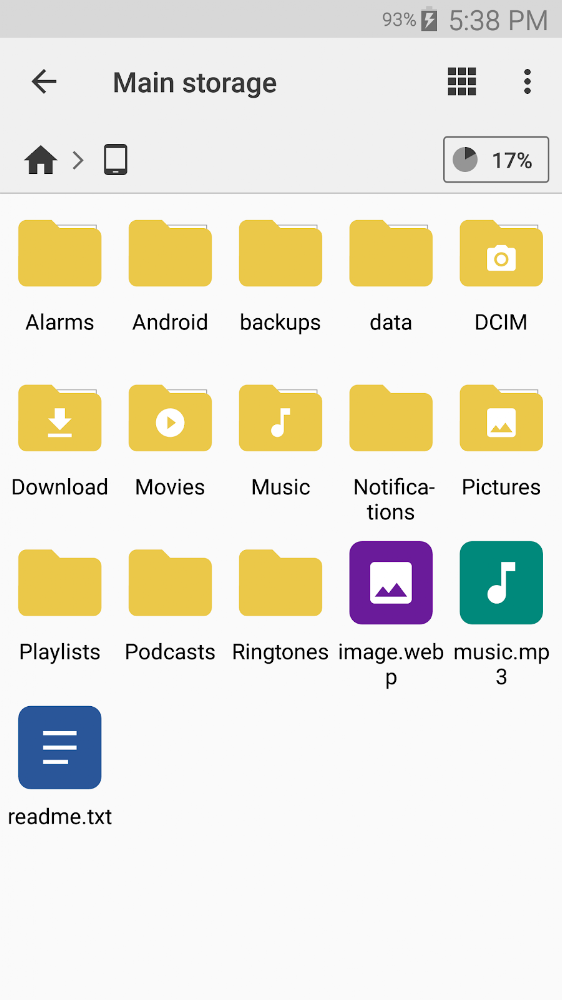
An interesting application with powerful tools, intuitive interface and a completely new level of comfort. Cx Explorer for Android will be a great addition to your mobile device, because with this application you can quickly view files, manage them on your smartphone, PC or cloud storage. One significant advantage of Cx Explorer is its system and interface, reminiscent of the reference Windows Explorer or the equally popular Finder.
Easy to use and very convenient
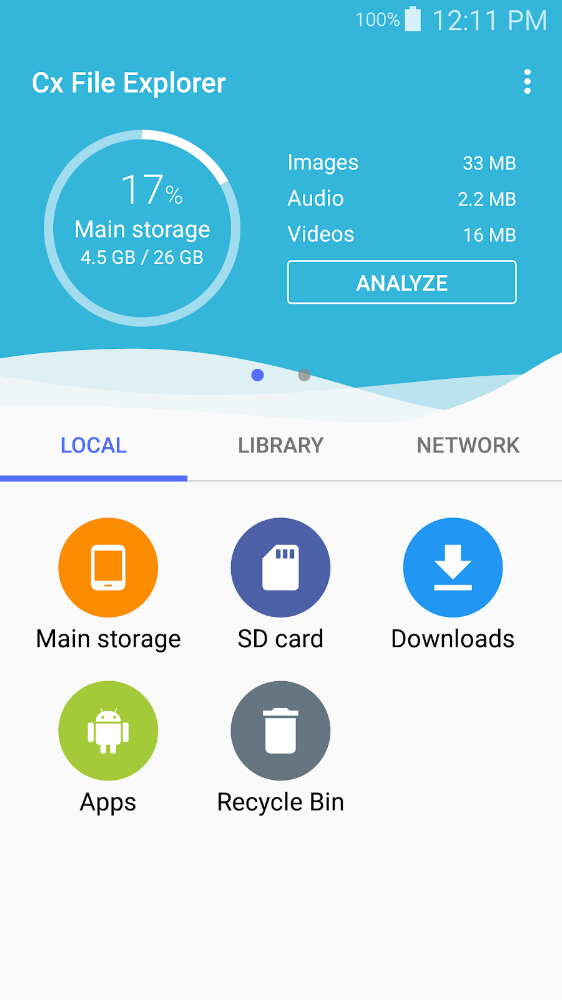
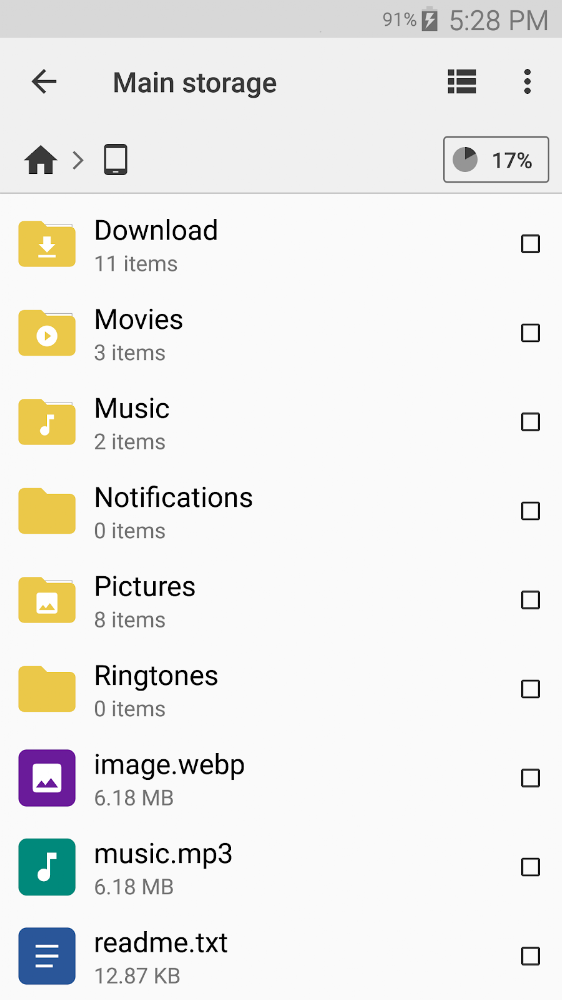
Cx Explorer has a rich set of features that can satisfy even a professional user, and thanks to its convenient organizer you can put your files in order. Access to NAS files, support for the FTP protocol, application management, storage analysis and management, as well as a convenient and well-designed interface made in the Material Design style - all this awaits you in Cx Explorer.

Files for downloads
Cx File Explorer
About filetypes
How to update Cx File Explorer
- Download the new version of the app
- Install it over the old one (do not uninstall the previous version)
- Important: The update will only work if the previous version was downloaded from our website. If the app was installed from another source, the new version will cause a signature conflict, and you will see the error "App not installed".
- You can read more about signatures in the documentation.
Attention
Due to the modified signature and modifications, the native security may detect the app as malicious.Similar Apps










New Comments