
Chooser: Finger Chooser Game
Simple finger picker for groups
3.5
Reviews
0
Discussion
Check update
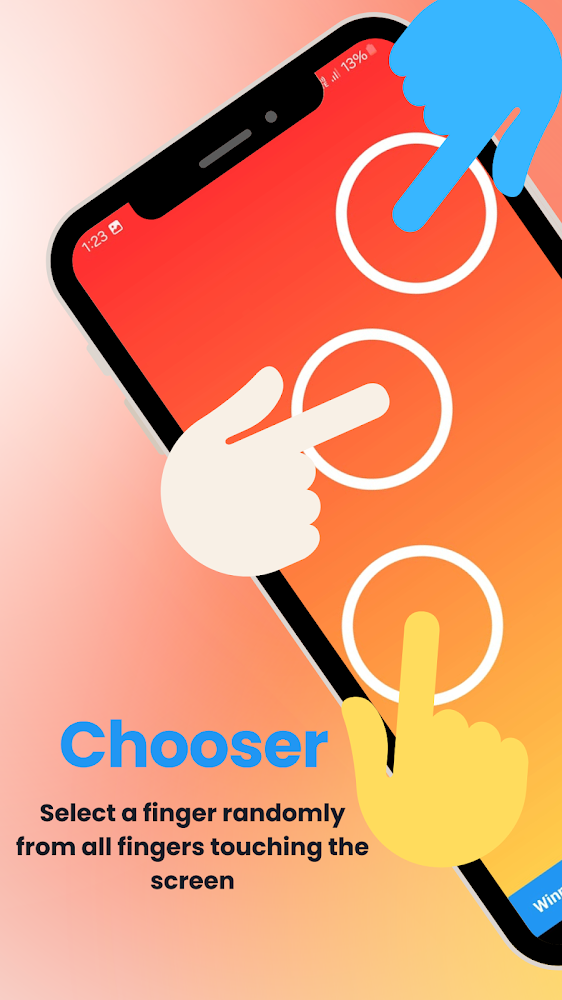
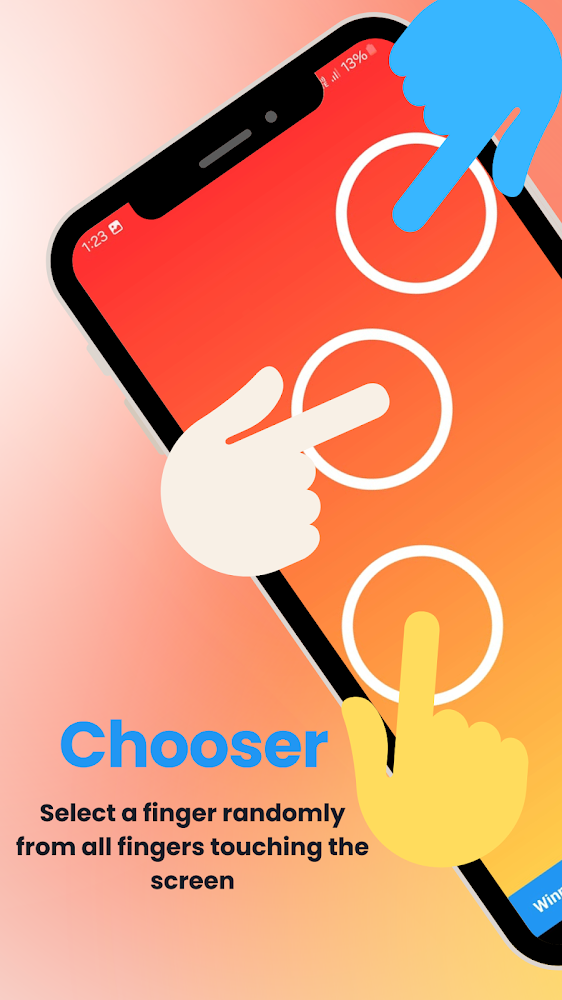
The Finger Chooser app helps quickly and fairly select one person from a group. Each participant places a finger on the screen, and the app randomly picks a winner. It is useful for small games, quick decisions, group tasks, or simple challenges with friends. This tool is ideal when you need a fair result without arguments or wasted time.
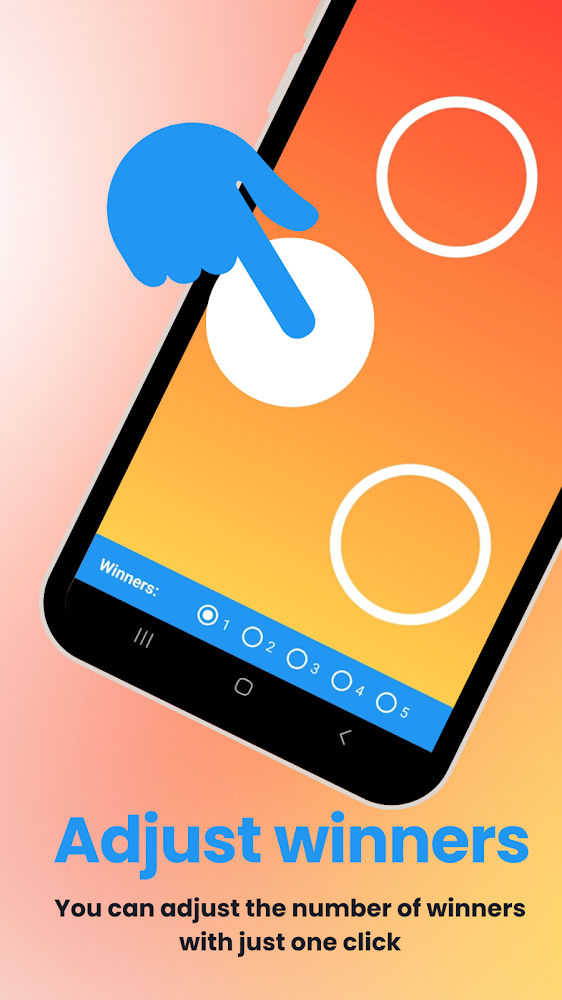
The app allows you to pick one or multiple winners with a single tap. The screen is clean and easy to understand, speeding up group use. You can change the number of winners as needed. The Pick Finger Game mode suits casual choices, and the quick new round feature keeps the process smooth. It works great at parties, school, home, or with a group of friends.
Finger Chooser helps when no one wants to decide first. It can determine who starts a game, answers a question, takes a turn, or completes a challenge. The process is transparent: everyone sees the result on the screen, reducing arguments. The tool is made for moments when you need a fast and fair choice. Controls are simple, with no long settings or confusing menus.
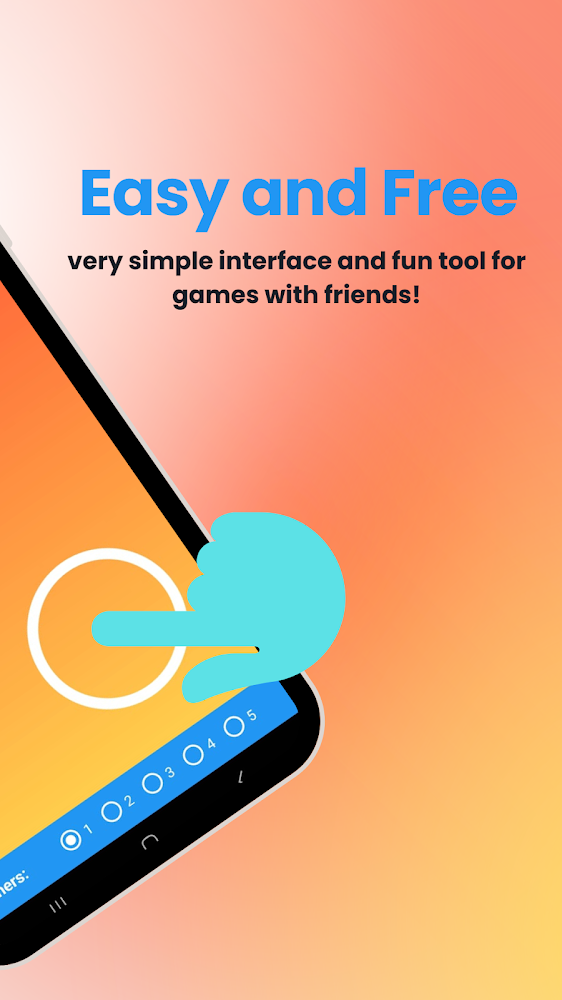
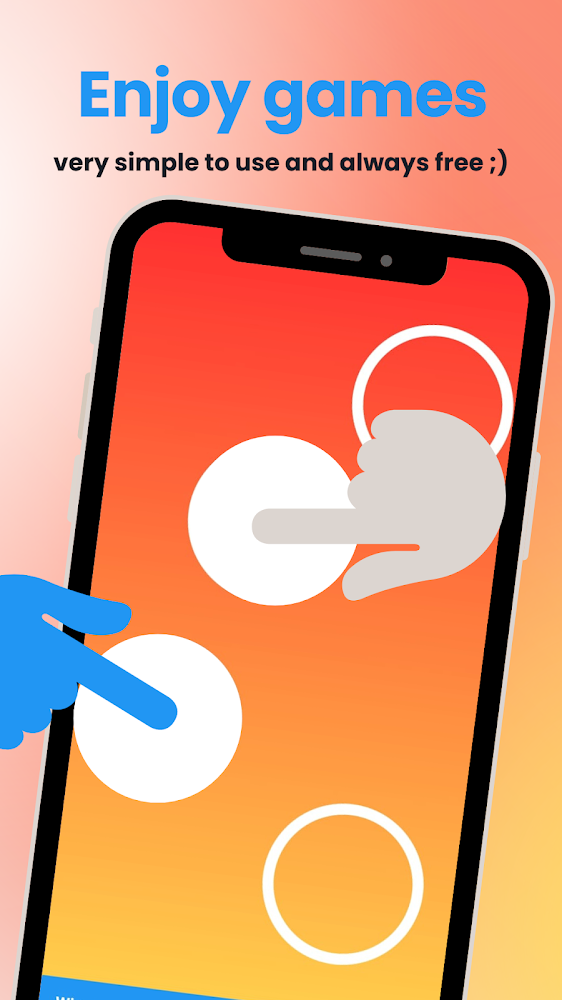
The app is suitable for various games and challenges. You can use it to choose turn order, team members, or who performs a task. It also adds a random element to ordinary activities. The choice remains neutral, making the result easier to accept. Start using Finger Chooser today for quick and fair group decisions.
The app allows you to pick one or multiple winners with a single tap. The screen is clean and easy to understand, speeding up group use. You can change the number of winners as needed. The Pick Finger Game mode suits casual choices, and the quick new round feature keeps the process smooth. It works great at parties, school, home, or with a group of friends.
Finger Chooser helps when no one wants to decide first. It can determine who starts a game, answers a question, takes a turn, or completes a challenge. The process is transparent: everyone sees the result on the screen, reducing arguments. The tool is made for moments when you need a fast and fair choice. Controls are simple, with no long settings or confusing menus.
The app is suitable for various games and challenges. You can use it to choose turn order, team members, or who performs a task. It also adds a random element to ordinary activities. The choice remains neutral, making the result easier to accept. Start using Finger Chooser today for quick and fair group decisions.
Version
6.1.0
Version code
22
Android OS
Android 8.0
Disk space
51.52 МБ
Updated
-----
First release
29 Jul 2026
Open GL
Views today
97
Rating
3.5
Hits today
1
Files for downloads
Chooser: Finger Chooser Game
Version: 6.1.0 :: 29 Jul 2026
Apks Original arm64 51.52 МБ
About filetypes
XAPK and APKS are original file formats fully compatible with versions from Google Play. Use them if official versions in Google Play are unavailable to you. All your saves and progress will remain unchanged when updating. Installation: For APKS use SAI, For XAPK — XAPK Installer.
Authentication required to add a comment. Please sign in or sign up
How to update Chooser: Finger Chooser Game
- Download the new version of the app
- Install it over the old one (do not uninstall the previous version)
- Important: The update will only work if the previous version was downloaded from our website. If the app was installed from another source, the new version will cause a signature conflict, and you will see the error "App not installed".
- You can read more about signatures in the documentation.
Attention
Due to the modified signature and modifications, the native security may detect the app as malicious.Update history
29 Jul 2026
6.1.0 (22)
Similar Apps
NEW

AI Expense Notebook
Manage your finances stress-free with this budget planner
Version: 1.0.10
44.44 МБ
29 Jul 2026
NEW

WHEE
Creative platform for fans with AI tools
Version: 3.11.0
347.46 МБ
27 Jul 2026
Swift Translate Screen & Chat
Companion Translator App for Whatsapp Communication
Version: 2026.07.18
88.17 МБ
26 Jul 2026

Bubble Screen Translate
Translate text from other applications
Version: 4.4.7
186.97 МБ
26 Jul 2026

Cx File Explorer
File manager with powerful tools
Version: 2.7.6
37 МБ
26 Jul 2026
NEW

Naver Papago - AI Translator
Translator with voice, camera, and offline mode
Version: 1.11.17
168.3 МБ
26 Jul 2026

Google Translate
The most powerful tool for live translation
Version: 10.28.62.953449214.8-release
98.26 МБ
26 Jul 2026

Google Family Link
Track your child's location and manage their account settings
Version: 2.93.0.2026w29.946996551
40.47 МБ
24 Jul 2026

Google’s Find Hub
App to find lost devices
Version: 3.1.664-3
35.23 МБ
24 Jul 2026

Files by Google
Official system cleaning utility
Version: 1.11944.946516886.0-release
37.33 МБ
24 Jul 2026