
AnyDesk Remote Desktop
Application for providing remote access to a PC
2.6
Reviews
0
Discussion
Check update
AnyDesk Remote Desktop is a helper application for users of Android devices.
Easy to use
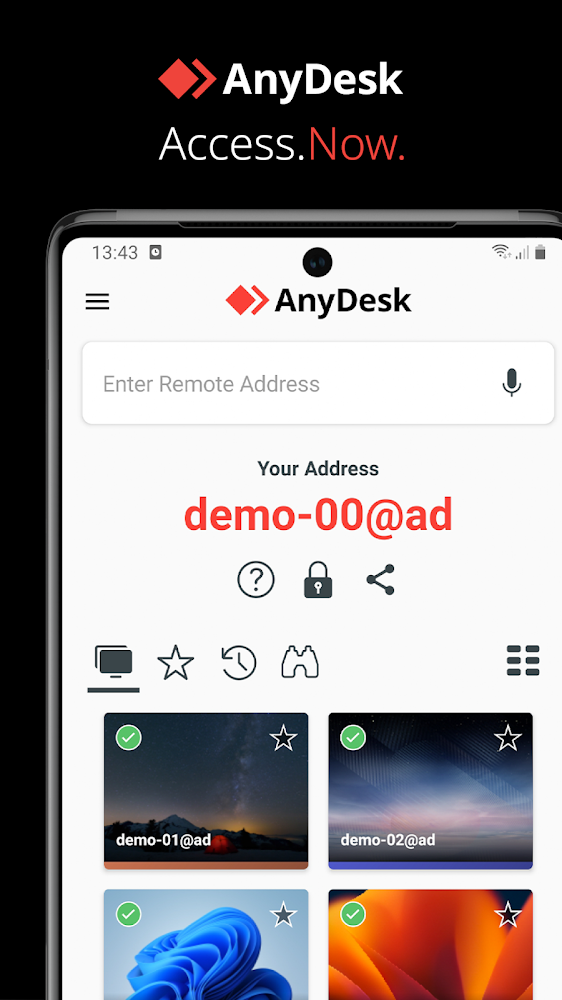
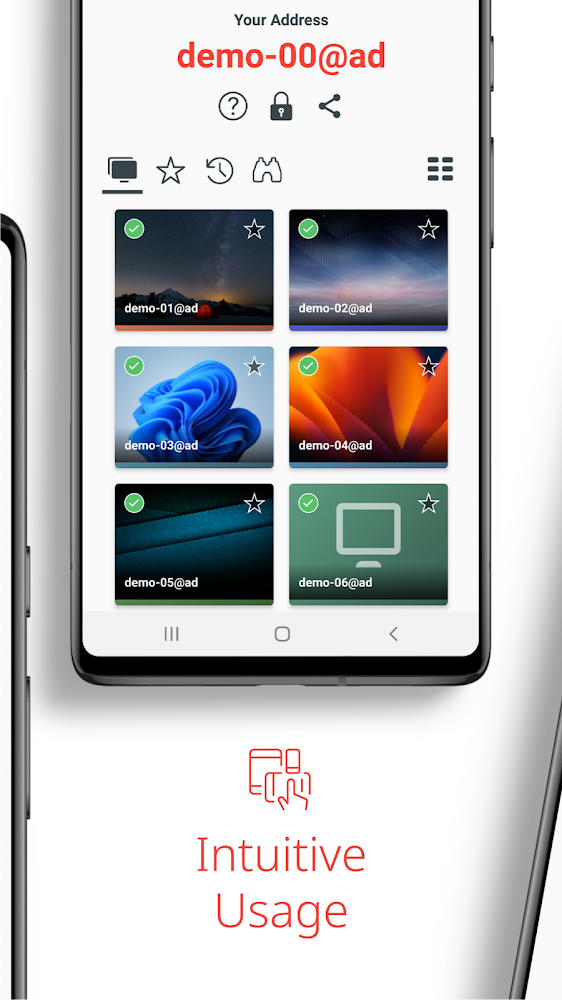
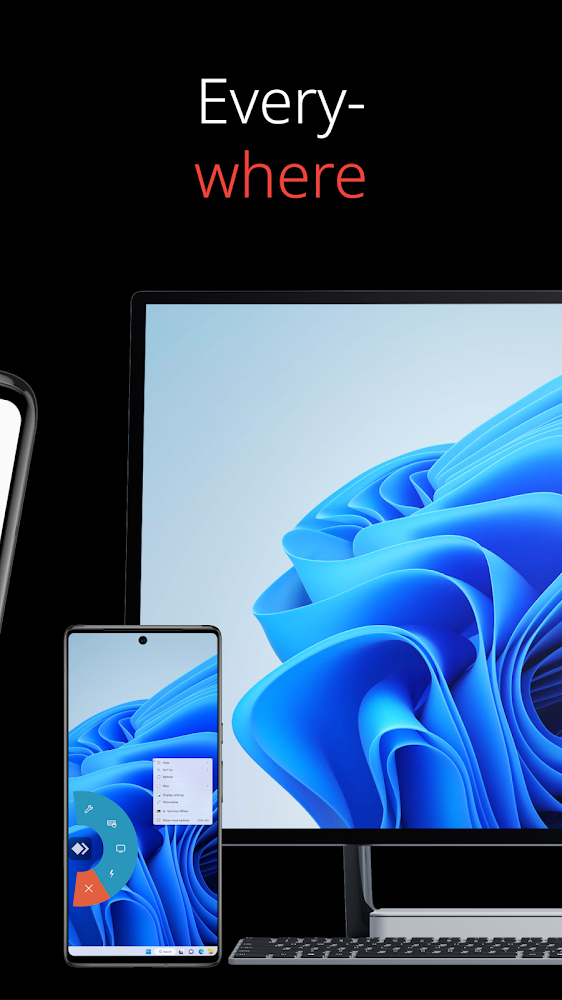
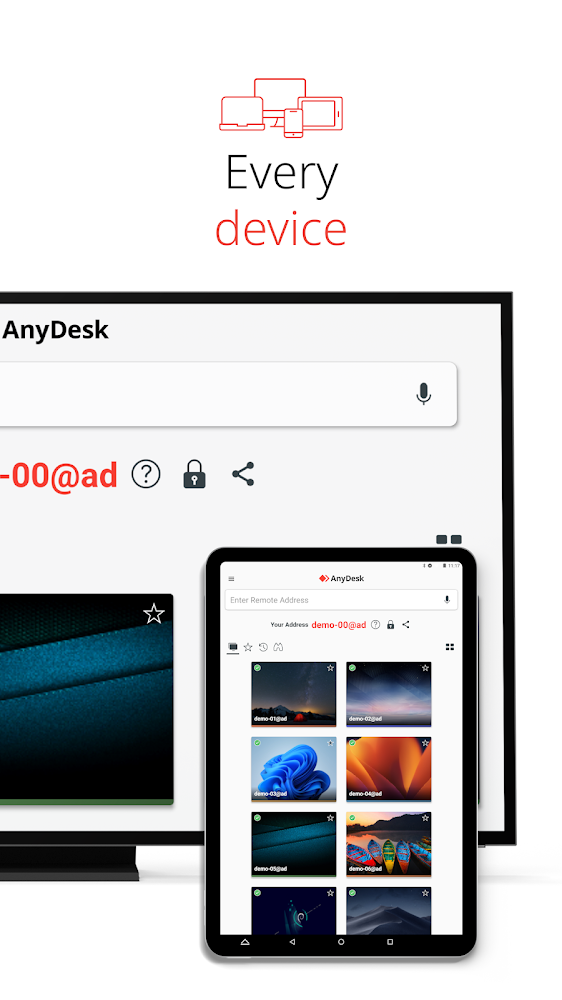
This application was created specifically to allow Android users to get remote access and control over a personal computer or even several. The application is free for personal use, and will also help you get remote access to your computer, freely work with various documents and files remotely, from anywhere in the world.
Connect to one or more PCs
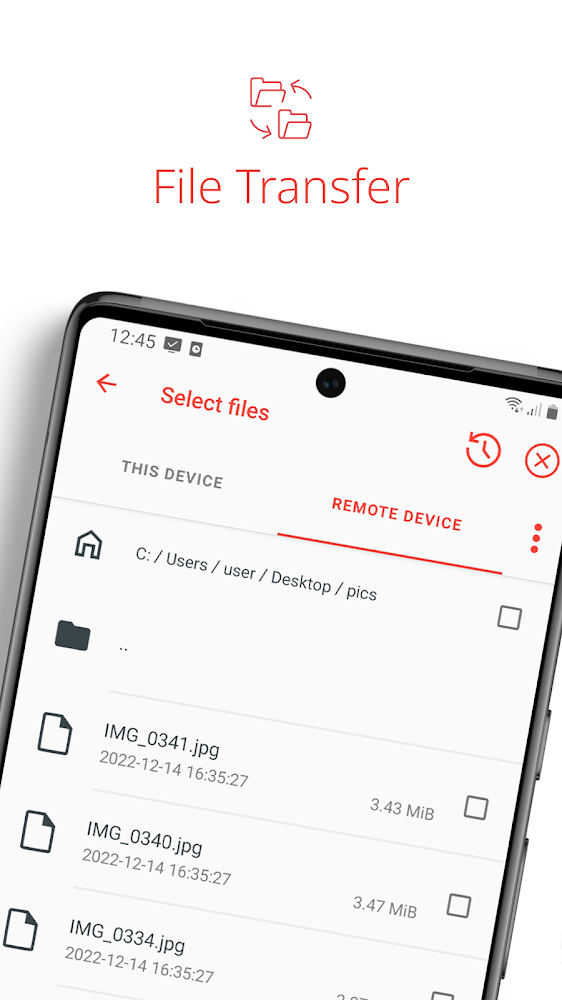
The application has a comfortable interface, and no matter where you are, you can calmly interact with a personal computer on Windows, Mac OS, Linux. It is important to know that this app does not include file transfer or sharing features to keep your files as secure as possible. Also, you will not need to wait for confirmation from your PC to access, you will be able to perform all operations directly from your Android device when you need.
Easy to use
This application was created specifically to allow Android users to get remote access and control over a personal computer or even several. The application is free for personal use, and will also help you get remote access to your computer, freely work with various documents and files remotely, from anywhere in the world.
Connect to one or more PCs
The application has a comfortable interface, and no matter where you are, you can calmly interact with a personal computer on Windows, Mac OS, Linux. It is important to know that this app does not include file transfer or sharing features to keep your files as secure as possible. Also, you will not need to wait for confirmation from your PC to access, you will be able to perform all operations directly from your Android device when you need.
Version
8.3.4
Version code
80304
Android OS
Android 4.4W
Disk space
36.75 МБ
Updated
01 Jun 2026
First release
25 Mar 2022
Open GL
Views today
7
Rating
2.6
Hits today
0
Files for downloads
AnyDesk Remote Desktop
Version: 8.3.4 :: 01 Jun 2026
Apk Debug arm64 34.93 МБ
About filetypes
XAPK and APKS are original file formats fully compatible with versions from Google Play. Use them if official versions in Google Play are unavailable to you. All your saves and progress will remain unchanged when updating. Installation: For APKS use SAI, For XAPK — XAPK Installer.
Authentication required to add a comment. Please sign in or sign up
How to update AnyDesk Remote Desktop
- Download the new version of the app
- Install it over the old one (do not uninstall the previous version)
- Important: The update will only work if the previous version was downloaded from our website. If the app was installed from another source, the new version will cause a signature conflict, and you will see the error "App not installed".
- You can read more about signatures in the documentation.
Attention
Due to the modified signature and modifications, the native security may detect the app as malicious.Update history
01 Jun 2026
8.3.4 (80304)
Similar Apps
NEW

Privyr
Lead engagement system for mobile sales teams
Version: 2.64.0
237.03 МБ
20 Jul 2026
NEW

Pocket CRM - Customers & Leads
Manage contacts and tasks for business
Version: 4.5.1
118.11 МБ
19 Jul 2026

Adobe Scan AI PDF Scanner, OCR
Portable scanner with automatic OCR function
Version: 26.06.26
192.94 МБ
15 Jul 2026
NEW

GoTo
Flexible work app for connecting with customers and colleagues
Version: 2026.7.1
159.19 МБ
02 Jul 2026
NEW
WB ПВЗ
App for Wildberries pickup point employees
Version: 0.30.1-gp
196.76 МБ
28 Jun 2026
NEW

Smart-ID
Convenient and secure online authentication and document signing
Version: 32.5.891
147.94 МБ
20 Jun 2026
NEW

Adobe Government Forum 2026
App for Adobe Government Forum 2026 attendees
Version: 1.0
40.95 МБ
30 May 2026

BZ Reminder
An excellent reminder for all occasions
Version: 3.10.3
9.91 МБ
30 May 2026

Zoom Workplace
Application for communication in a modern format
Version: 7.0.5.40164
262.31 МБ
30 May 2026

TeamViewer Remote Control
Program for remote access to a PC on Android
Version: 15.77.140
74.98 МБ
24 May 2026