
Steam Link
Play Steam games on your Android device
3.8
Reviews
0
Discussion
Check update
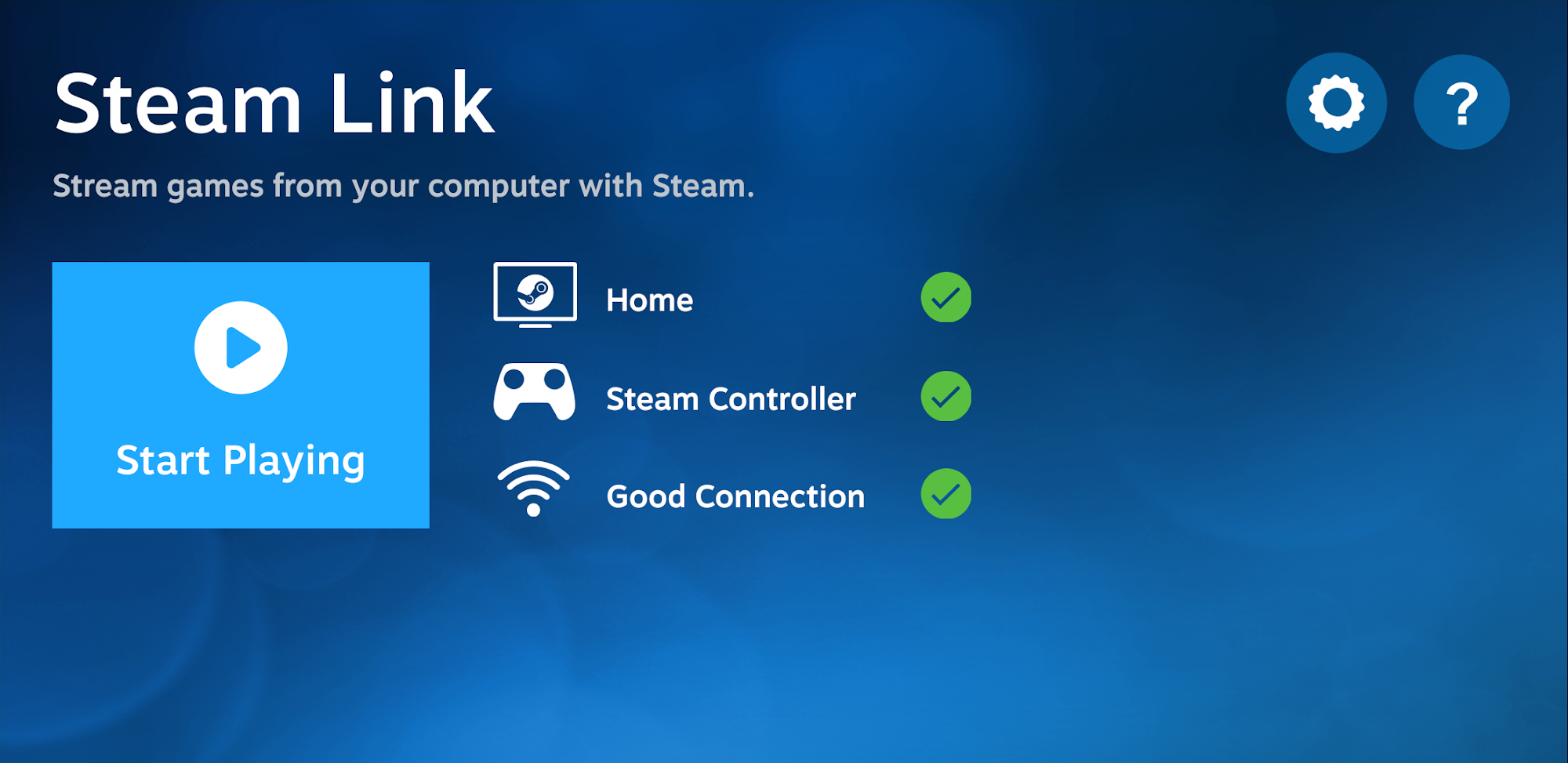
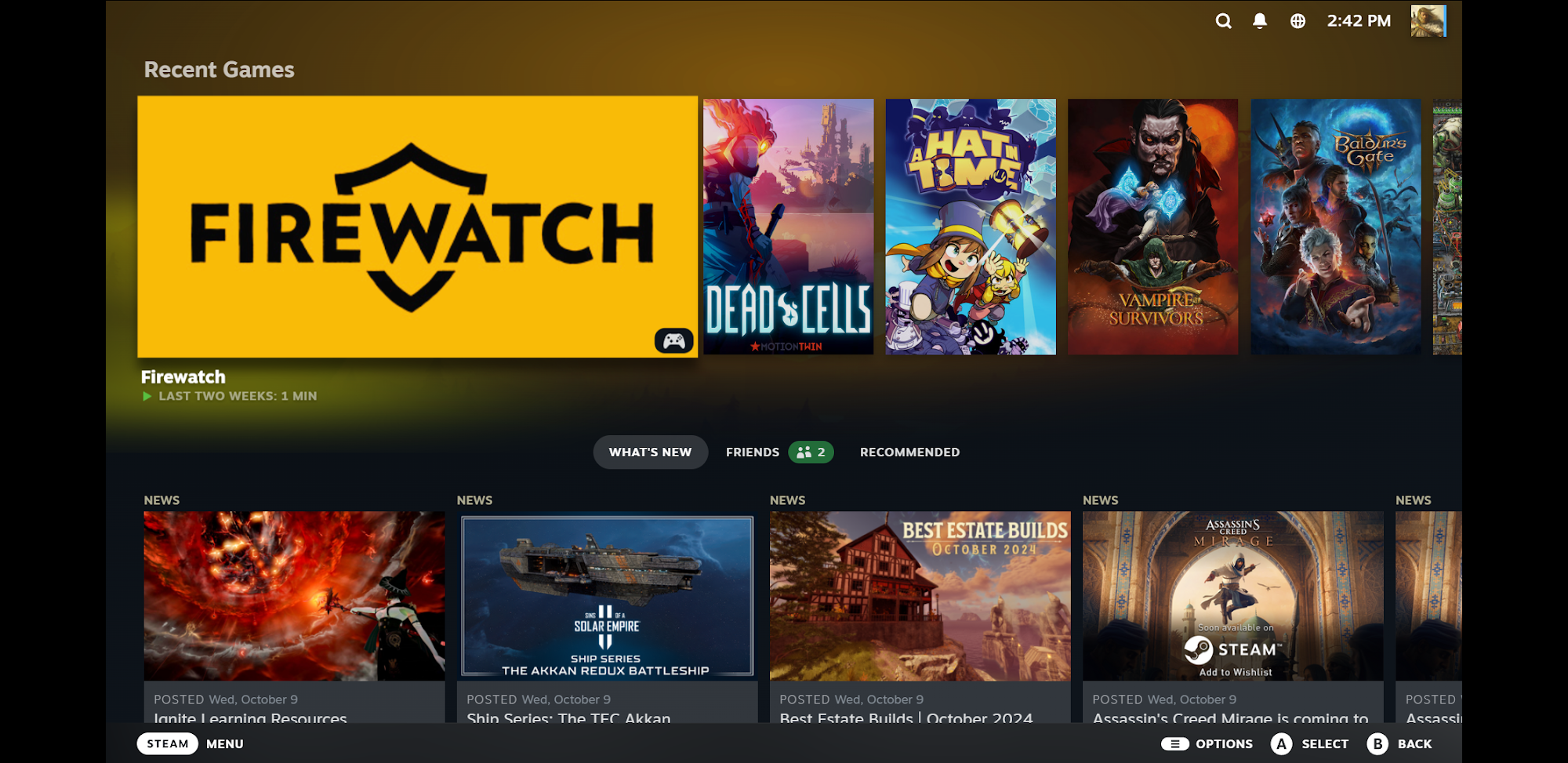
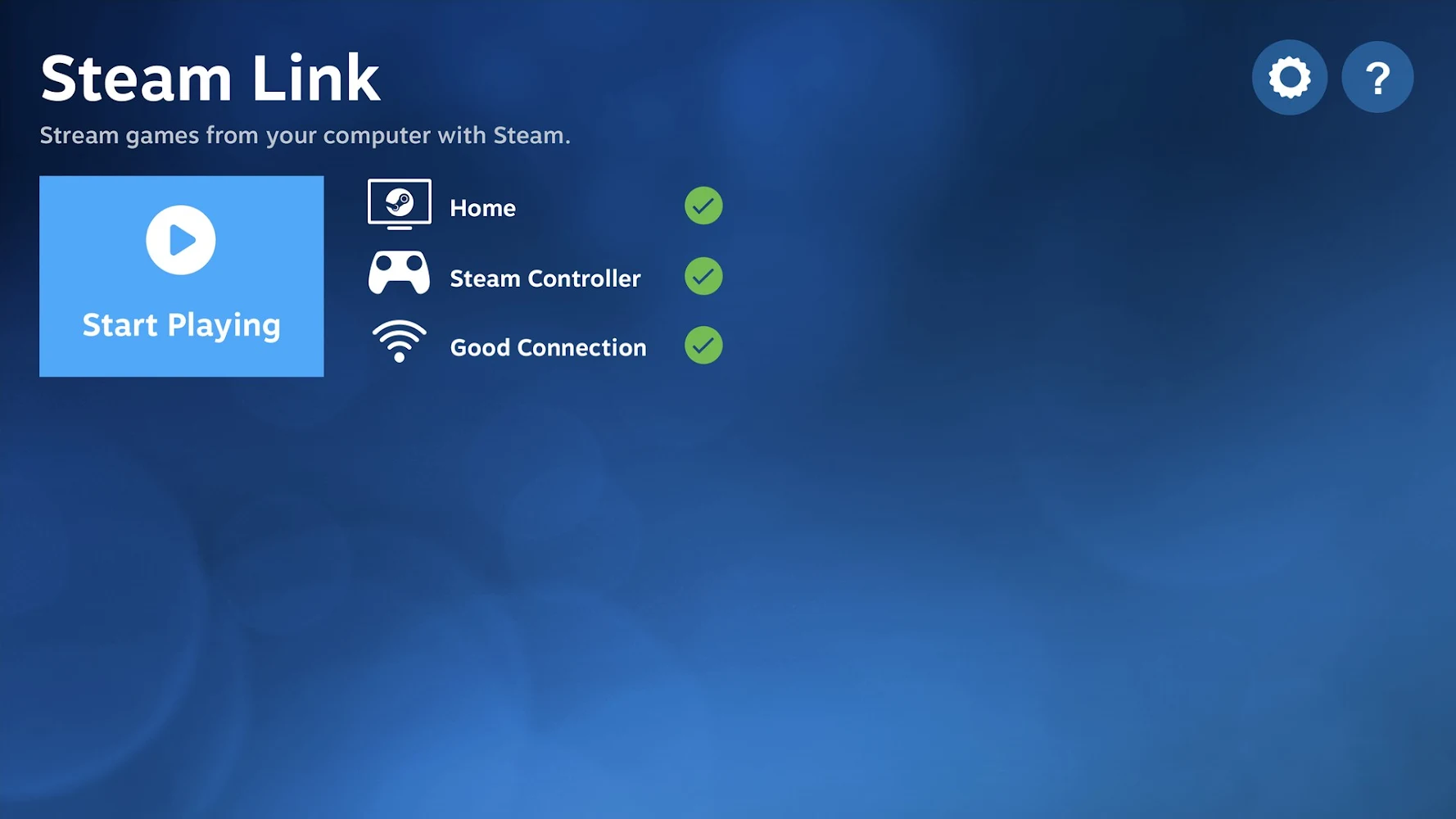
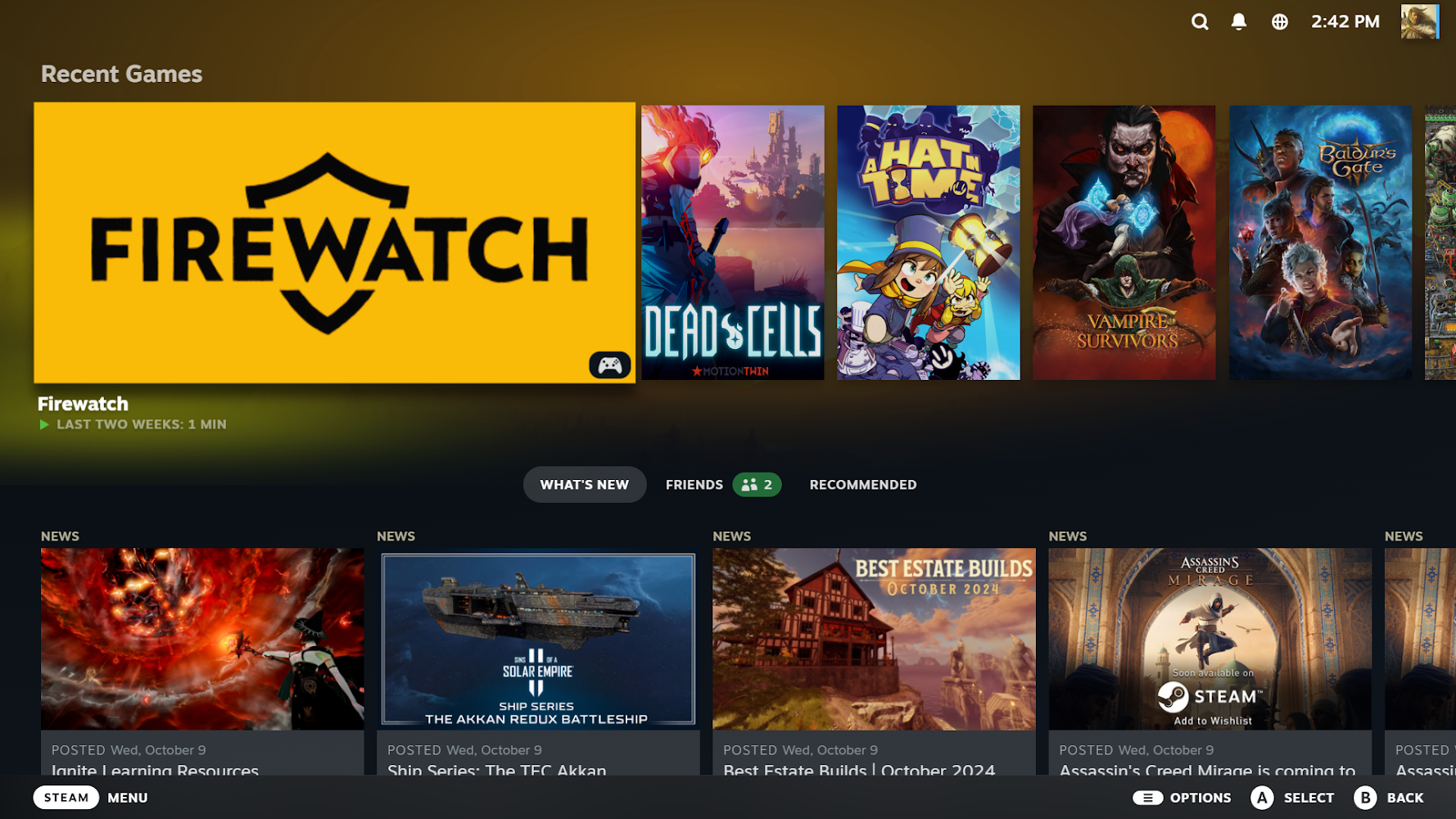
The Steam Link app brings desktop gaming to your Android device. Just pair a Bluetooth controller or Steam Controller to your device, connect to a computer running Steam, and start playing your existing Steam games. This is a great way to enjoy your games away from your desk, whether you're on the couch or on the go.
For best performance with Android TV, connect your computer to your router using Ethernet, and connect your Android TV to your router using Ethernet. For tablets and phones, connect your computer to your 5Ghz WiFi router using Ethernet, and connect your Android device to the 5GHz band of your WiFi network. Keep your Android device within a reasonable range of your router to minimize latency.
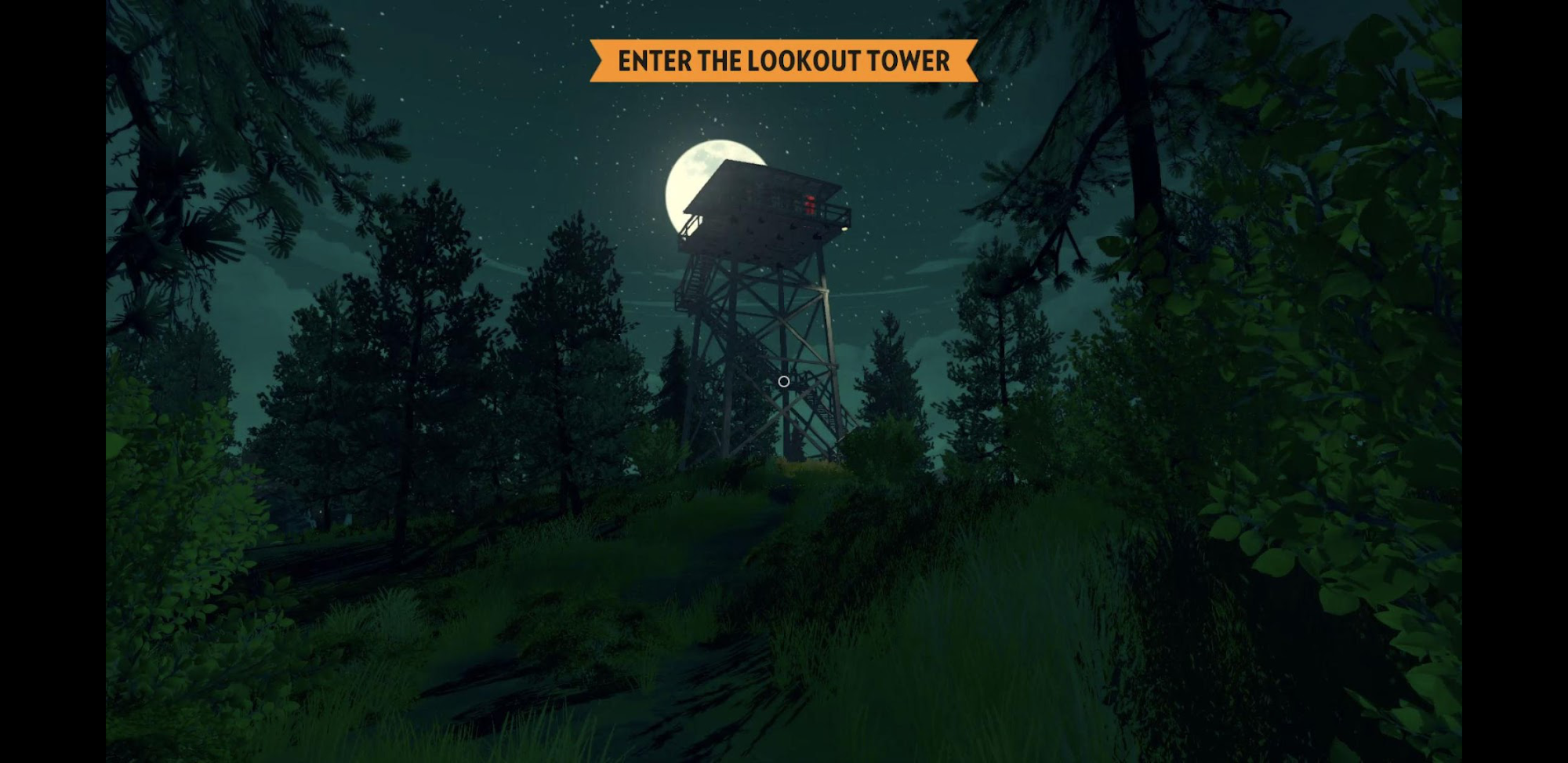
Steam Link supports a wide range of games, from new releases to classic hits. The app interface is intuitive, and setup takes just a few minutes. You can use touch controls or connect a gamepad—the choice is yours. The app is regularly updated with new features and performance improvements.
For best performance with Android TV, connect your computer to your router using Ethernet, and connect your Android TV to your router using Ethernet. For tablets and phones, connect your computer to your 5Ghz WiFi router using Ethernet, and connect your Android device to the 5GHz band of your WiFi network. Keep your Android device within a reasonable range of your router to minimize latency.
Steam Link supports a wide range of games, from new releases to classic hits. The app interface is intuitive, and setup takes just a few minutes. You can use touch controls or connect a gamepad—the choice is yours. The app is regularly updated with new features and performance improvements.
Version
1.3.30
Version code
5000310
Android OS
Unknown
Disk space
32.33 МБ
Updated
-----
First release
06 Jun 2026
Open GL
Views today
1
Rating
3.8
Hits today
0
Files for downloads
Steam Link
Version: 1.3.30 :: 06 Jun 2026
Apk Debug arm64 32.15 МБ
About filetypes
XAPK and APKS are original file formats fully compatible with versions from Google Play. Use them if official versions in Google Play are unavailable to you. All your saves and progress will remain unchanged when updating. Installation: For APKS use SAI, For XAPK — XAPK Installer.
Authentication required to add a comment. Please sign in or sign up
How to update Steam Link
- Download the new version of the app
- Install it over the old one (do not uninstall the previous version)
- Important: The update will only work if the previous version was downloaded from our website. If the app was installed from another source, the new version will cause a signature conflict, and you will see the error "App not installed".
- You can read more about signatures in the documentation.
Attention
Due to the modified signature and modifications, the native security may detect the app as malicious.Update history
06 Jun 2026
1.3.30 (5000310)
Similar Apps
NEW

Map Master for Minecraft BE
Install Minecraft Bedrock maps easily
Version: 1.2.1
123.83 МБ
01 Jul 2026

Character AI: Chat, Talk, Text
AI-chatbots hear, understand, and remember you.
Version: 1.16.4
351.7 МБ
30 Jun 2026
NEW

Standard Galactic Alphabet
Transliteration to Galactic Alphabet
Version: 1.2.8-galactic
24.42 МБ
29 Jun 2026
NEW

Bitmoji
Create your own avatar and stickers
Version: 11.83.0.1
80.33 МБ
28 Jun 2026
NEW

Diana and Roma: Videos & Games
Kids videos with Diana and Roma
Version: 2.8.3
60.09 МБ
28 Jun 2026

Netflix
Popular service for watching movies and TV series
Version: 9.72.0 build 3 64216
63.59 МБ
26 Jun 2026

Wink - TV, movies, TV series
Online viewing of movies, series and TV channels
Version: 1.85.1
101.22 МБ
26 Jun 2026

Twitch: Live Streaming
Popular video streaming service
Version: 30.1.0_BETA
195.35 МБ
26 Jun 2026

Иви: сериалы, фильмы и ТВ
Watch movies legally and in good quality
Version: 26.6.4
187.67 МБ
25 Jun 2026

Crunchyroll: Anime Streaming
The world's largest anime collection
Version: 3.112.0
250.68 МБ
25 Jun 2026