
Sketchar AR Drawing Sketchpad
Awesome educational project with augmented reality
Step-by-step leaing to draw
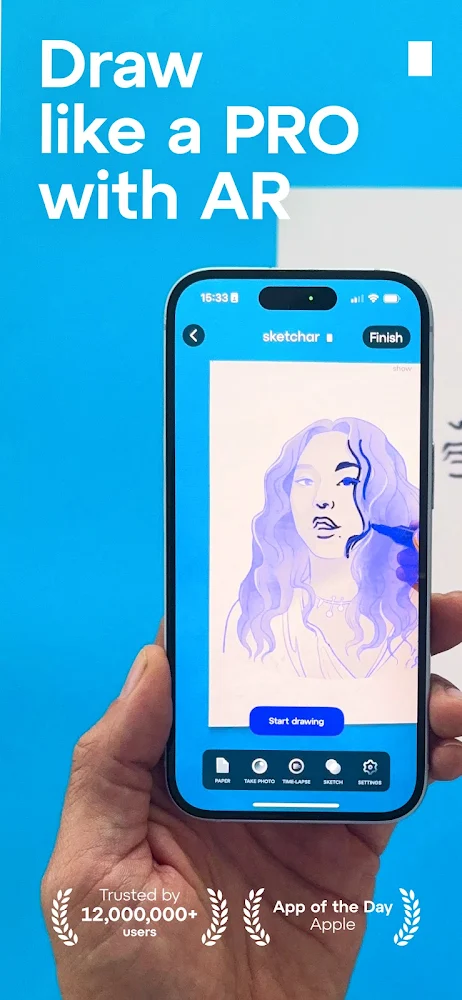
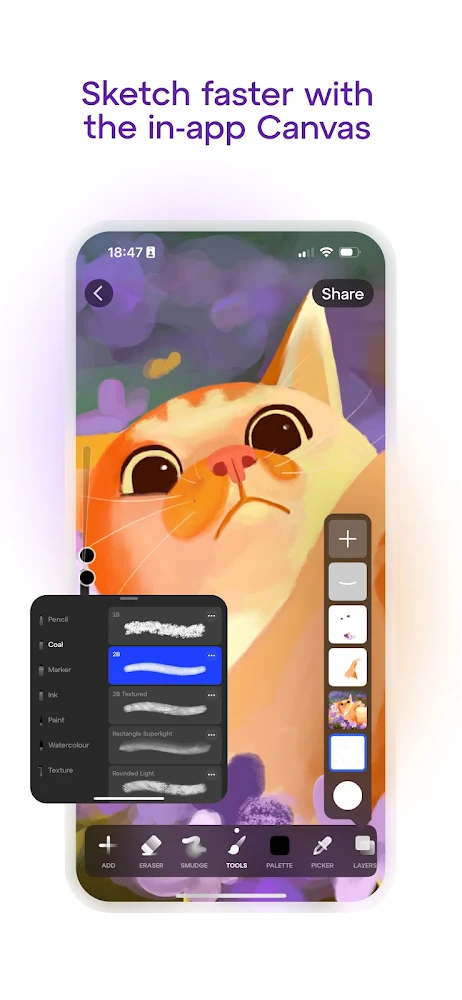
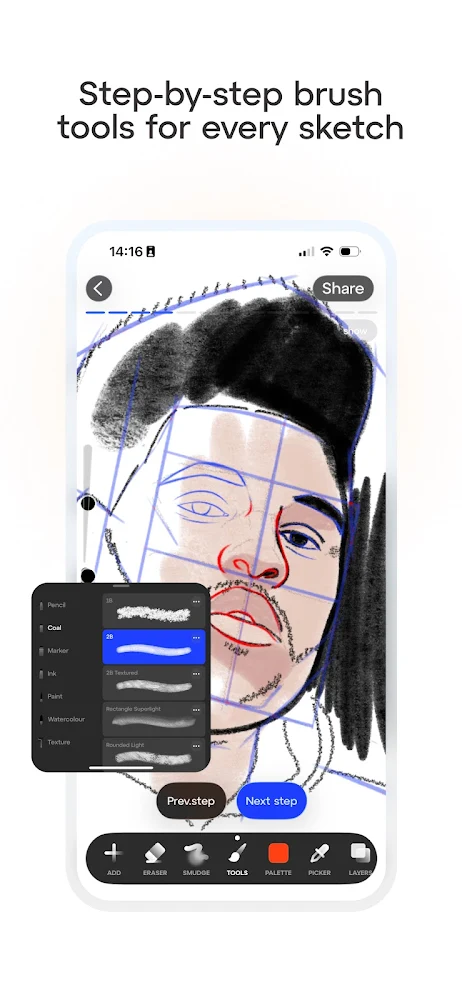
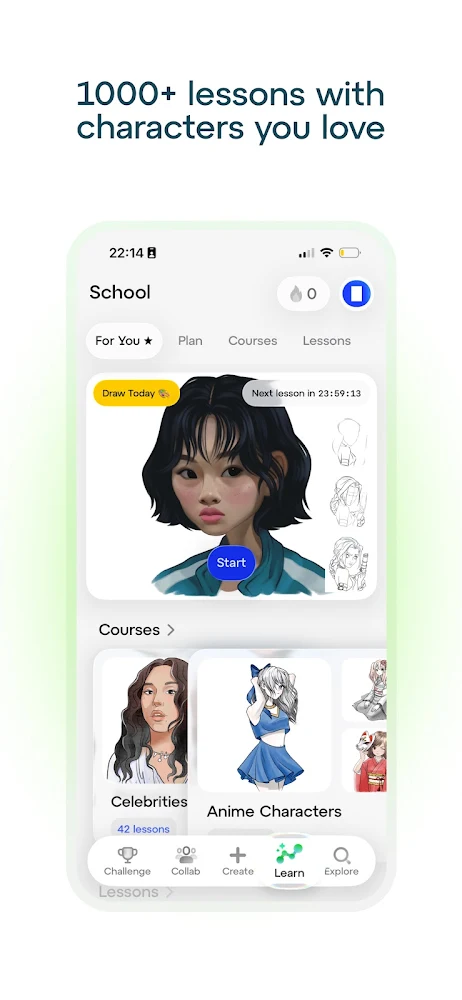
SketchAR: Start Drawing with AR is an innovative educational app that will help gamers of all ages master the basics of drawing, pump your skills in this business and start creating stunning pictures on sheets of paper or canvases. There are many lessons collected for you here that, in an easy and accessible form, and most importantly, will explain step by step how to draw a particular image. You can also tu your photos into sketch paintings with one touch on the screen of your android device and easily reproduce the drawing already on a sheet of paper.
Augmented Reality Mode
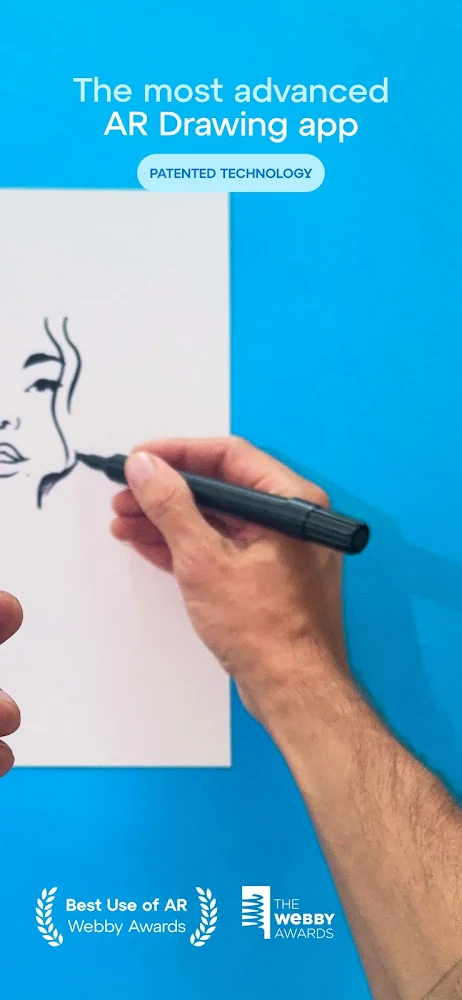
In this application, you can lea to draw using augmented reality mode. To do this, you have to select an image in your smartphone, point the camera at a blank sheet of paper, set the frames and borders of your canvas, and then "circle" the proposed sketch on the sheet, repeating the contours exactly. This application will be a real boon for beginners, as well as give a lot of useful knowledge to more experienced artists. Thanks to SketchAR: Start Drawing with AR, you can lea to draw animals, nature, anime characters, graffiti, abstractions, portraits or paintings from your photos.
Files for downloads
Sketchar AR Drawing Sketchpad
About filetypes
How to update Sketchar AR Drawing Sketchpad
- Download the new version of the app
- Install it over the old one (do not uninstall the previous version)
- Important: The update will only work if the previous version was downloaded from our website. If the app was installed from another source, the new version will cause a signature conflict, and you will see the error "App not installed".
- You can read more about signatures in the documentation.
Attention
Due to the modified signature and modifications, the native security may detect the app as malicious.Similar Apps








New Comments