Screen Recorder Video Recorder
Multi-functional screen video capture tool
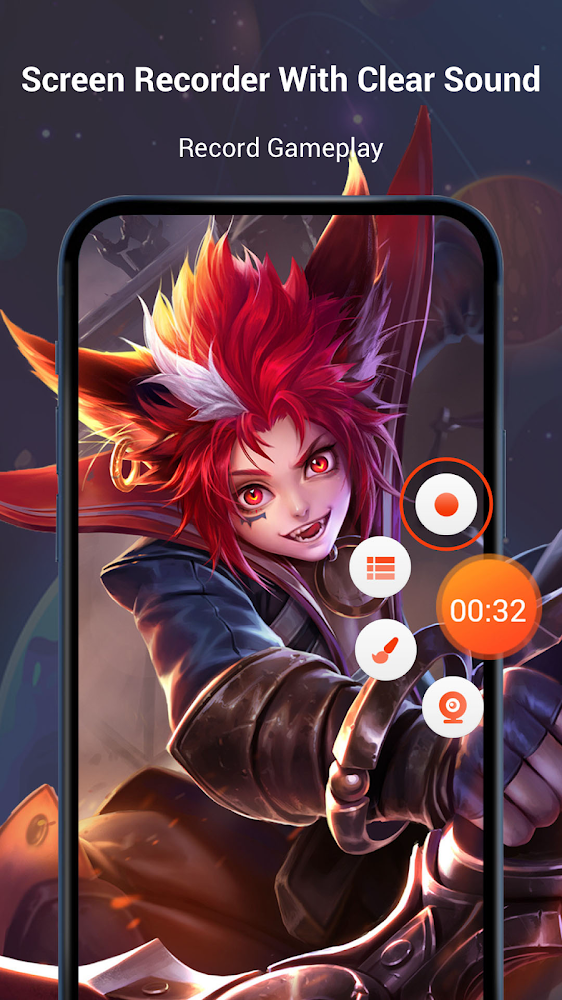
V Recorder is a screen recorder with audio that functions as a video editor for Android devices. This tool is a true find for users who frequently need to capture what is happening on their Android device's display. V Recorder is a comfortable and feature-rich tool for capturing video from a smartphone screen.
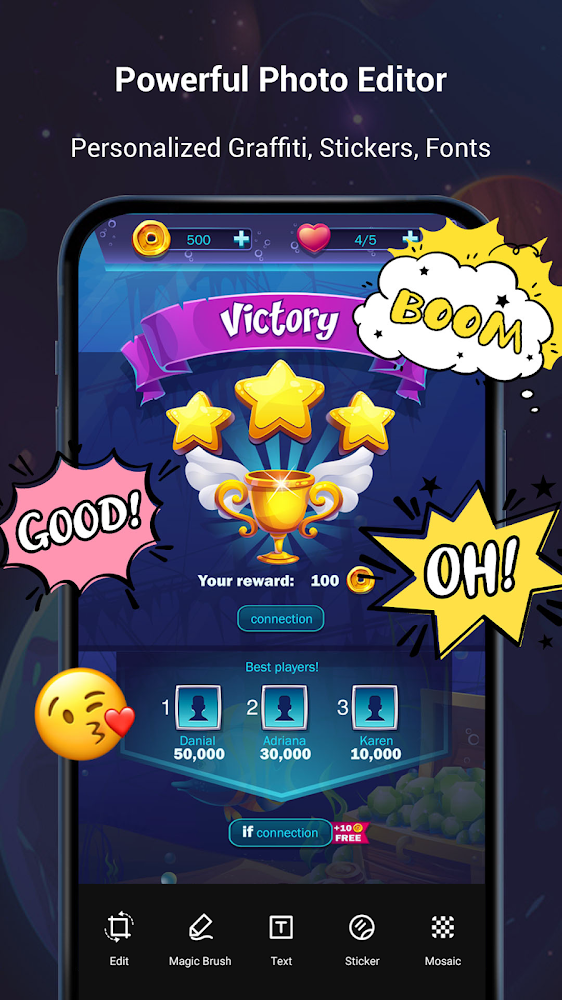
Users can record and edit their favorite moments from games, create tutorials for using gadgets, apply various effects, add music, and share the results with friends on social media. This meticulously designed app has no time limits on recordings and leaves no watermarks.
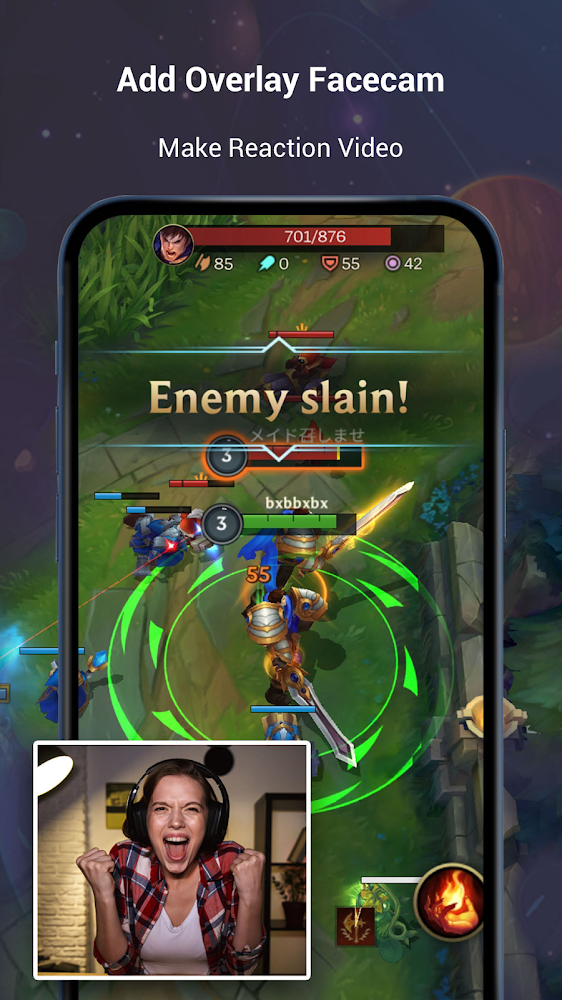
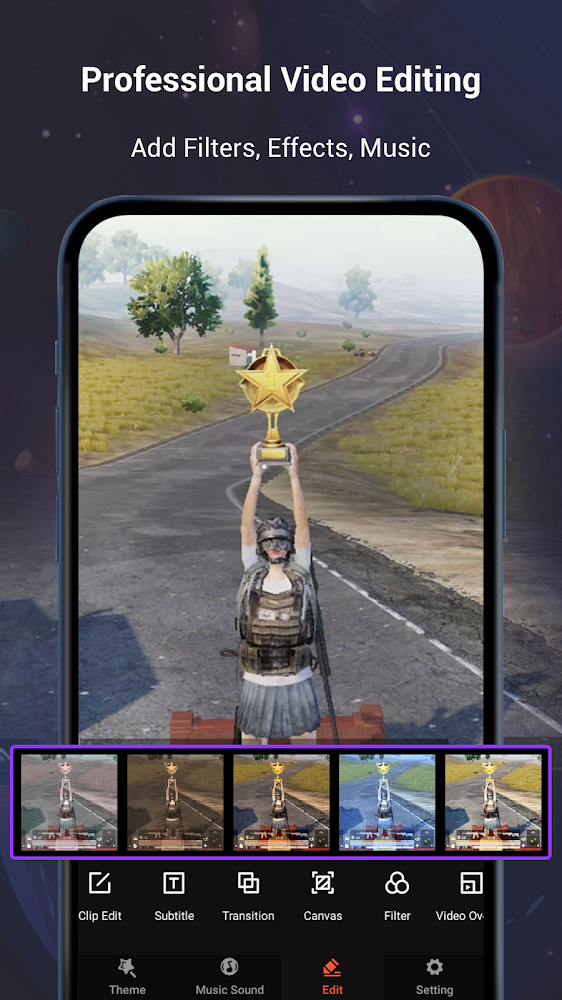
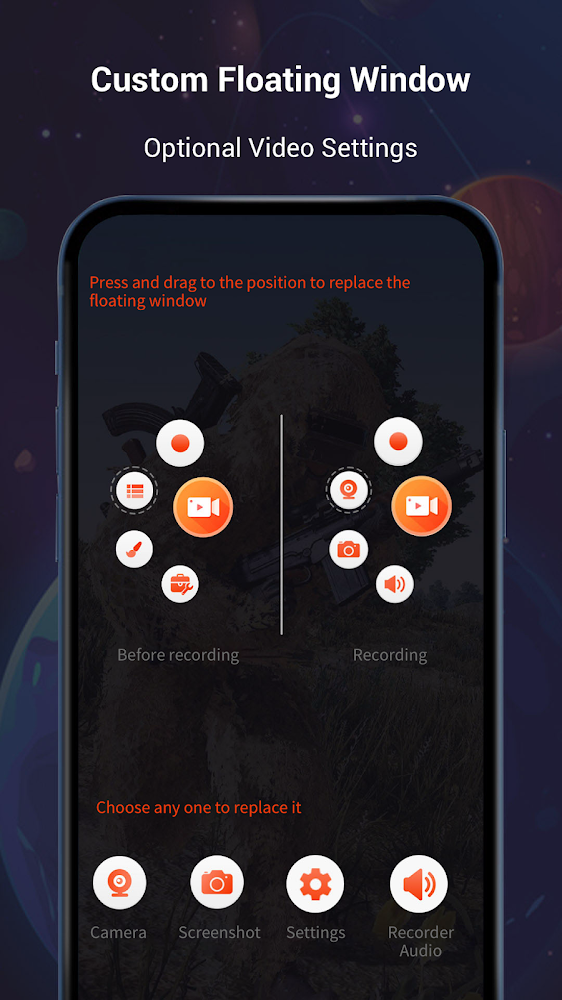
Before starting a recording, users can set key parameters for the future video, including its size and the presence of frames, with special settings available for YouTube uploads. With just a few clicks, stickers, labels, and text can be added to finished videos, motion can be sped up or slowed down, and screenshots can be taken without interrupting the recording. This tool offers a variety of useful features, allowing users to overlay their voice onto a video or modify it with sound effects, and choose background music from the app’s catalog or upload it from their Android device.
Users can record and edit their favorite moments from games, create tutorials for using gadgets, apply various effects, add music, and share the results with friends on social media. This meticulously designed app has no time limits on recordings and leaves no watermarks.
Before starting a recording, users can set key parameters for the future video, including its size and the presence of frames, with special settings available for YouTube uploads. With just a few clicks, stickers, labels, and text can be added to finished videos, motion can be sped up or slowed down, and screenshots can be taken without interrupting the recording. This tool offers a variety of useful features, allowing users to overlay their voice onto a video or modify it with sound effects, and choose background music from the app’s catalog or upload it from their Android device.
Version
8.3.0.0
Version code
214
Android OS
Android 4.4W
Disk space
80.34 МБ
Updated
08 May 2026
First release
09 Jul 2019
Rating
4.6
Hits today
0
Files for downloads
How to update Screen Recorder Video Recorder
- Download the new version of the app
- Install it over the old one (do not uninstall the previous version)
- Important: The update will only work if the previous version was downloaded from our website. If the app was installed from another source, the new version will cause a signature conflict, and you will see the error "App not installed".
- You can read more about signatures in the documentation.
Attention
Due to the modified signature and modifications, the native security may detect the app as malicious.Update history
08 May 2026
8.3.0.0 (214)
Similar Apps

YouTube
Official Youtube app from Google
Version: 21.20.402
124.45 МБ
24 May 2026

Streamlabs: Live Streaming
Free app for streaming and streaming
Version: 3.17.1
59.03 МБ
23 May 2026

Screen Recorder - Vidma Record
Comfortable screen recording app
Version: 3.7.44
57.99 МБ
22 May 2026

BeatSync: Photo & Music Videos
Simple and functional video editor
Version: 5.1.12262
140.07 МБ
22 May 2026

Beat.ly - AI Music Video Maker
One of the best video editing tools
Version: 2.48.11093
140.88 МБ
22 May 2026

Video to MP3 - Video to Audio
Convenient video to music format converter
Version: 2.2.7.1
26.22 МБ
21 May 2026

Filmora: AI Video Editor&Maker
One of the best photo and videoeditors
Version: 15.4.53
218.13 МБ
21 May 2026

Vlog video editor maker: VlogU
Functional and comfortable video editor
Version: 7.14.2
118.27 МБ
21 May 2026

AI Video Editor - VivaCut
Professional video editing software
Version: 4.4.9
235.45 МБ
20 May 2026
Video Editor&Maker - VideoCook
Multifunctional video editor for Android
Version: 3.015.10
48.17 МБ
20 May 2026