
Screen Recorder - Record Video
Professional screen recording without limits
3.6
Reviews
0
Discussion
Check update
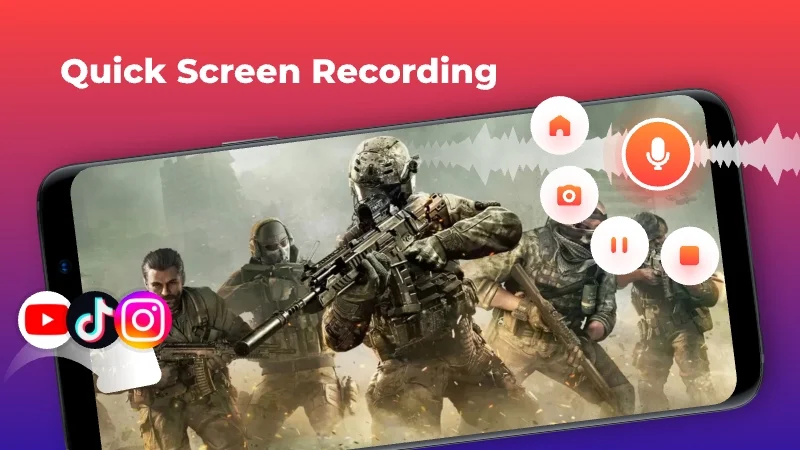
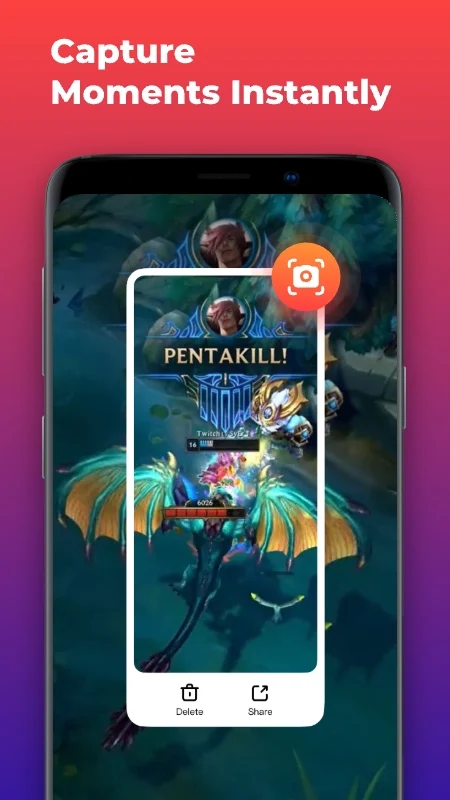
RECGO Screen Recorder is a professional screen recording tool that requires no root and has no recording time limits. With a floating window, you can start recording high-definition videos of games, video calls, tutorials, and more in one click. The app records without watermarks or delays, making it easy to capture important moments. In addition to video, internal audio recording is supported without time restrictions.
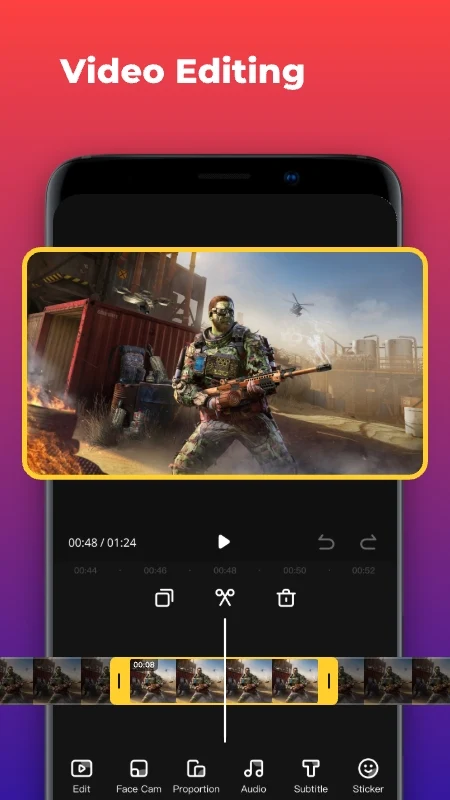
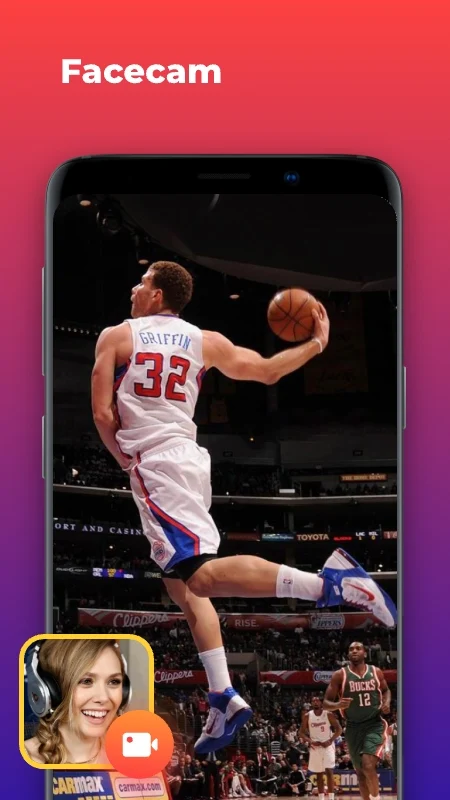
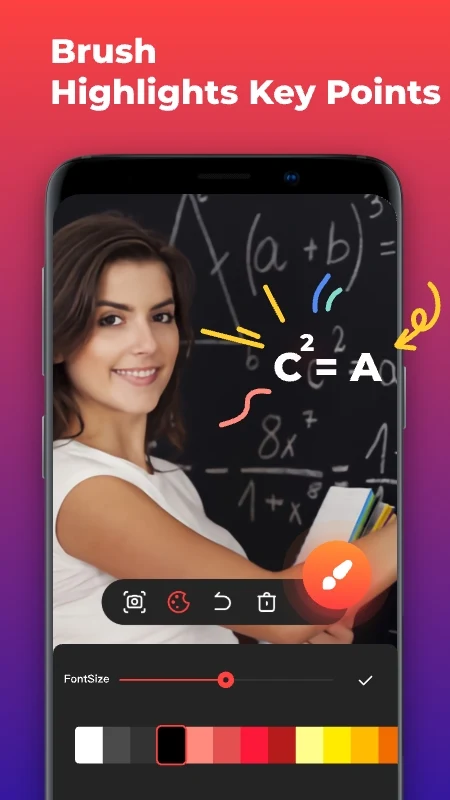
By downloading RECGO, you get not only a recorder but also a full video editor with tools for trimming, merging, adding music, text, stickers, and filters. The Face Cam feature lets you record your reactions in a small window that can be moved anywhere on the screen, perfect for reviews and tutorials. Quick screenshots, a drawing tool for highlighting details, and real-time memory usage display are also available.
Recording is done in high quality up to 1080p, 12 Mbps, and 60 FPS, with adjustable parameters from 480p to 4K and from 24 to 60 FPS. The recorder supports portrait, landscape, and automatic orientation, as well as internal audio recording on Android 10 and above. It is an ideal solution for recording games, streams, lectures, meetings, and online videos. Start creating your first engaging videos right now!
By downloading RECGO, you get not only a recorder but also a full video editor with tools for trimming, merging, adding music, text, stickers, and filters. The Face Cam feature lets you record your reactions in a small window that can be moved anywhere on the screen, perfect for reviews and tutorials. Quick screenshots, a drawing tool for highlighting details, and real-time memory usage display are also available.
Recording is done in high quality up to 1080p, 12 Mbps, and 60 FPS, with adjustable parameters from 480p to 4K and from 24 to 60 FPS. The recorder supports portrait, landscape, and automatic orientation, as well as internal audio recording on Android 10 and above. It is an ideal solution for recording games, streams, lectures, meetings, and online videos. Start creating your first engaging videos right now!
Version
1.3.13
Version code
94
Android OS
Unknown
Disk space
76.34 МБ
Updated
-----
First release
03 Aug 2026
Open GL
Views today
0
Rating
3.6
Hits today
0
Files for downloads
Screen Recorder - Record Video
Version: 1.3.13 :: 03 Aug 2026
Apks Original arm64 76.34 МБ
About filetypes
XAPK and APKS are original file formats fully compatible with versions from Google Play. Use them if official versions in Google Play are unavailable to you. All your saves and progress will remain unchanged when updating. Installation: For APKS use SAI, For XAPK — XAPK Installer.
Authentication required to add a comment. Please sign in or sign up
How to update Screen Recorder - Record Video
- Download the new version of the app
- Install it over the old one (do not uninstall the previous version)
- Important: The update will only work if the previous version was downloaded from our website. If the app was installed from another source, the new version will cause a signature conflict, and you will see the error "App not installed".
- You can read more about signatures in the documentation.
Attention
Due to the modified signature and modifications, the native security may detect the app as malicious.Update history
03 Aug 2026
1.3.13 (94)
Similar Apps
NEW

Impresso - Video & Logo Maker
AI logo and social media post designer
Version: 5.3.0
221.33 МБ
03 Aug 2026
NEW

Photo Video Maker - InSlide
Turn photos and clips into viral videos
Version: 2.4.2.1
110.42 МБ
30 Jul 2026

CapCut: Photo & Video Editor
Easy to use and functional video editor
Version: 18.8.0
296.65 МБ
29 Jul 2026

Video Editor & Maker- My Movie
Free video editing tool
Version: 14.18.7
196.18 МБ
15 Jul 2026

Filmora: AI Video Editor&Maker
One of the best photo and videoeditors
Version: 15.6.50
312.87 МБ
15 Jul 2026

Google TV
Browse and buy movies directly on your device
Version: 4.39.4634.937129133.5-release
55.72 МБ
15 Jul 2026

Reverse Movie FX - magic video
The application for reversing the recorded video
Version: 1.5.163
77.7 МБ
14 Jul 2026

Beat.ly - AI Music Video Maker
One of the best video editing tools
Version: 2.48.11096
247.56 МБ
14 Jul 2026

Vlog video editor maker: VlogU
Functional and comfortable video editor
Version: 7.15.5
238.71 МБ
14 Jul 2026
KineMaster - Video Editor
Functional video editor on Android
Version: 8.1.15.36566.GP
282.06 МБ
14 Jul 2026