
ReadEra – book reader pdf epub
Multifunctional book reader
A manager for your library
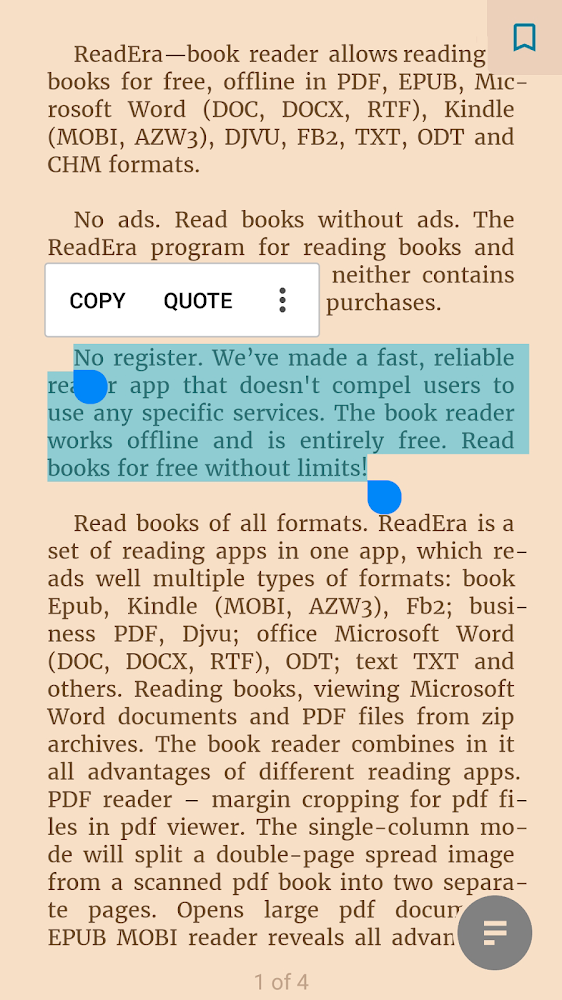
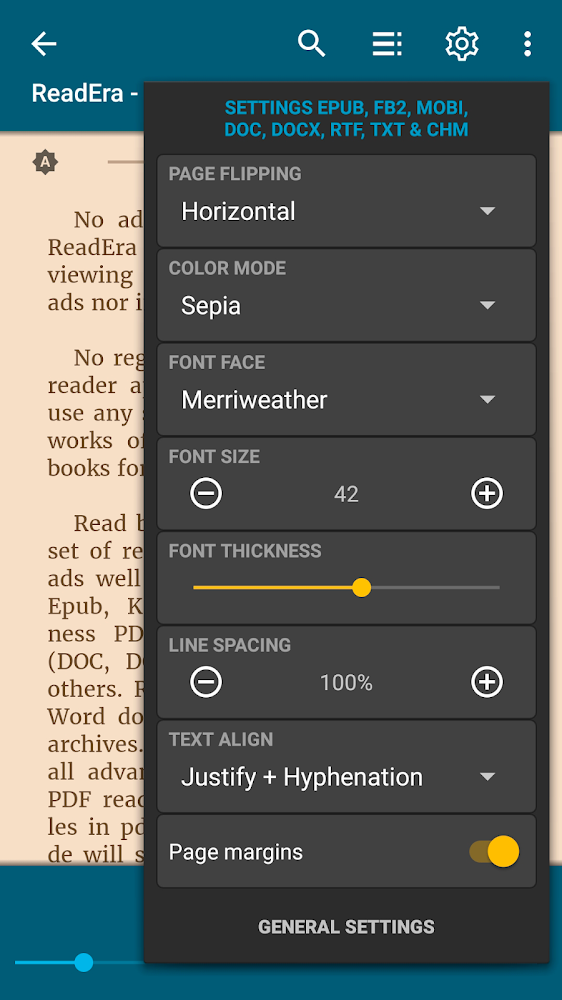
Incredibly comfortable and multifunctional book reader, which allows you to display your favorite books absolutely free and without an internet connection. At the same time, ReadEra - fb2, pdf, word book reader supports a large number of formats, from classic PDF to Kindle and DJVU. No ads in the app, no registration, and no in-app purchases.
Easy to use
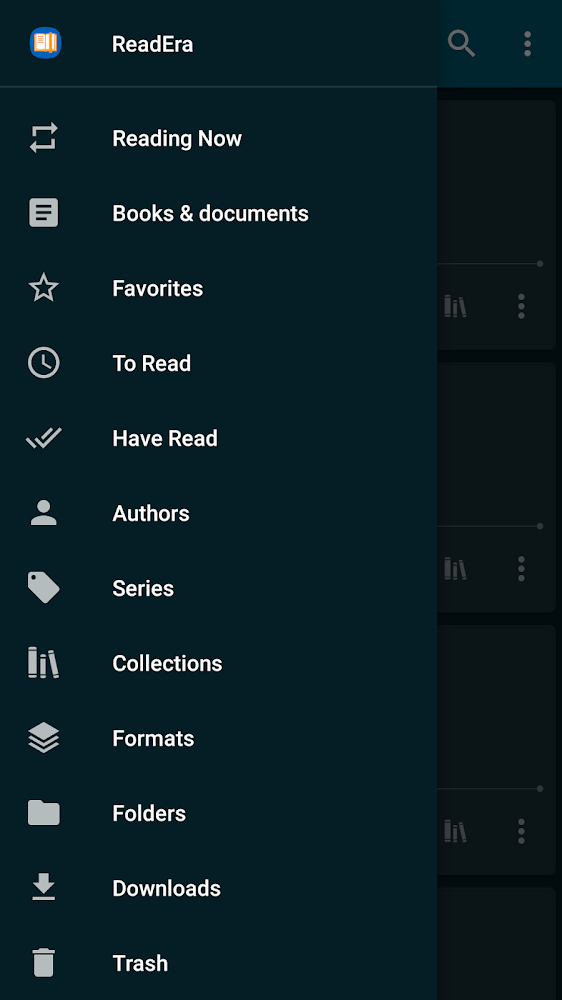
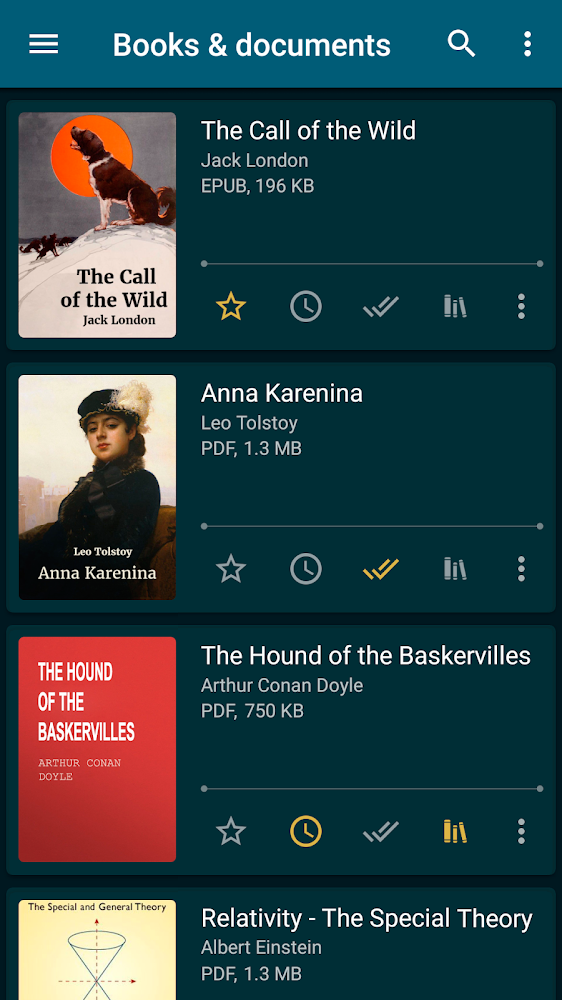
ReadEra - fb2, pdf, word book reader is an excellent choice not only for displaying works, but also your documents, making this application a great helper when performing work tasks. ReadEra - fb2, pdf, word book reader automatically detects supported documents in your file system, allows you to sort files by title, format and even reading date, and also gives you the ability to create your own selections and collections of books.
Files for downloads
ReadEra – book reader pdf epub
About filetypes
How to update ReadEra – book reader pdf epub
- Download the new version of the app
- Install it over the old one (do not uninstall the previous version)
- Important: The update will only work if the previous version was downloaded from our website. If the app was installed from another source, the new version will cause a signature conflict, and you will see the error "App not installed".
- You can read more about signatures in the documentation.
Attention
Due to the modified signature and modifications, the native security may detect the app as malicious.Similar Apps









New Comments
А он вам сильно нужен?
Давайте глянем, что дает вам мод, при чем, что бы его заполучить надо скачать именно ReadEra Premium!
Итак, премиум функции:
- Новые виды отображения книг и документов в библиотеке: полный, краткий, эскизы, сетка. Сетка – наш любимый!
- Дополнительные цвета для выделения цитат или текста в читаемых книгах и документах. Продуманный, простой алгоритм работы с цитатами и заметками.
- Миниатюры для всех страниц читаемой книги - удобно для быстрой визуальной навигации по книге или документу. Миниатюры адаптируются к цветовым схемам день-ночь, отображают выделенный цветом текст, цитаты, заметки, закладки и подсвечивают результаты поиска. Откройте миниатюры для себя, а затем попробуйте обойтись без них!
- Полноэкранный режим можно включить для режима чтения и для списков книг в библиотеке. Полный экран позволяет лучше сосредоточиться на просмотре и чтении любимых книг.
- Бесплатные обновления с новыми эксклюзивными функциями.
===============
Настолько ли они нужны? Ответить