
Pixel Studio: pixel art editor
Create unique PixelArt style images
4.8
Reviews
5
Discussion
Check update
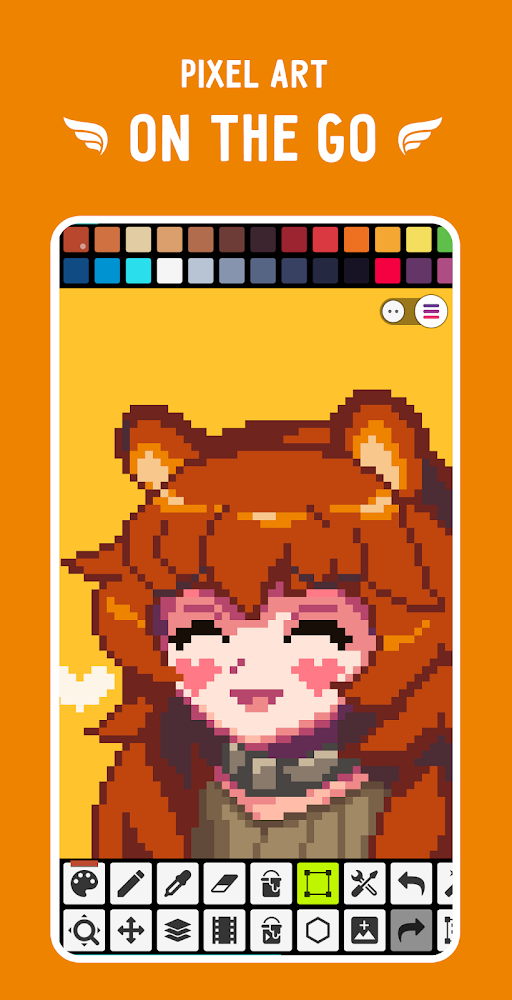
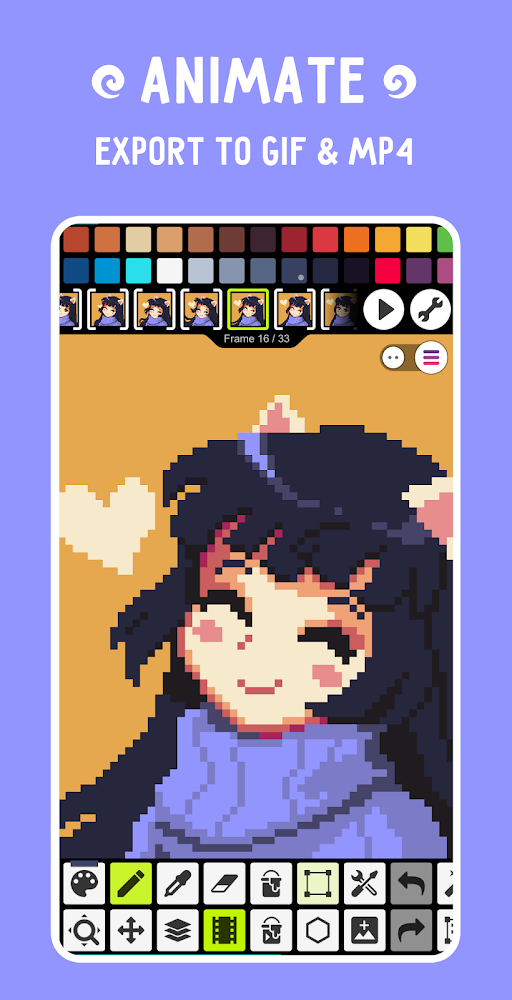
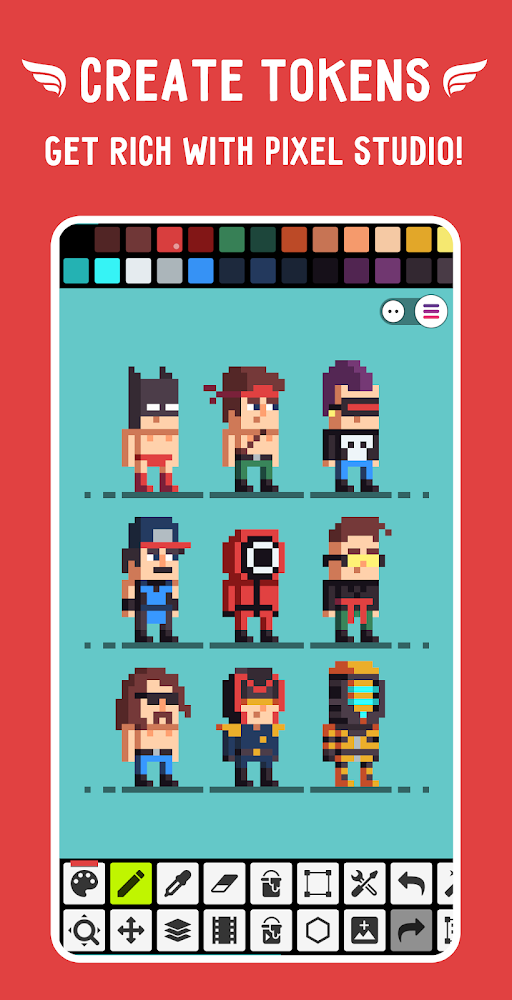
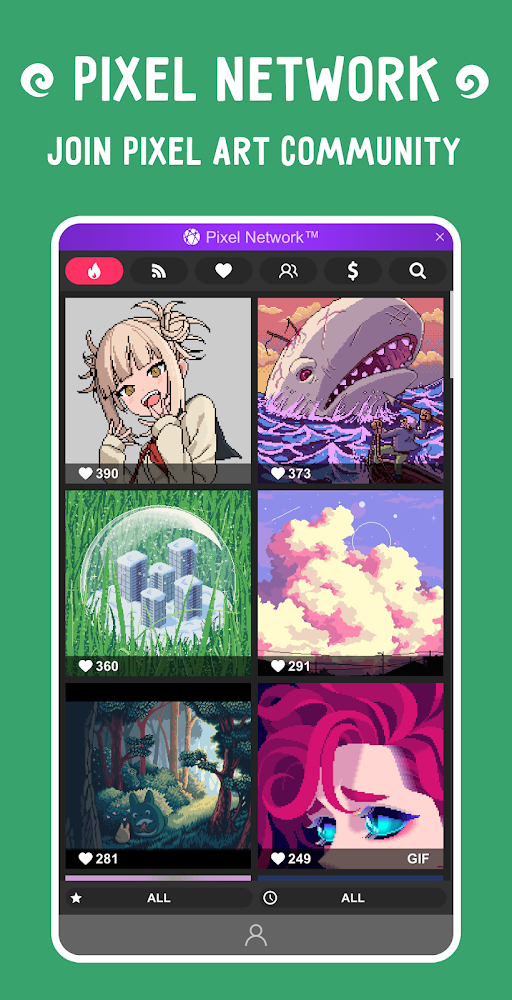
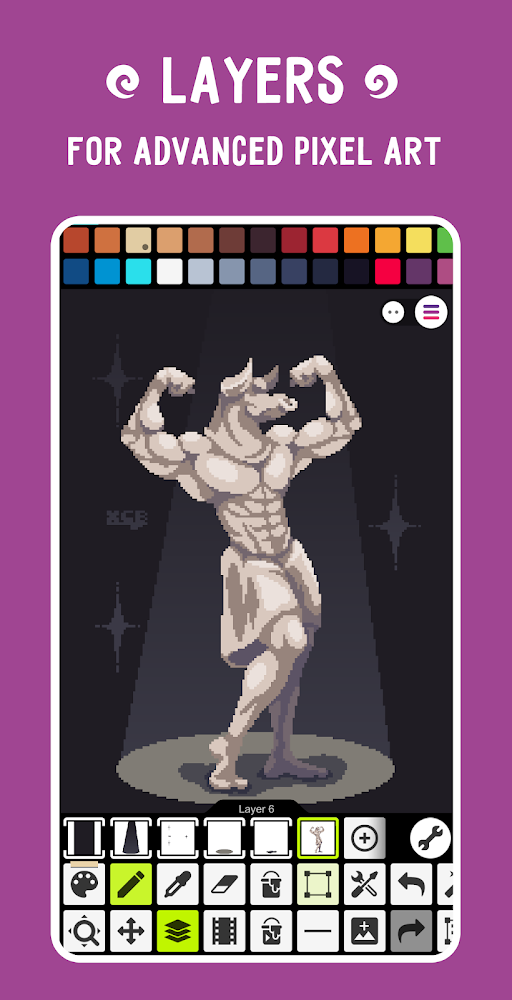
Pixel Studio is a pixel art and GIF animation editor, serving as an image editing tool for Android devices. It allows users to become true artists with an amazing image editor packed with unique features for fans of the popular PixelArt style. Users can relax and enjoy modern art, drawing anytime and anywhere, sharing their masterpieces with friends on social networks, and discovering their inner artist.
The app provides dozens of tools for creating and working with images, along with convenient color selection supporting RGB and HSV. It offers portrait or tablet modes and supports large canvas sizes. Users can master the PixelArt style by creating vibrant pixel images, symmetrical drawings, dynamic backgrounds, unique animations, and GIF images, unleashing their imagination and creative freedom. This editor is easy to learn and convenient for image work, enabling fast and beautiful drawing with cool projects and animations, while a vast array of functions and diverse tools provide nearly limitless possibilities for creating PixelArt images.
The app provides dozens of tools for creating and working with images, along with convenient color selection supporting RGB and HSV. It offers portrait or tablet modes and supports large canvas sizes. Users can master the PixelArt style by creating vibrant pixel images, symmetrical drawings, dynamic backgrounds, unique animations, and GIF images, unleashing their imagination and creative freedom. This editor is easy to learn and convenient for image work, enabling fast and beautiful drawing with cool projects and animations, while a vast array of functions and diverse tools provide nearly limitless possibilities for creating PixelArt images.
Version
5.48
Version code
548
Android OS
Android 5.1
Disk space
62.55 МБ
Updated
16 May 2026
First release
25 Aug 2019
Open GL
Views today
1
Rating
4.8
Hits today
0
Files for downloads
Pixel Studio: pixel art editor
Version: 5.48 :: 16 May 2026
Apk Debug arm64 44.66 МБ
About filetypes
XAPK and APKS are original file formats fully compatible with versions from Google Play. Use them if official versions in Google Play are unavailable to you. All your saves and progress will remain unchanged when updating. Installation: For APKS use SAI, For XAPK — XAPK Installer.
How to update Pixel Studio: pixel art editor
- Download the new version of the app
- Install it over the old one (do not uninstall the previous version)
- Important: The update will only work if the previous version was downloaded from our website. If the app was installed from another source, the new version will cause a signature conflict, and you will see the error "App not installed".
- You can read more about signatures in the documentation.
Attention
Due to the modified signature and modifications, the native security may detect the app as malicious.Update history
16 May 2026
5.48 (548)
Similar Apps
NEW

Customuse: Skins Maker Roblox
3D design for games and social media
Version: 1.81.0
187.41 МБ
24 Jun 2026

Concepts: Sketch, Note, Draw
A handy app for creating sketches and illustrations
Version: 2026.04.4
283.7 МБ
15 Jun 2026

FlipaClip: Draw 2D Animation
Create animations and cartoons in a functional editor
Version: 4.2.32
328.48 МБ
11 Jun 2026
MediBang Paint:Draw Art, Comic
Drawing app with a huge set of tools
Version: 28.24
62.66 МБ
07 Jun 2026
NEW
Qara - Mandala Meditation
Interactive particle mandala meditation
Version: 2.05-free
101.51 МБ
07 Jun 2026
Anime Color Pro
Meditative coloring by numbers with anime style images
Version: 1.1.6
90.19 МБ
07 Jun 2026
Poseit
Great app for beginners and beyond
Version: 2.2.3
137.94 МБ
06 Jun 2026
NEW

MandalaKit
Create and color beautiful mandalas
Version: 1.2
32.18 МБ
05 Jun 2026

Sketchbook
Powerful drawing and sketching tool
Version: 6.2.6
76.76 МБ
05 Jun 2026

Bazaart AI Photo Editor Design
Photo Editing and Graphic Design Application
Version: 4.2.1
73.76 МБ
04 Jun 2026
New Comments
Я искал про версии - нету! Ответить