
phyphox
Turn your phone into a science tool
4.7
Reviews
0
Discussion
Check update
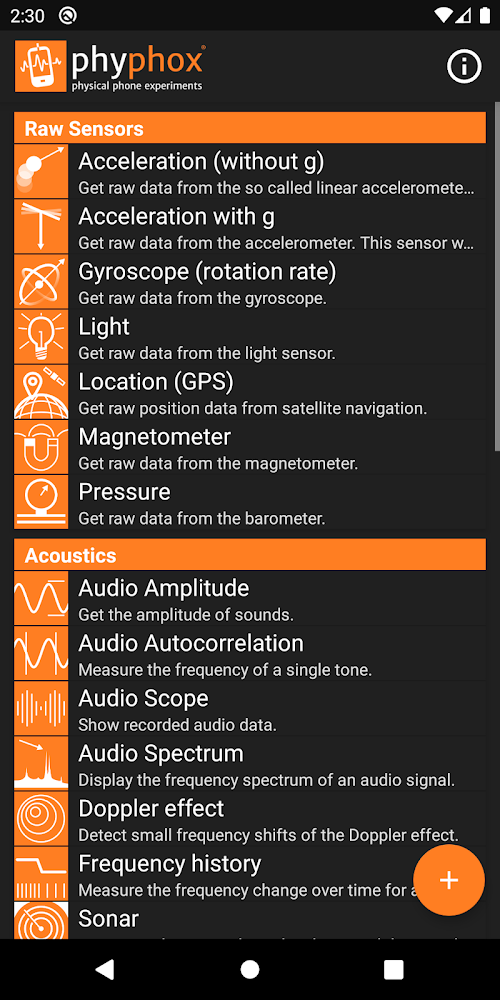
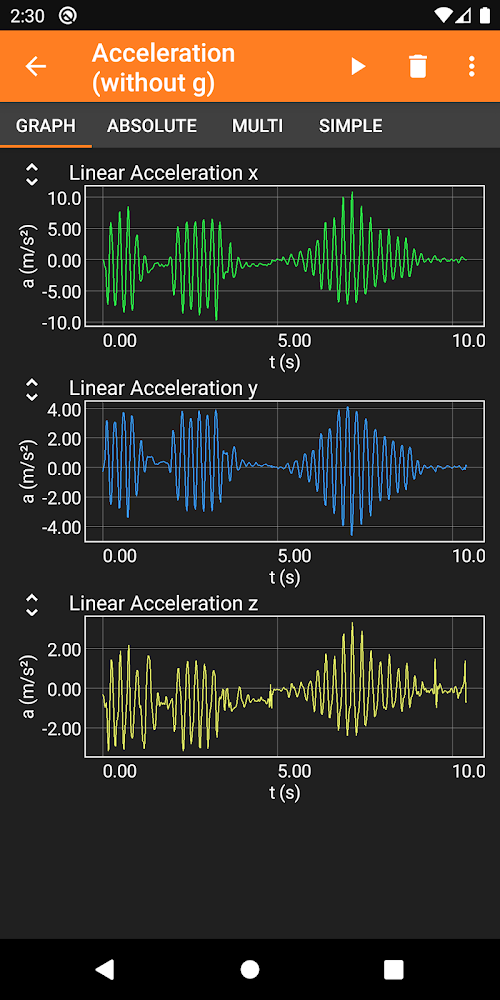
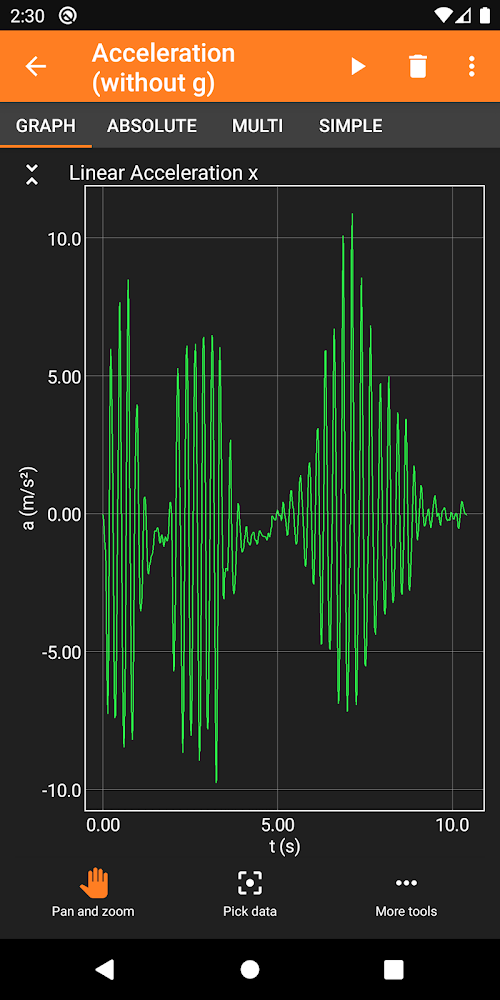
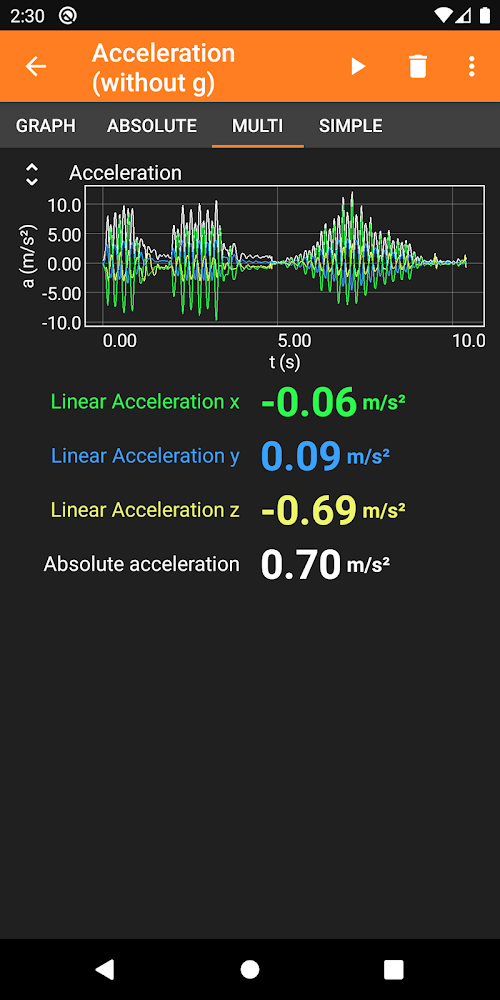
phyphox lets you use your smartphone's built-in sensors to conduct scientific experiments. You can measure the local gravitational acceleration by using your phone as a pendulum or turn it into a sonar to study acoustics. The app offers ready-to-play experiments that automatically analyze your data and allow you to export raw data along with results for further study.
The app supports a wide range of sensors: accelerometer, magnetometer, gyroscope, light intensity, pressure, microphone, proximity, and GPS. You can create your own experiments on the web editor at phyphox.org by selecting sensor inputs, defining analysis steps, and customizing the interface. The analysis can range from simple addition to advanced methods like Fourier transforms and cross-correlation.
Experiments can be remotely controlled via a web interface from any PC on the same network, without installing any additional software. Data can be exported in CSV, TSV, and Excel formats for easy processing. This app was developed at the 2nd Institute of Physics A at RWTH Aachen University.
The app supports a wide range of sensors: accelerometer, magnetometer, gyroscope, light intensity, pressure, microphone, proximity, and GPS. You can create your own experiments on the web editor at phyphox.org by selecting sensor inputs, defining analysis steps, and customizing the interface. The analysis can range from simple addition to advanced methods like Fourier transforms and cross-correlation.
Experiments can be remotely controlled via a web interface from any PC on the same network, without installing any additional software. Data can be exported in CSV, TSV, and Excel formats for easy processing. This app was developed at the 2nd Institute of Physics A at RWTH Aachen University.
Version
1.2.0
Version code
1020009
Android OS
Unknown
Disk space
20.72 МБ
Updated
-----
First release
07 Jun 2026
Rating
4.7
Hits today
0
Files for downloads
phyphox [arm64]
Version: 1.2.0 :: 07 Jun 2026
20.72 МБ
Raw (zip, original)
phyphox [arm64]
Version: 1.2.0 :: 07 Jun 2026
10.5 МБ
Merged (apk, debug)
How to update phyphox
- Download the new version of the app
- Install it over the old one (do not uninstall the previous version)
- Important: The update will only work if the previous version was downloaded from our website. If the app was installed from another source, the new version will cause a signature conflict, and you will see the error "App not installed".
- You can read more about signatures in the documentation.
Attention
Due to the modified signature and modifications, the native security may detect the app as malicious.Update history
07 Jun 2026
1.2.0 (1020009)
Similar Apps

Timbro Guitar - Learn Guitar
A functional app for learning to play the guitar
Version: 21.3
201.98 МБ
08 Jun 2026

Simpler: English learning app
Simple and effective English language tutorial
Version: 6.5.25
107.52 МБ
07 Jun 2026
NEW

SkyView® Lite
Stargazing app for identifying stars and planets
Version: 3.9.2
98.43 МБ
07 Jun 2026

ЧИТАНИЯ. Учимся читать!
A colorful app for teaching children to read
Version: 2.33
440.23 МБ
06 Jun 2026

Химия ЕГЭ 2026
Concise educational application for preparing for the exam in chemistry
Version: 2.117
51.91 МБ
05 Jun 2026

Биология ЕГЭ 2026
Educational application for preparing for the exam in biology
Version: 2.125
135.91 МБ
05 Jun 2026

StudyGe - World Geography Quiz
Educational application for studying countries and their specifics
Version: 2.5.0
88.44 МБ
05 Jun 2026

Английский Язык ЕГЭ 2026
An excellent application for preparing for the exam in English
Version: 2.118
58.66 МБ
05 Jun 2026

Learn Languages - FunEasyLearn
An interesting application for learning foreign languages
Version: 5.1.1
128.16 МБ
05 Jun 2026

Rosetta Stone Classic (2024)
Foreign language learning project
Version: 9.2.0
133.44 МБ
05 Jun 2026
No comments. Want to be first?