
PhonoPaper
Print and play sounds from paper
4.7
Reviews
1
Discussion
Check update
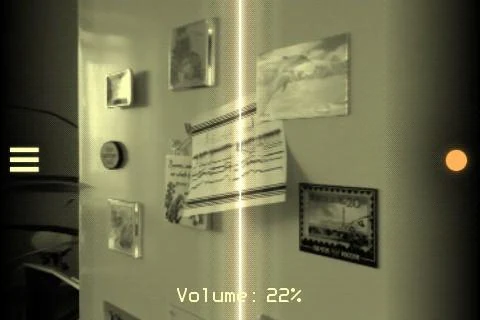
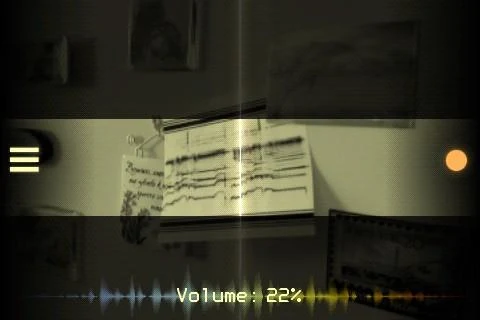
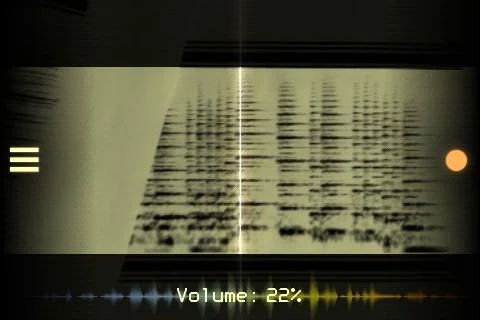
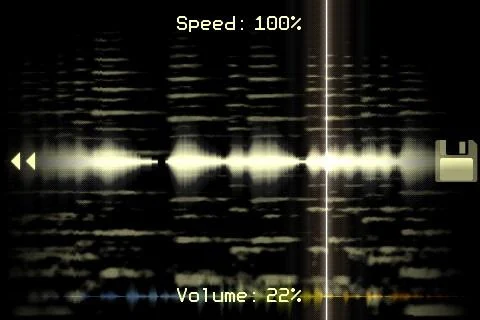
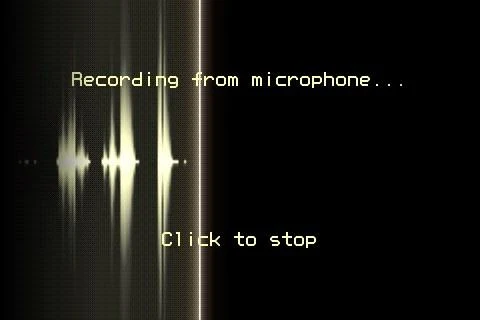
PhonoPaper is an application designed to read sound tags, essentially two-dimensional audio codes, functioning similarly to a QR code. The program can play these tags in real time using a camera, working from any surface such as paper or a monitor screen, and it remains effective even with distortions like a poor camera or insufficient lighting. It also allows users to create their own tags with a duration of up to 10 seconds. No internet connection is required to use the app, as the principle of converting an image into sound is analog, meaning the "sound image" is all that is needed.
Once a code enters the camera's view, the program automatically begins scanning the audio. Users have full control over the playback process, including the ability to play in any direction and at any speed. The code can be drawn by hand, printed, or found online. Examples of how the application can be used include thematic music clips on business cards, tags on discs, records, and cassettes, voice prompts in books and textbooks, greeting cards with paper sound messages, and captions on the back of photographs.
Once a code enters the camera's view, the program automatically begins scanning the audio. Users have full control over the playback process, including the ability to play in any direction and at any speed. The code can be drawn by hand, printed, or found online. Examples of how the application can be used include thematic music clips on business cards, tags on discs, records, and cassettes, voice prompts in books and textbooks, greeting cards with paper sound messages, and captions on the back of photographs.
Version
1.6.2b
Version code
106022
Android OS
Android 4.4W
Disk space
4.92 МБ
Updated
03 May 2026
First release
03 Dec 2014
Open GL
Views today
3
Rating
4.7
Hits today
0
This application cannot be downloaded. The files for this application are outdated and are not relevant at this time.
About filetypes
XAPK and APKS are original file formats fully compatible with versions from Google Play. Use them if official versions in Google Play are unavailable to you. All your saves and progress will remain unchanged when updating. Installation: For APKS use SAI, For XAPK — XAPK Installer.
How to update PhonoPaper
- Download the new version of the app
- Install it over the old one (do not uninstall the previous version)
- Important: The update will only work if the previous version was downloaded from our website. If the app was installed from another source, the new version will cause a signature conflict, and you will see the error "App not installed".
- You can read more about signatures in the documentation.
Attention
Due to the modified signature and modifications, the native security may detect the app as malicious.Update history
03 May 2026
1.6.2b (106022)
Similar Apps

Spotify: Music and Podcasts
The popular music player is now on your smartphone
Version: 9.1.60.1970
184.4 МБ
24 Jun 2026

Yandex Music, Books & Podcasts
Listen to legal music online and offline
Version: 2026.06.3 #152.2gpr
128.01 МБ
23 Jun 2026
NEW

Zeno Radio
Listen to global radio stations easily and conveniently
Version: 6.2.5
309.27 МБ
21 Jun 2026
NEW

NoiseLab - Audio Noise Remover
AI-powered noise removal for audio and video
Version: 0.0.17_BETA
100.25 МБ
20 Jun 2026
NEW
Music Player&Audio:Echo Player
Powerful audio player with equalizer and bass
Version: 2.3.2
57.62 МБ
16 Jun 2026
NEW

Audio Base : music player
Powerful player with offline mode and equalizer
Version: 1.1.3
41.97 МБ
16 Jun 2026
NEW

Radio online. FM, music, news
Listen to world and local radio online for free
Version: 2.1.34-ru
27.15 МБ
15 Jun 2026
NEW

Boom: Bass Booster & Equalizer
Powerful player with 3D sound and equalizer
Version: 2.8.5
36.34 МБ
14 Jun 2026

AIMP
The legendary music player with support for many formats
Version: v4.31.1732 (08.06.2026)
11.64 МБ
12 Jun 2026

VK Music: playlists & podcasts
Official music player for Odnoklassniki and VKontakte
Version: 8.28
100.63 МБ
11 Jun 2026
New Comments