![Neon Valley [AMOLED]](https://static.androeed.store/_c/2026/04/23/neon_valley_amoled-w200.webp)
Neon Valley [AMOLED]
Dynamic arcade game with simple controls in neon style
Addictive gameplay
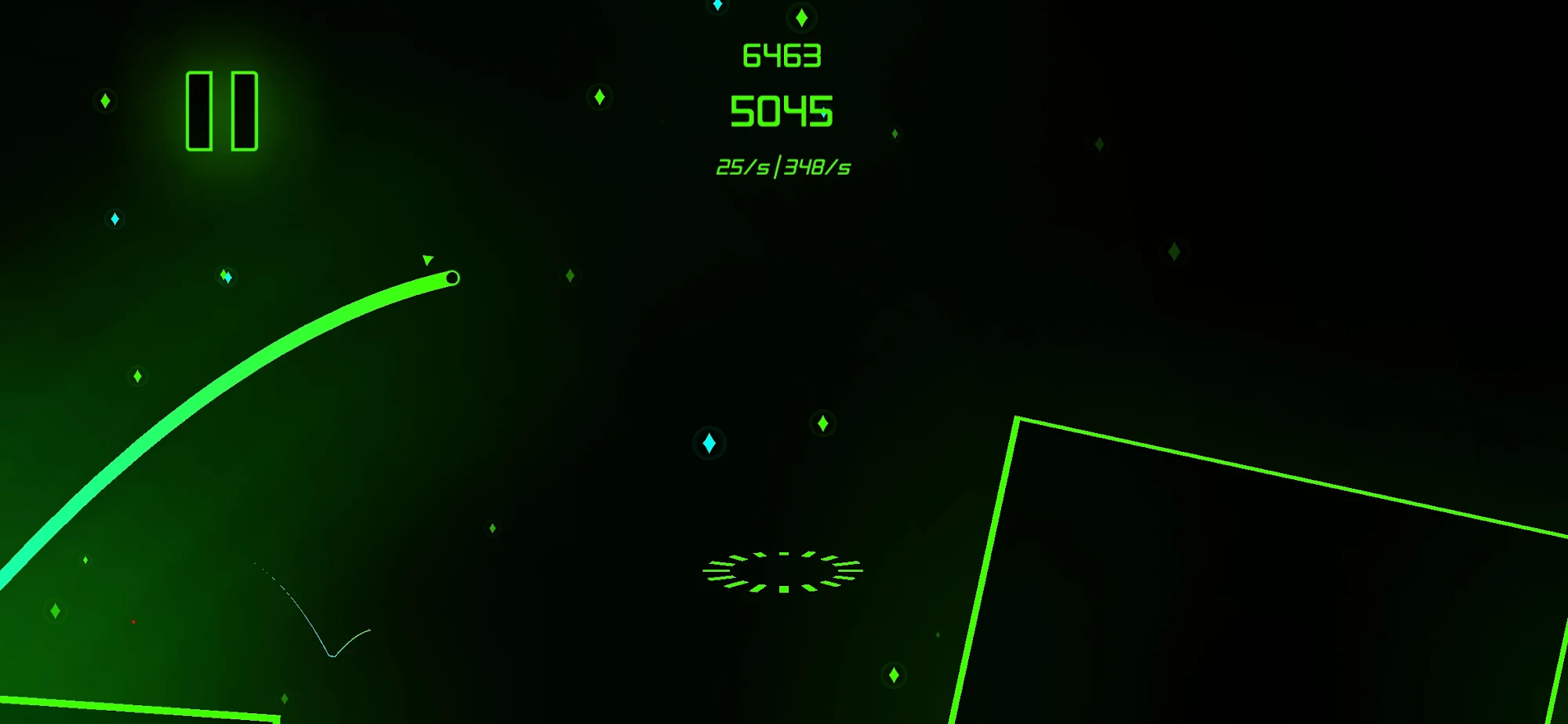
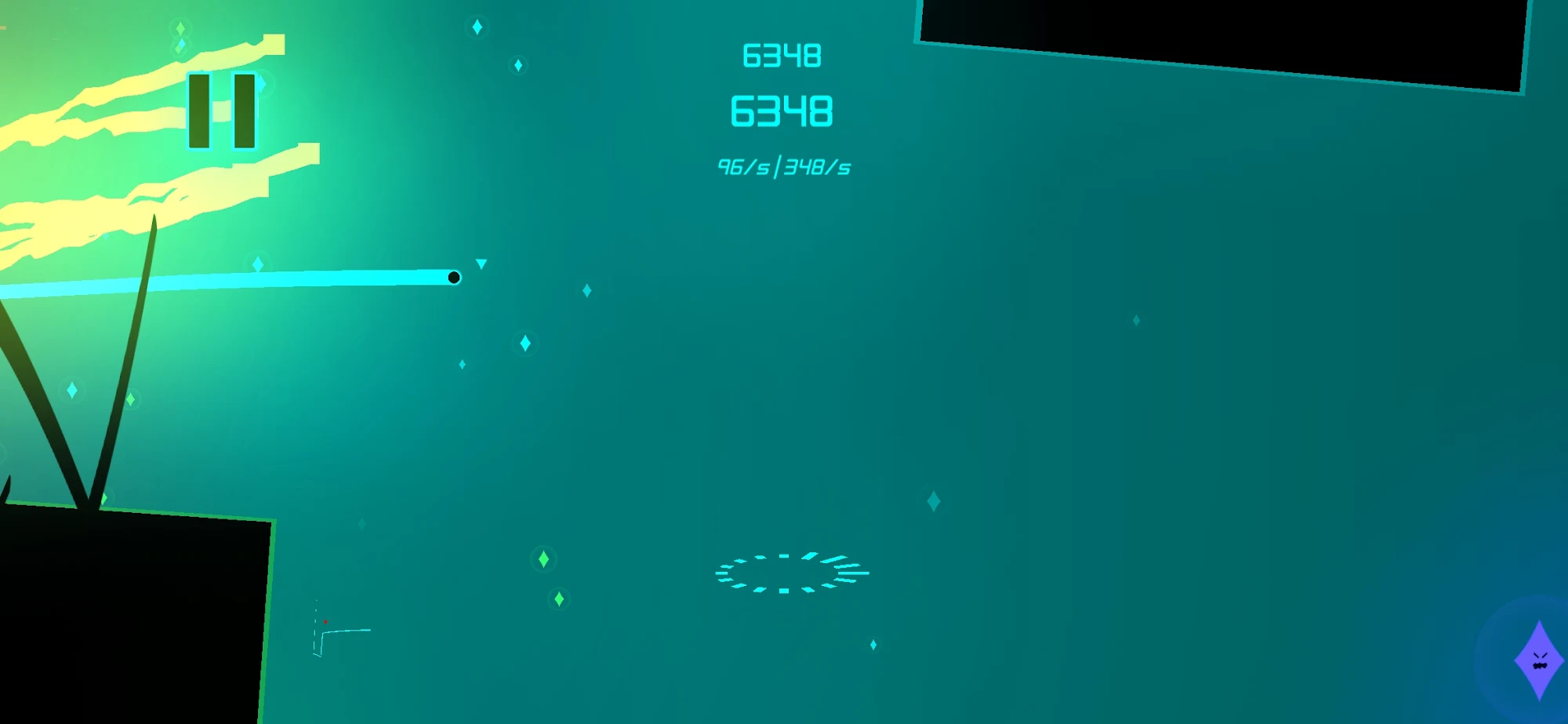
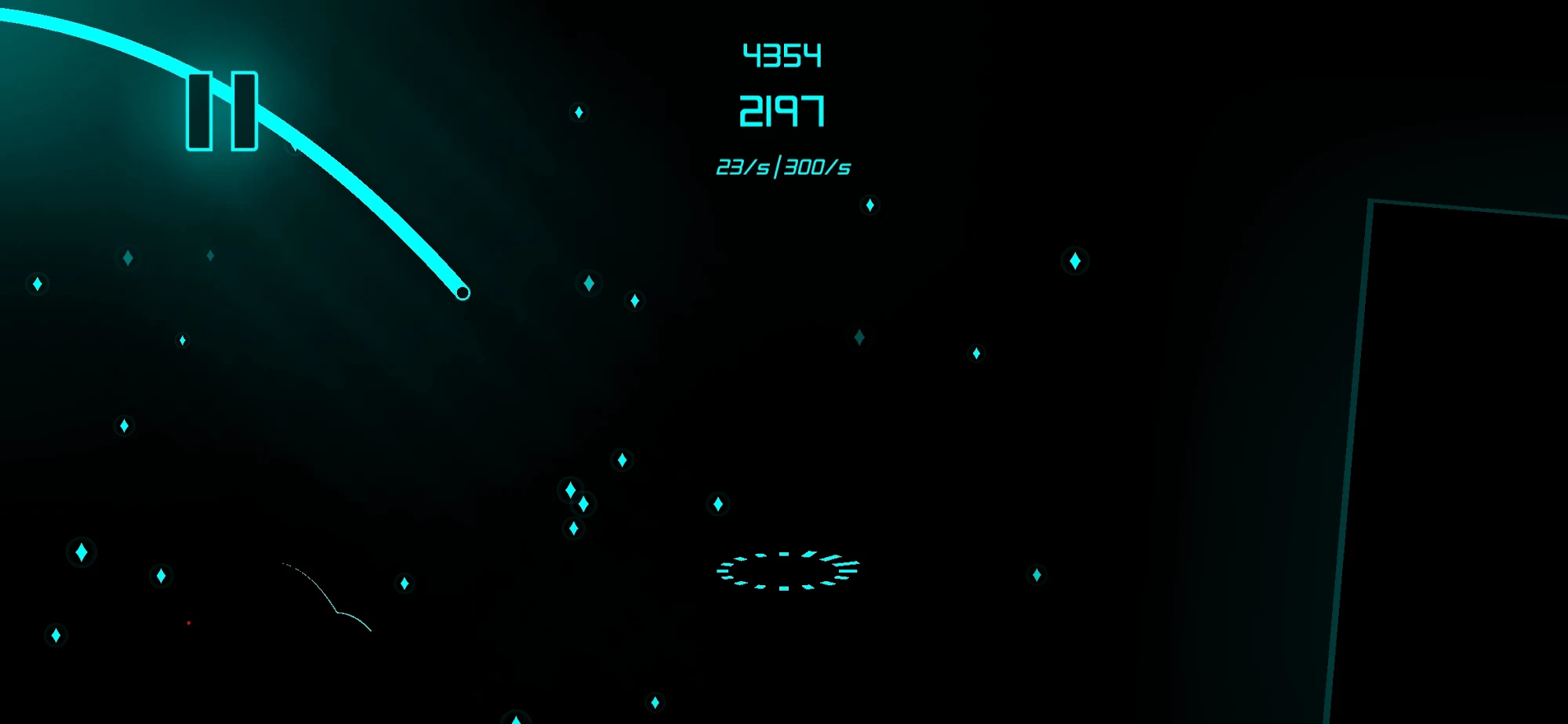
Neon arcade game for Android with interesting level design, dynamic gameplay and intricate locations. Neon Valley [AMOLED] for android offers to help the main character in passing exciting levels, running away from the demon of darkness. You play as a small neon ball that moves through a gloomy world and runs away from an ominous creature. If you make a mistake, you will immediately fall into the clutches of a bloodthirsty monster and end the dangerous journey. Locations and obstacles are randomly generated, the difficulty increases evenly and after the first hundred meters it will become much more difficult to play.
Atmospheric design of the levels
Getting into the world leaderboard is not easy, you have to show good results and not make mistakes. You can download free arcade for Android and take part in the race for prizes. You need to tap the screen in time, change the direction of the neon ball, collect coins, avoid collisions with traps and show the best results in each attempt. The game received a simple but addictive gameplay, control using taps on the display, beautiful neon graphics, gradually increasing difficulty and perky music.


About filetypes
How to update Neon Valley [AMOLED]
- Download the new version of the app
- Install it over the old one (do not uninstall the previous version)
- Important: The update will only work if the previous version was downloaded from our website. If the app was installed from another source, the new version will cause a signature conflict, and you will see the error "App not installed".
- You can read more about signatures in the documentation.
Attention
Due to the modified signature and modifications, the native security may detect the app as malicious.Similar Apps