
Microsoft Word: Edit Documents
Application for working with text documents
View and edit documents comfortably
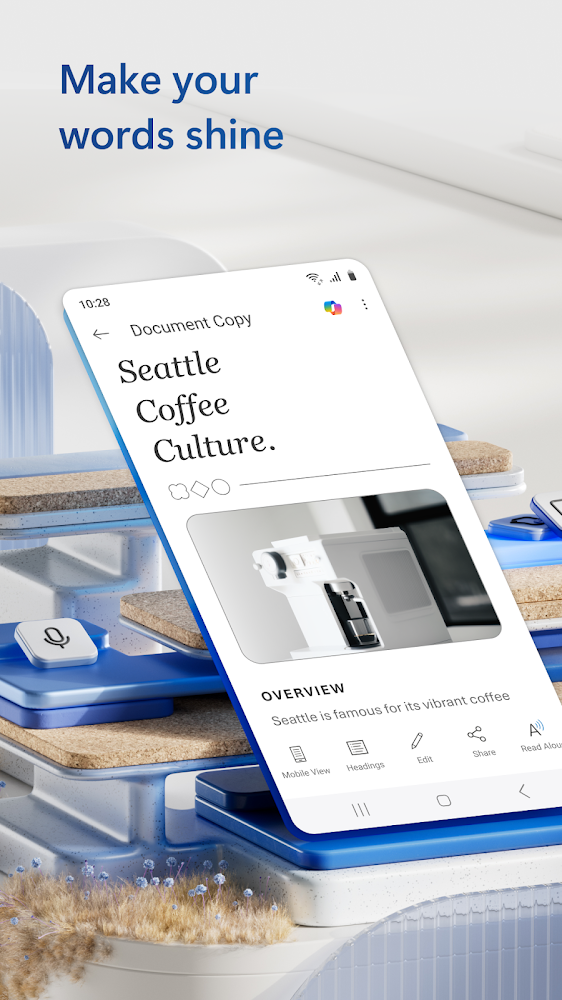
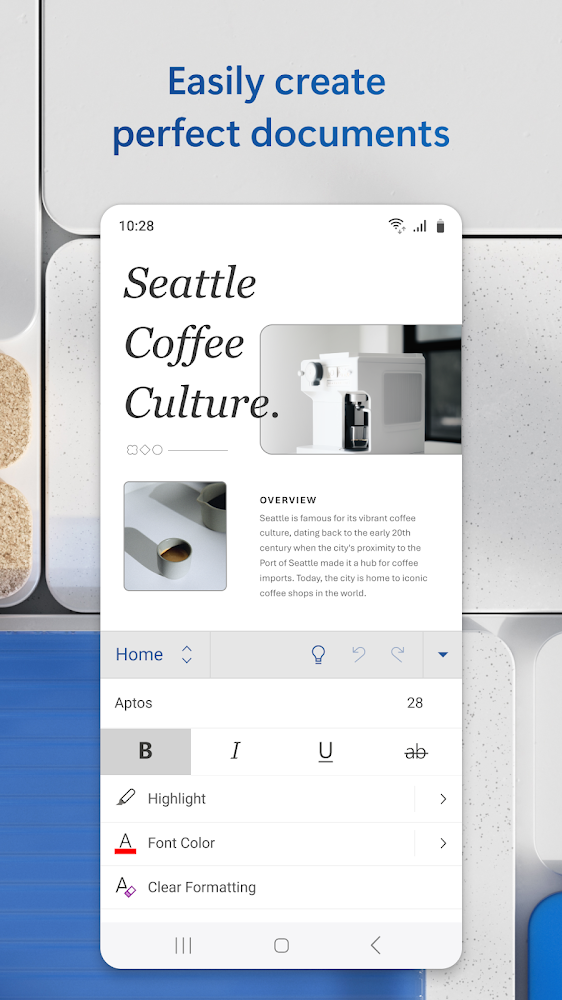
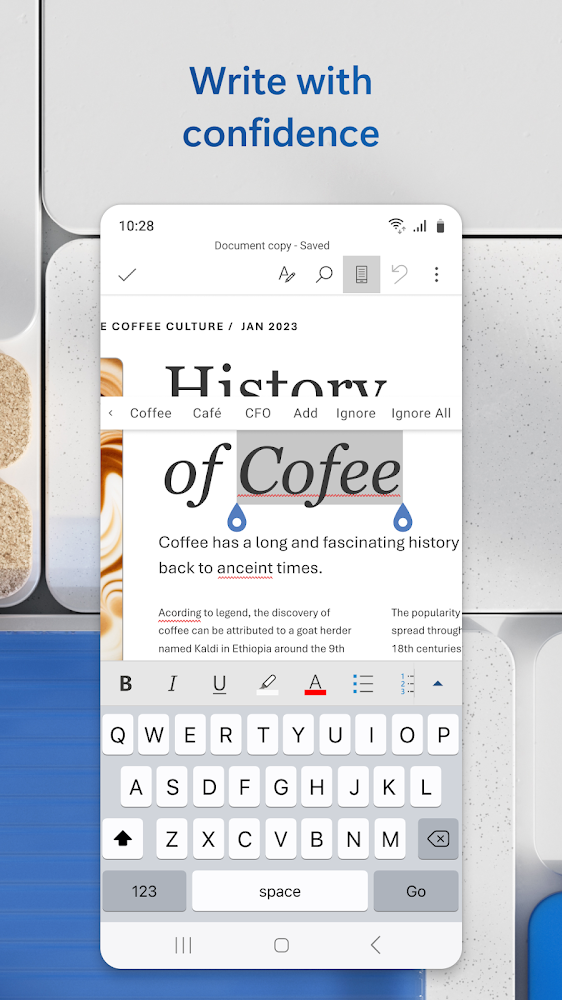
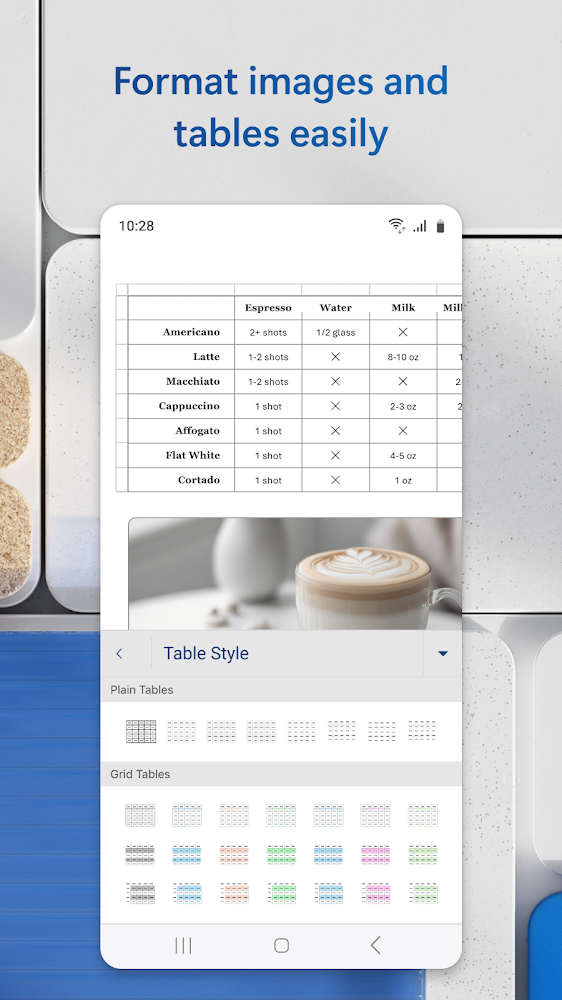
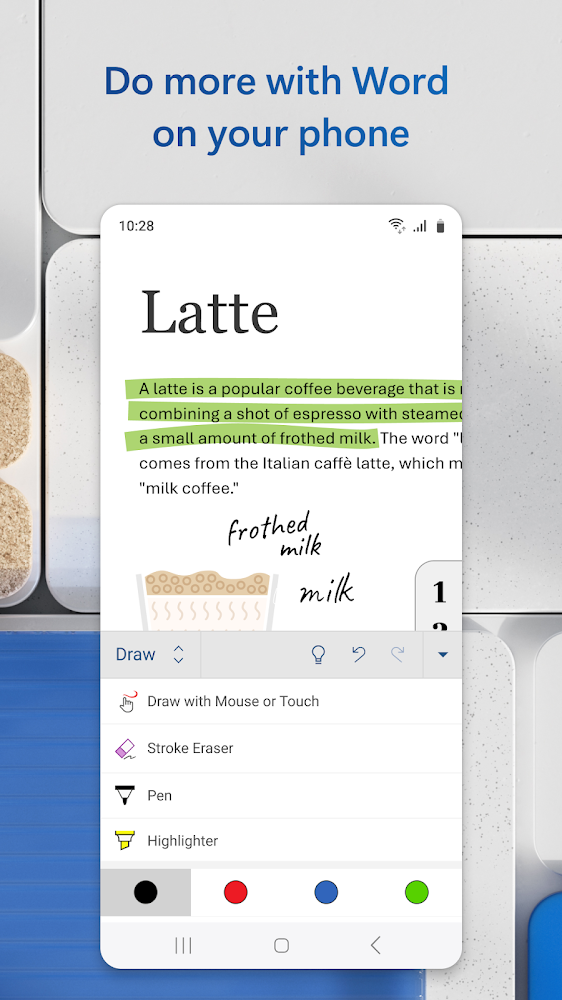
Cult document app now also in digital format. Thanks Microsoft Word: document editing and sharing for Android, you can create documents, edit them, add tables, change the format, font, paragraphs and other nuances right on the screen, just like in the PC version of Microsoft Word your android device. This application also works with PDF files, which will be a great advantage over other document editors.
Control access
Save the finished document in a format that is comfortable for you, make edits, convert and share it in a couple of clicks. Open and close access to your documents with a single touch on the screen so that colleagues cannot view them without your consent. You can control access to each document and see who is currently working on it, as well as view previous saved versions.
Files for downloads
Microsoft Word: Edit Documents
About filetypes
How to update Microsoft Word: Edit Documents
- Download the new version of the app
- Install it over the old one (do not uninstall the previous version)
- Important: The update will only work if the previous version was downloaded from our website. If the app was installed from another source, the new version will cause a signature conflict, and you will see the error "App not installed".
- You can read more about signatures in the documentation.
Attention
Due to the modified signature and modifications, the native security may detect the app as malicious.Similar Apps










New Comments