
MAPS.ME: Offline maps GPS Nav
Offline maps for navigation
3.8
Reviews
19
Discussion
Check update
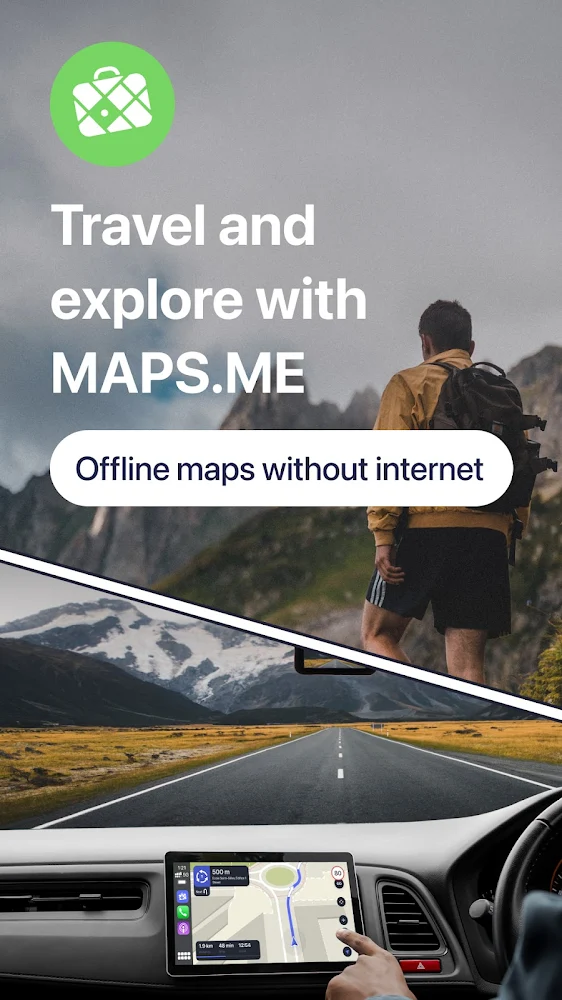
Feel confident on any journey with MapsWithMe Pro (Maps With Me). You will always know your current location, where the nearest restaurant or ATM is, a store or a bus stop. And all of this works without an internet connection, because the maps and object search function completely offline.
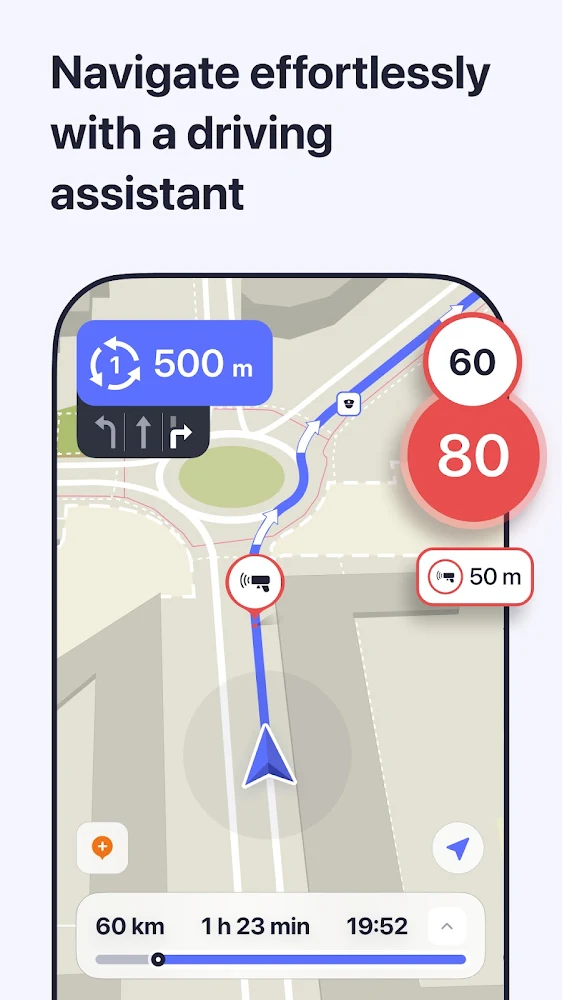
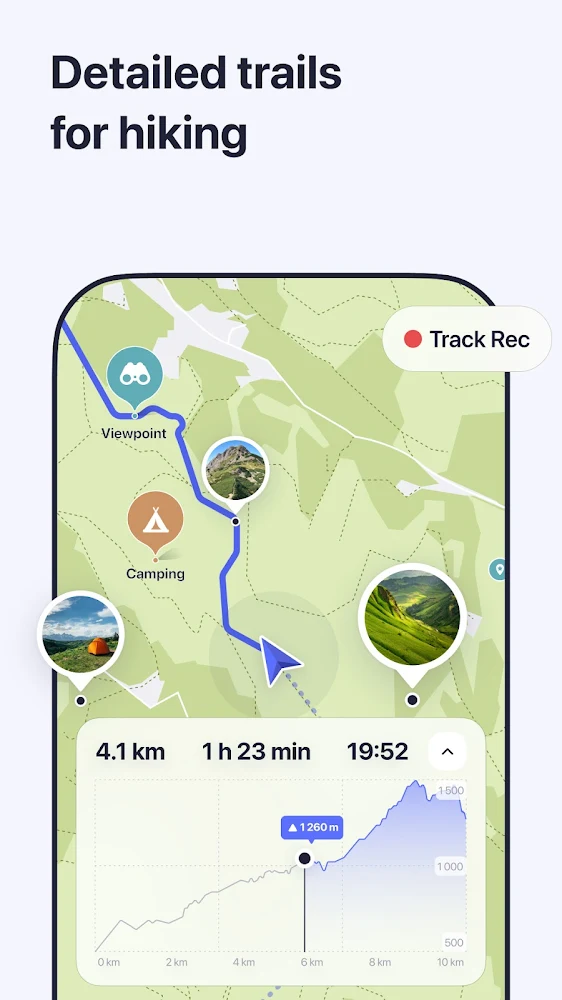
The app offers a map rotation feature that allows you to manually rotate the map or enable auto-rotation, which automatically adjusts based on your direction of travel. Location detection uses GPS and a compass to pinpoint your exact spot on the map. Offline search lets you find anything you need in a fraction of a second, while category search makes it incredibly easy to find essential travel places like landmarks, restaurants, ATMs, and transport, showing a list of nearby locations with distances and directions. Bookmarks allow you to mark any place on the map, save it, and group them with custom colors for easy access. You can also import and export bookmarks via email or from other maps using KML/KMZ files. While navigation and route planning are not yet available, features like current location detection, automatic map rotation, and instant data display make the app very convenient for driving.
The advantages of MapsWithMe Pro include its speed, with no gray squares and instant map loading thanks to a special data compression technique. It provides maps for all cities and countries, including even the smallest islands, after a single download. The app uses regularly updated OpenStreetMap data, ensuring the most current and accurate information available.
The app offers a map rotation feature that allows you to manually rotate the map or enable auto-rotation, which automatically adjusts based on your direction of travel. Location detection uses GPS and a compass to pinpoint your exact spot on the map. Offline search lets you find anything you need in a fraction of a second, while category search makes it incredibly easy to find essential travel places like landmarks, restaurants, ATMs, and transport, showing a list of nearby locations with distances and directions. Bookmarks allow you to mark any place on the map, save it, and group them with custom colors for easy access. You can also import and export bookmarks via email or from other maps using KML/KMZ files. While navigation and route planning are not yet available, features like current location detection, automatic map rotation, and instant data display make the app very convenient for driving.
The advantages of MapsWithMe Pro include its speed, with no gray squares and instant map loading thanks to a special data compression technique. It provides maps for all cities and countries, including even the smallest islands, after a single download. The app uses regularly updated OpenStreetMap data, ensuring the most current and accurate information available.
Version
v17.10.72018-googleRelease
Version code
72018
Android OS
Android 4.4W
Disk space
301.61 МБ
Updated
28 May 2026
First release
24 Aug 2019
Open GL
Views today
1
Rating
3.8
Hits today
0


Files for downloads
MAPS.ME: Offline maps GPS Nav
Version: v17.10.72018-googleRelease :: 28 May 2026
Apk Debug arm64 244.85 МБ
About filetypes
XAPK and APKS are original file formats fully compatible with versions from Google Play. Use them if official versions in Google Play are unavailable to you. All your saves and progress will remain unchanged when updating. Installation: For APKS use SAI, For XAPK — XAPK Installer.
How to update MAPS.ME: Offline maps GPS Nav
- Download the new version of the app
- Install it over the old one (do not uninstall the previous version)
- Important: The update will only work if the previous version was downloaded from our website. If the app was installed from another source, the new version will cause a signature conflict, and you will see the error "App not installed".
- You can read more about signatures in the documentation.
Attention
Due to the modified signature and modifications, the native security may detect the app as malicious.Update history
28 May 2026
v17.10.72018-googleRelease (72018)
02 May 2026
v17.9.72003-googleRelease (72003)
Similar Apps
NEW

Aviasales — Сheap flights
Cheap flight search and price comparison
Version: 7.26.0
215.95 МБ
26 Jul 2026

Google Maps
Official Google Maps navigation
Version: 26.29.05.946673643
190.3 МБ
26 Jul 2026
NEW

AeroGuest
Hotel control from your smartphone: online check-in and digital key
Version: 6.8.4
85.89 МБ
22 Jul 2026

Yandex Navigator
Yandex navigator with traffic
Version: 30.0.1
443.29 МБ
18 Jul 2026

Flightradar24 Flight Tracker
Tracking the movement of passenger planes around the world
Version: 11.7.0
119.84 МБ
14 Jul 2026
Flightradar24 Flight Tracker
Real-time flight tracking
Version: 11.7.0
119.84 МБ
13 Jul 2026
NEW

沖楽 -沖縄旅行予約
Book hotels and cars in Okinawa
Version: 1.8.0
13.65 МБ
21 Jun 2026
NEW

Offline Reiseführer
World travel guide offline
Version: 2025-12
1.16 ГБ
13 Jun 2026

Google Earth
Google Earth (Google Earth) for android
Version: 10.107.74.01
94.73 МБ
10 Jun 2026

Randonautica
The official app for exploring the world around us
Version: 3.2.7
125.85 МБ
03 Jun 2026
New Comments