
Handy Photo
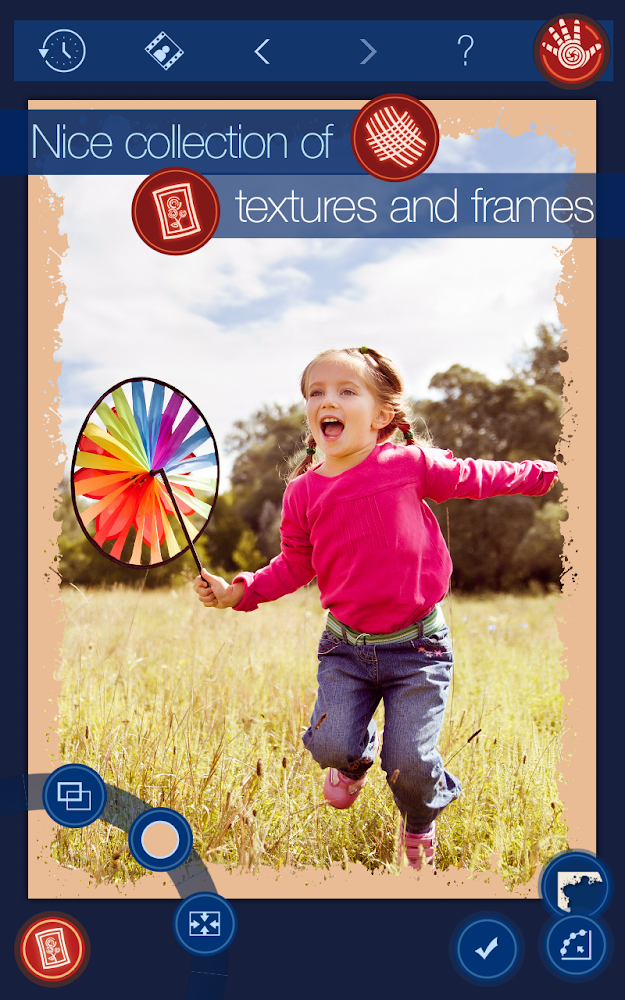
Powerful photo editor with many features
4
Reviews
7
Discussion
Check update
Expand the boundaries of your photos. The tool is called Magic for a reason. Its use allows users to expand the borders of photos in an amazing way. No other program offers this capability. Magic Crop is special for other reasons as well. It allows you to straighten an uneven horizon while preserving the original size of the image.
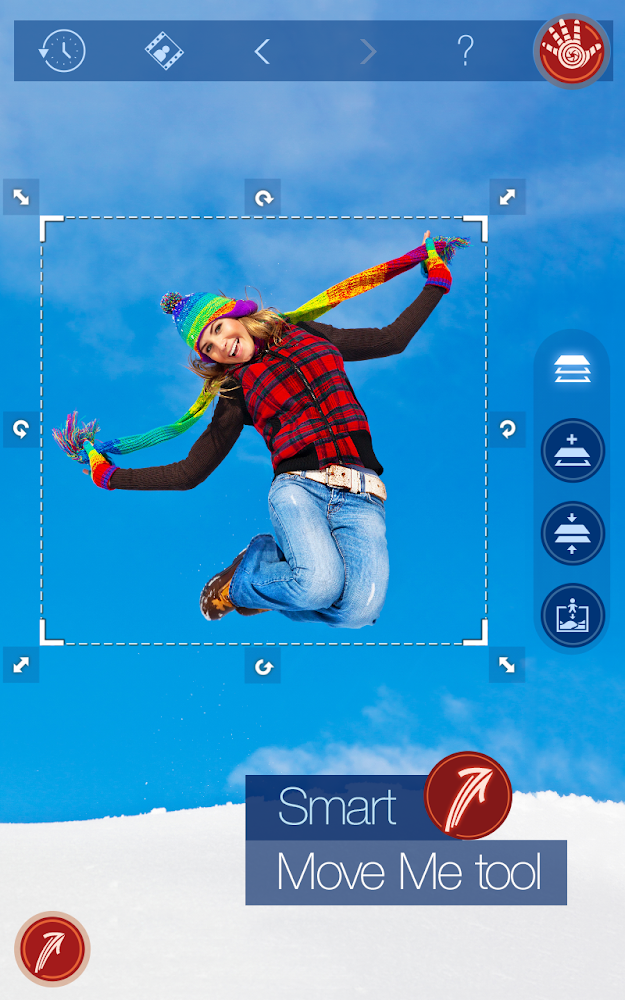
Bring objects in images to life. Is it possible to move an object within a photo or onto other images with just a few taps on the screen? Yes, if you use the Handy Photo tool "Move Me" to perform the move. Move an object to any place in the photo or even to another image and see that it belongs exactly there.
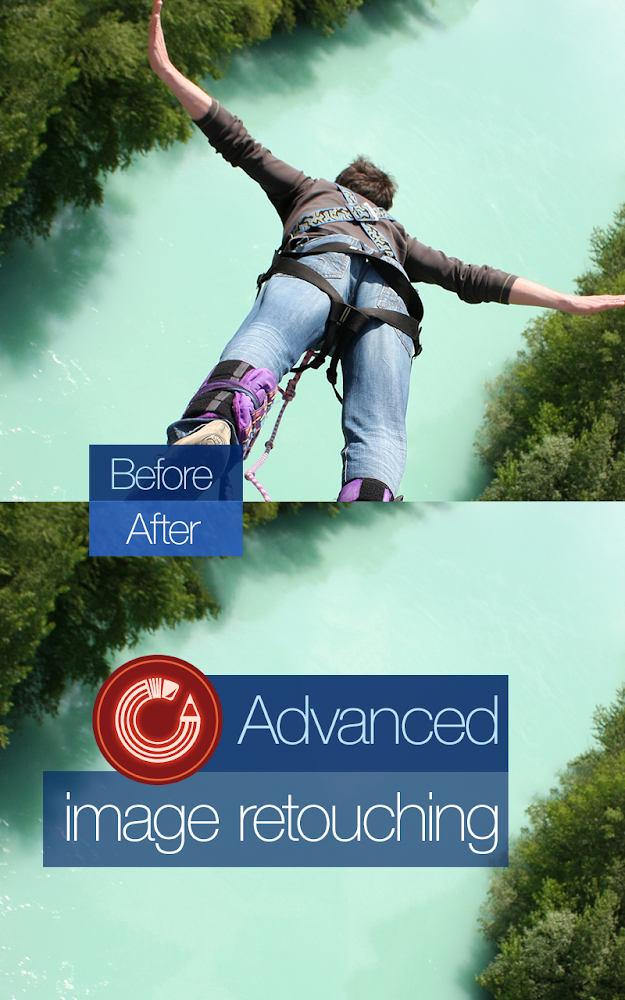
Retouch photos better than anyone else. Remove any objects or imperfections from your photos with a single touch on the screen. Retouching photos on mobile devices has never been this fast and easy.
Bring objects in images to life. Is it possible to move an object within a photo or onto other images with just a few taps on the screen? Yes, if you use the Handy Photo tool "Move Me" to perform the move. Move an object to any place in the photo or even to another image and see that it belongs exactly there.
Retouch photos better than anyone else. Remove any objects or imperfections from your photos with a single touch on the screen. Retouching photos on mobile devices has never been this fast and easy.
Version
2.1.8
Version code
0
Android OS
Android 4.1
Disk space
0 Байт
Updated
07 Dec 2014
First release
05 Sep 2013
Open GL
Views today
0
Rating
4
Hits today
0
This application cannot be downloaded. The files for this application are outdated and are not relevant at this time.
About filetypes
XAPK and APKS are original file formats fully compatible with versions from Google Play. Use them if official versions in Google Play are unavailable to you. All your saves and progress will remain unchanged when updating. Installation: For APKS use SAI, For XAPK — XAPK Installer.
How to update Handy Photo
- Download the new version of the app
- Install it over the old one (do not uninstall the previous version)
- Important: The update will only work if the previous version was downloaded from our website. If the app was installed from another source, the new version will cause a signature conflict, and you will see the error "App not installed".
- You can read more about signatures in the documentation.
Attention
Due to the modified signature and modifications, the native security may detect the app as malicious.Similar Apps

Picsart AI Photo Editor, Video
The best features of many photo apps
Version: 30.2.1
218.83 МБ
24 Jun 2026
NEW

Photo Editor Pic Editor Effect
Powerful photo and video editor with effects
Version: 2.0.4.0
103.07 МБ
23 Jun 2026

Lightroom Photo & Video Editor
Iconic photo editor for photo lovers
Version: 11.4.1
339.3 МБ
21 Jun 2026
NEW
Photify AI: AI Photo Generator
Turn photos into AI masterpieces
Version: 3.0.18
111.74 МБ
20 Jun 2026
NEW

WOMBO Elections: AI Memes
Create political memes with AI
Version: 3.3.1
133.28 МБ
19 Jun 2026
NEW

FitRoom: Virtual Try On Clothe
AI-powered virtual dressing room
Version: 1.1.8
43.05 МБ
16 Jun 2026
NEW

UpFoto - AI Photo Enhancer
Enhance blurry and old photos to HD quality
Version: 1.4.0.114
86.34 МБ
15 Jun 2026
NEW

Picchi
AI batch photo editor for portraits
Version: 1.17.1
229.34 МБ
15 Jun 2026

Faceplay: AI Video Photo Maker
Create Short Videos with Face Change
Version: 5.5.3
95.45 МБ
11 Jun 2026

Glitch! (glitch4ndroid)
Unusual application for processing your photos
Version: 4.9.2
13.31 МБ
11 Jun 2026
New Comments