Google Pay - limited service
Payment system for all smartphones with NFC
1.8
Reviews
8
Discussion
Check update
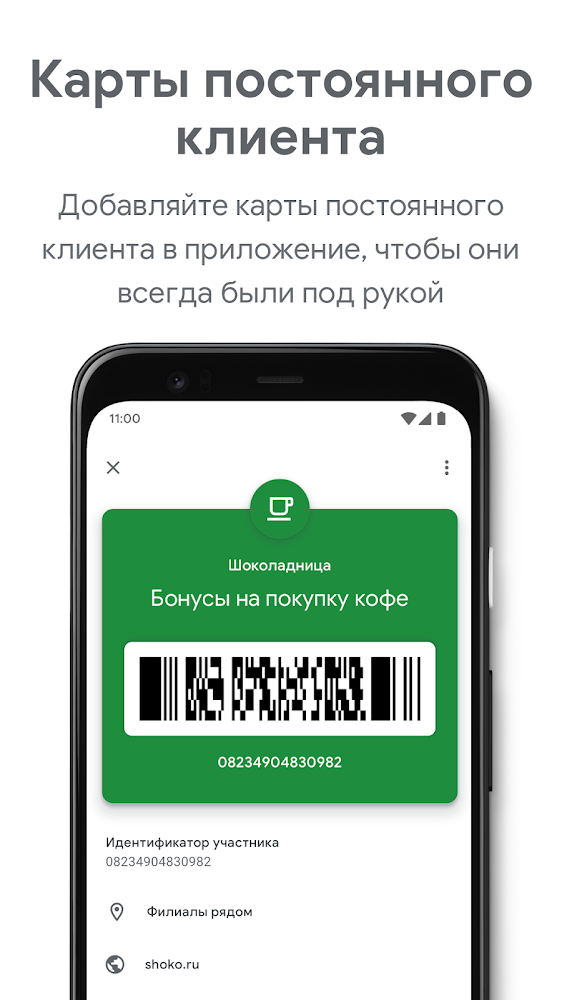
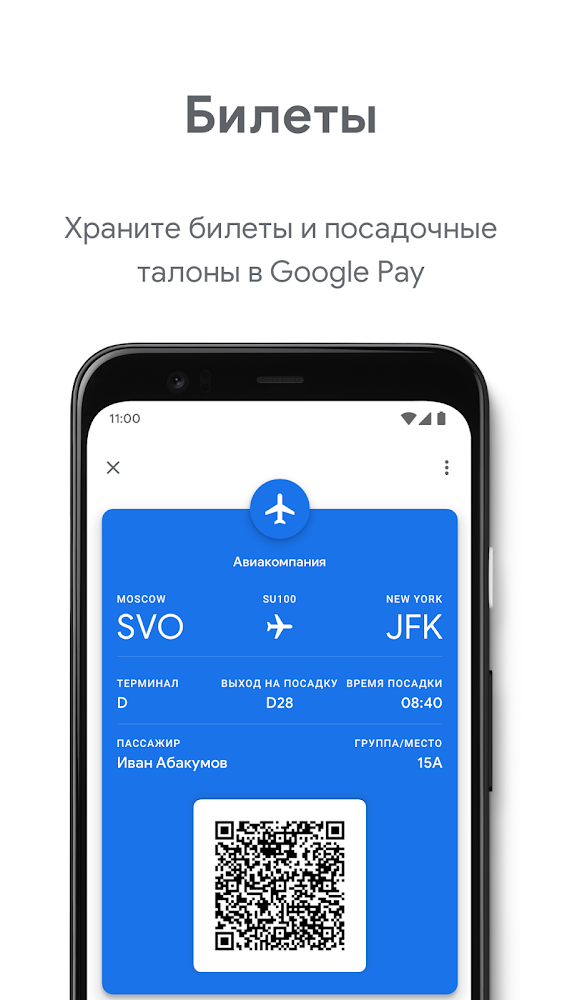
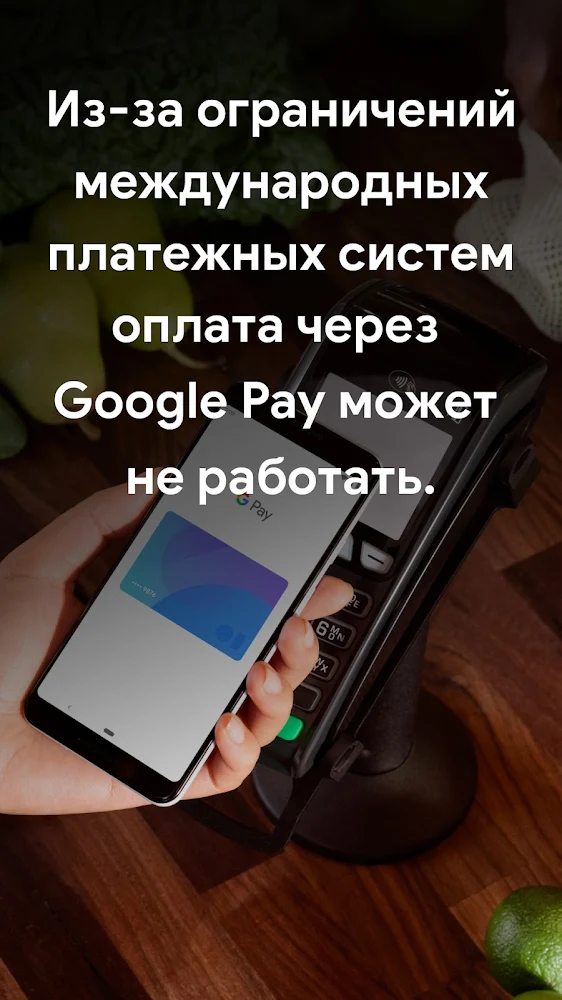
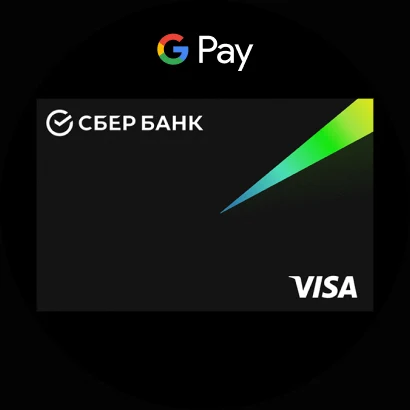
Android Pay is a system of payment for purchases in payment terminals using smartphones from Google. With it, you can pay for purchases where contactless payment is accepted (Magnet, M.Video, KFC and many others), and you can also use it in online services and stores (Ozon, Yandex.Taxi, etc.). This system is available to Visa and MasterCard cardholders from the following banks:
To work with this application you need to have a device with Android 4.4 or higher, as well as with NFC and without root-rights. It is possible to work with the clock based on Android Wear 2.0.
- AK Bars;
- Alfa Bank;
- Binbank;
- VTB 24;
- Opening;
- MTS-Bank;
- Promsvyazbank;
- Raiffeisenbank;
- Rosselkhozbank;
- Russian standard;
- Sberbank;
- Tinkoff;
- Yandex money.
To work with this application you need to have a device with Android 4.4 or higher, as well as with NFC and without root-rights. It is possible to work with the clock based on Android Wear 2.0.
Version
26.27.941270914
Version code
933705337
Android OS
Android 12L
Disk space
78.19 МБ
Updated
18 Jul 2026
First release
26 May 2026
Open GL
Views today
0
Rating
1.8
Hits today
0
Files for downloads
Google Pay - limited service
Version: 26.27.941270914 :: 18 Jul 2026
Apks Original arm64 78.19 МБ
About filetypes
XAPK and APKS are original file formats fully compatible with versions from Google Play. Use them if official versions in Google Play are unavailable to you. All your saves and progress will remain unchanged when updating. Installation: For APKS use SAI, For XAPK — XAPK Installer.
How to update Google Pay - limited service
- Download the new version of the app
- Install it over the old one (do not uninstall the previous version)
- Important: The update will only work if the previous version was downloaded from our website. If the app was installed from another source, the new version will cause a signature conflict, and you will see the error "App not installed".
- You can read more about signatures in the documentation.
Attention
Due to the modified signature and modifications, the native security may detect the app as malicious.Update history
18 Jul 2026
26.27.941270914 (933705337)
14 Jul 2026
26.25.934502156 (933669089)
02 Jun 2026
26.21.918907778 (933600190)
26 May 2026
26.19.911795669 (933566506)
14 May 2026
26.18.910990572 (933552777)
04 May 2026
26.16.908332212 (933516081)
Similar Apps

MetaMask: Trade Crypto
Secure crypto wallet with full asset control
Version: 7.82.0
300.57 МБ
25 Jun 2026
NEW

Fortune City - A Finance App
Fun expense tracking meets city building
Version: 4.19.3.8
267.79 МБ
15 Jun 2026

MetaTrader 4 Forex Trading
Forex trading app for Android
Version: 400.1473
15.28 МБ
12 Jun 2026

Raiffeisen Online Bank Russia
Mobile application of RaiffeisenBank
Version: 6.60.117
109.18 МБ
06 Jun 2026

Zenmoney: expense tracker
Convenient application for keeping track of income and expenses
Version: 26.3
94.24 МБ
05 Jun 2026

1Money: expense tracker budget
Great app for distributing and tracking personal finances
Version: 3.6.1
16.57 МБ
22 May 2026
My Wallets
Control all your expenses and track finances on your mobile
Version: 7.1
7.6 МБ
02 May 2026
NEW

Money Box Savings Goals
Useful app to control expenses
Version: 1.4.1
0 Байт
21 Feb 2020
NEW

Financial Monitor
Convenient program for financial control
Version: 1.0.10
0 Байт
30 Oct 2015
NEW

My Budget Book
Financial control and expense tracking program
Version: 5.2.1
0 Байт
06 Jan 2014
New Comments