
FullReader
Modern reader for tablets FullReader
FullReader is a functional universal reader for gadgets on the Android platform from the ITENSE development team.
The application supports the most popular formats of magazines, documents and e-books: html, htm, mobi, xps, oxps, odt, rar, zip, 7z, MP3, fb2, ePub, txt, PDF, doc, docx, cbr, cbz, rtf, DjVu, DjV.
The undeniable advantages of the reader FullReader:
- simple, user-friendly interface;
- night theme design;
- support for a wide range of formats;
- multiple variations of work with the contents of the book;
- the presence of a built-in translator;
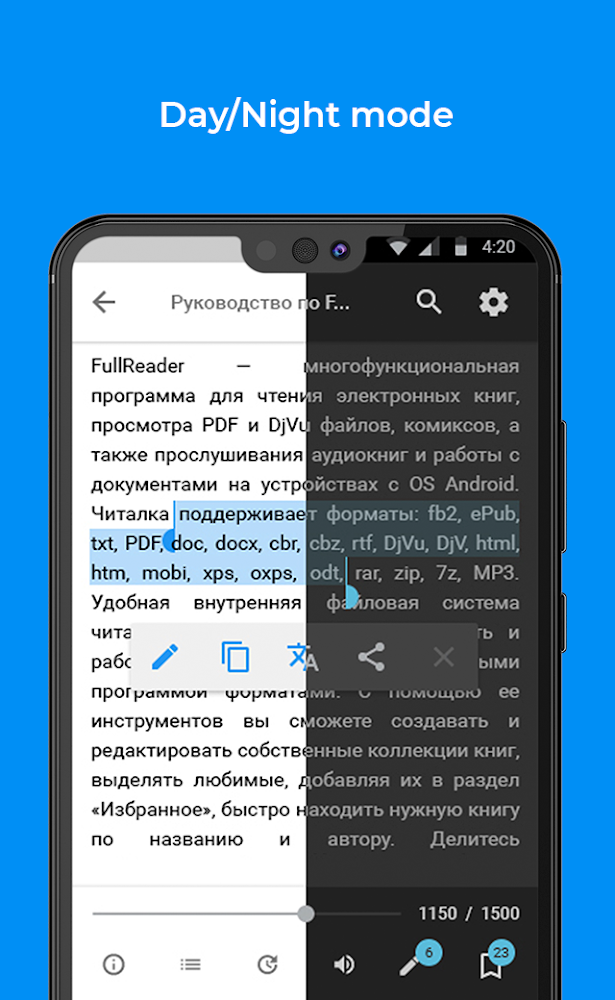
- the ability to read in night and day modes;
- the presence of a sound voice acting text;
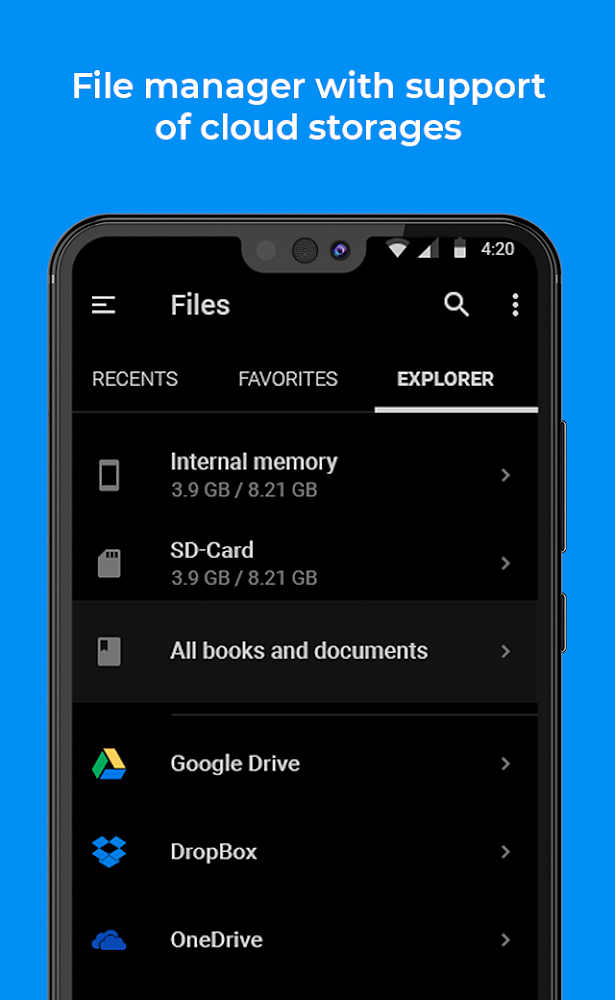
- comfortable multifunctional file manager;
- tap-zones with the possibility of individual settings;
- OPDS library support;
- structured book library;
- the ability to store files on the cloud;
- book titles and widgets;
Tablet reader is the best option for all book lovers. The design solution for the reader's interface is very stylish and at the same time discreet. Tools and other interface elements are located with maximum convenience for the user.
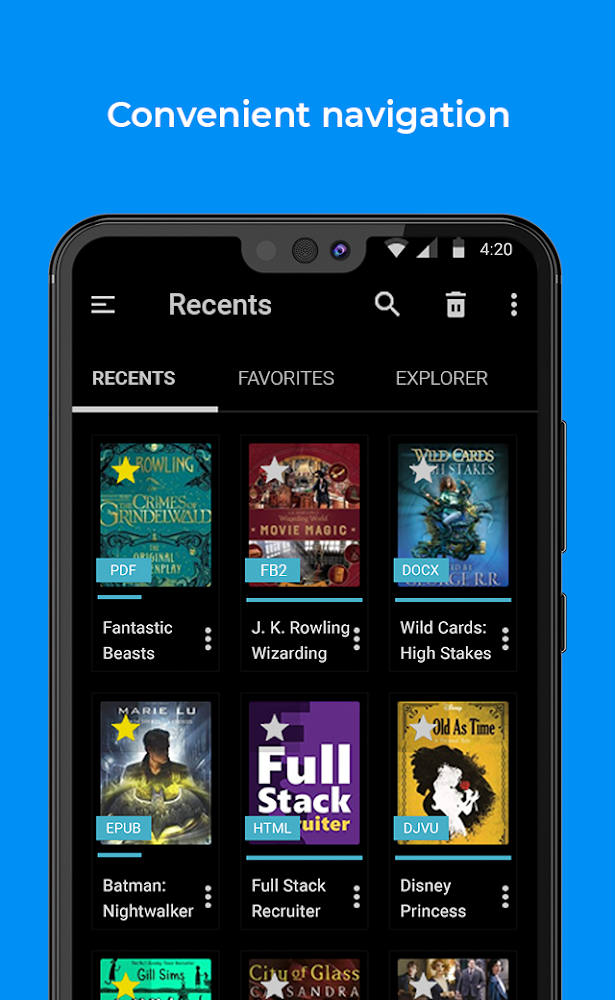
Having opened the main page, you will see 3 main sections:
list of favorites;
recent books;
file manager.
Due to the dark themes you will have the opportunity to save Android tablet charge. Also, with the help of this topic reading books in complete darkness will be very comfortable for the eyes. The built-in file manager of the application helps to quickly find the desired edition. It also allows you to delete, copy and move folders and files. Thanks to instant scanning, specifying the required formats, you can find your favorite book in 1 click.
The books that you opened last are displayed in the appropriate section. The formation of this list is based on the basis of ten recent publications. The list will show the date and time, the name of the book and the percentage of reading. Opposite the documents there is a menu and an asterisk, which indicates whether there is a specific book in the Favorites.
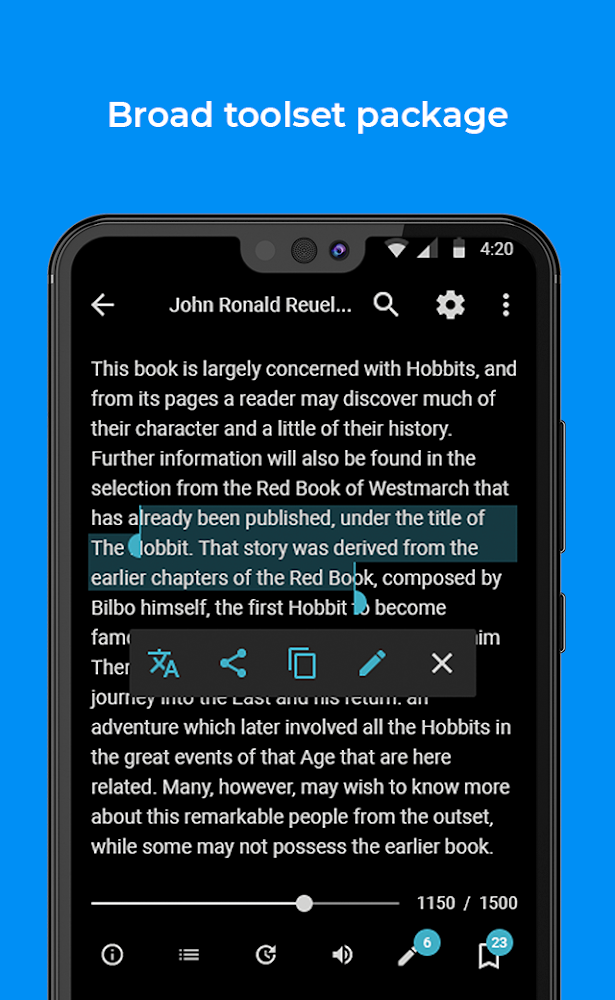
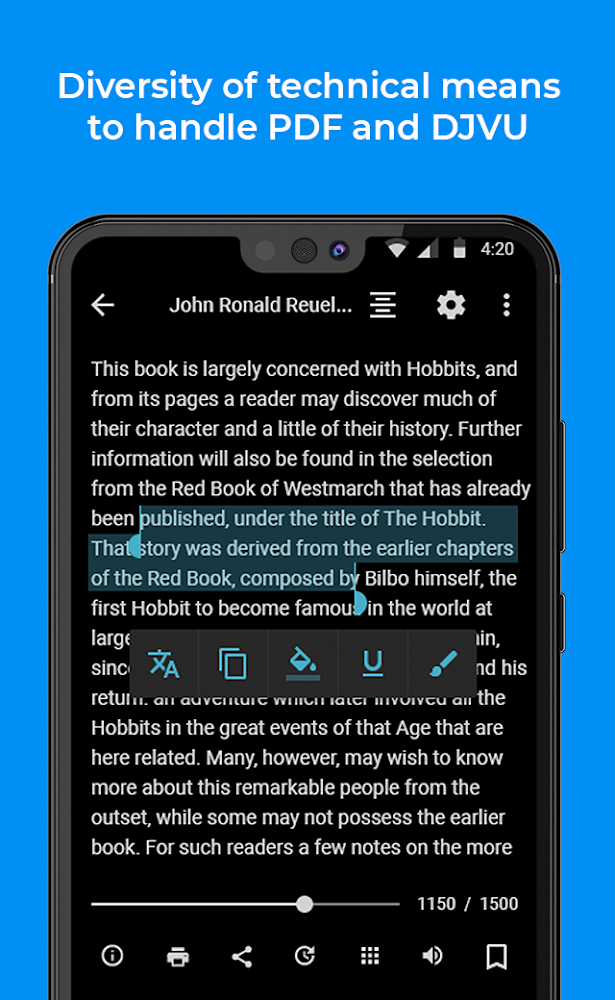
In the course of viewing and reading a particular publication or document, you can use additional functionality to work with the contents of the book. You will be available to create quotes and bookmarks, copy and send parts of the text.
The presence of an integrated translator allows you to translate a text part into at least 80 world languages, without the need to install other applications and dictionaries.
In addition to all of the above, you can set up automatic scrolling, see additional information about the publication, genre, author, language and so on. The book cover can be changed by any of the images saved in the gallery. If there is no suitable image there - there is always the possibility of downloading the cover from the Internet.
Each person will be able to customize the application. The reading window contains a list of basic quick settings: changing the size and font of the text, background, switching themes, etc. From the main list of settings, if necessary, you can go to the advanced.
The built-in library of the reader forms publications by name, series, authors, and many other parameters. It is possible to create your own book collections.
Download reader for tablet - read and listen to your favorite books anywhere.
Reading books in this application, you can create bookmarks and notes. They are in the appropriate section in the settings. The export function allows you to download bookmarks, view and delete them, or go to the page of the publication on which the user originally created it. The same can be done with notes. The reader supports the function of opds-libraries, using which you can both download books and buy your favorite publications for free.
Book shortcuts and widgets guarantee the possibility of a quick transition to viewing a document and a magazine, or to reading books placed on the desktop of the gadget. The program supports cloud services such as DropBox, Google Drive, and OneDrive, so you can not worry about saving space on your tablet. You can download the reader to the tablet through the "cloud" for free. You will be able to read books in Russian, English and other languages.
Version
4.3.6
Version code
365
Android OS
Android 4.4W
Disk space
79.27 МБ
Updated
03 May 2026
First release
28 Oct 2014
Rating
4.1
Hits today
0
Files for downloads
How to update FullReader
- Download the new version of the app
- Install it over the old one (do not uninstall the previous version)
- Important: The update will only work if the previous version was downloaded from our website. If the app was installed from another source, the new version will cause a signature conflict, and you will see the error "App not installed".
- You can read more about signatures in the documentation.
Attention
Due to the modified signature and modifications, the native security may detect the app as malicious.Update history
03 May 2026
4.3.6 (365)
Similar Apps

Sky Tonight - Star Gazer Guide
Educational app for exploring the sky
Version: 2.4.1
246.31 МБ
24 May 2026

Wikipedia
The official Wikipedia app for Android
Version: 50586-r-2026-05-12
50.88 МБ
23 May 2026

DeepL Translate
Great app for fast and accurate translation
Version: 26.20
47.52 МБ
22 May 2026

Stats Royale for Clash Royale
Application for players Clash Royale
Version: 5.1.5
72.82 МБ
22 May 2026

Моя Коллекция
Helper app for stamp collectors
Version: 26.0112
19.52 МБ
22 May 2026

Galatea: Books & Audiobooks
A collection of interactive stories in text format
Version: 17.0.0
177.02 МБ
21 May 2026

Write in Runic (Runes writer)
An unusual and interesting application
Version: 3.6.6-runic
12.09 МБ
20 May 2026

Wattpad - Read & Write Stories
Large online community for writers and readers
Version: 11.30.1
153.1 МБ
20 May 2026

Alexandra: Scary Stories 3
The most frightening and interesting horror stories in chat format
Version: 1.0.2.13
100.13 МБ
20 May 2026

Alexandra - Scary Stories Chat
A collection of terrifying mystical stories in chat format
Version: 1.5.1.23
61.23 МБ
20 May 2026