![Console Launcher [Free Shoping]](https://static.androeed.store/_c/2026/04/23/console_launcher-w200.webp)
Console Launcher [Free Shoping]
Large application icons
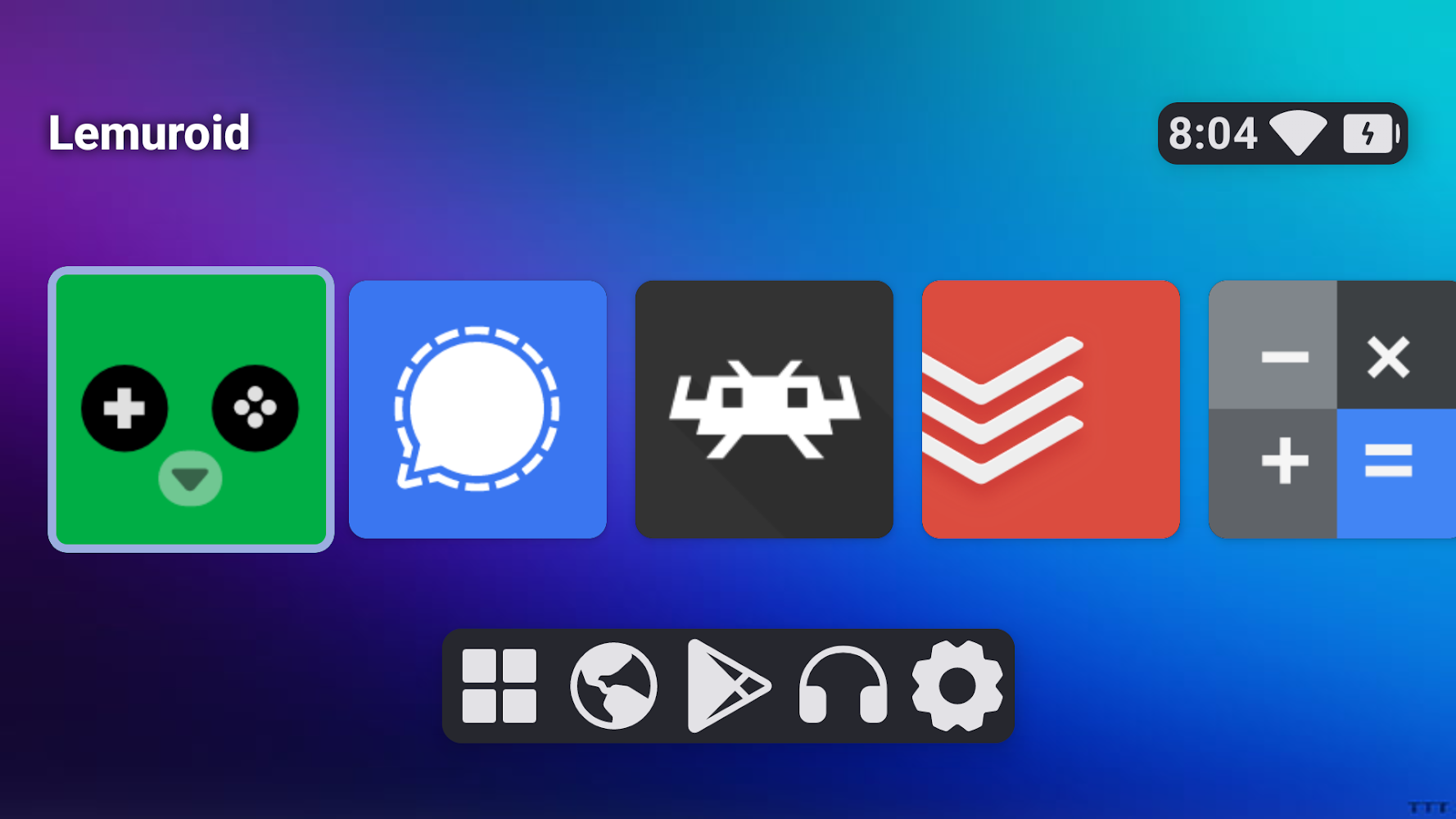
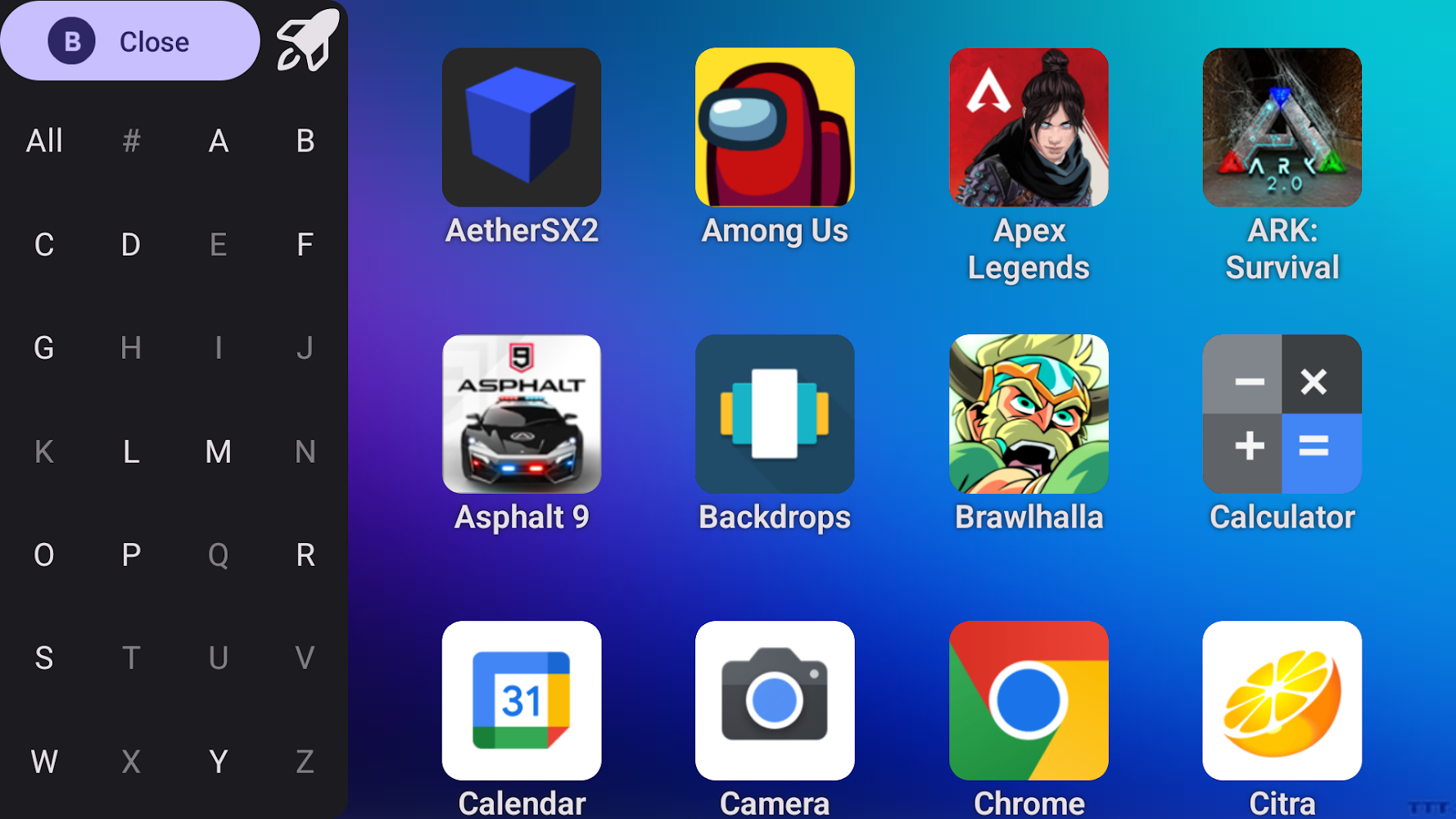
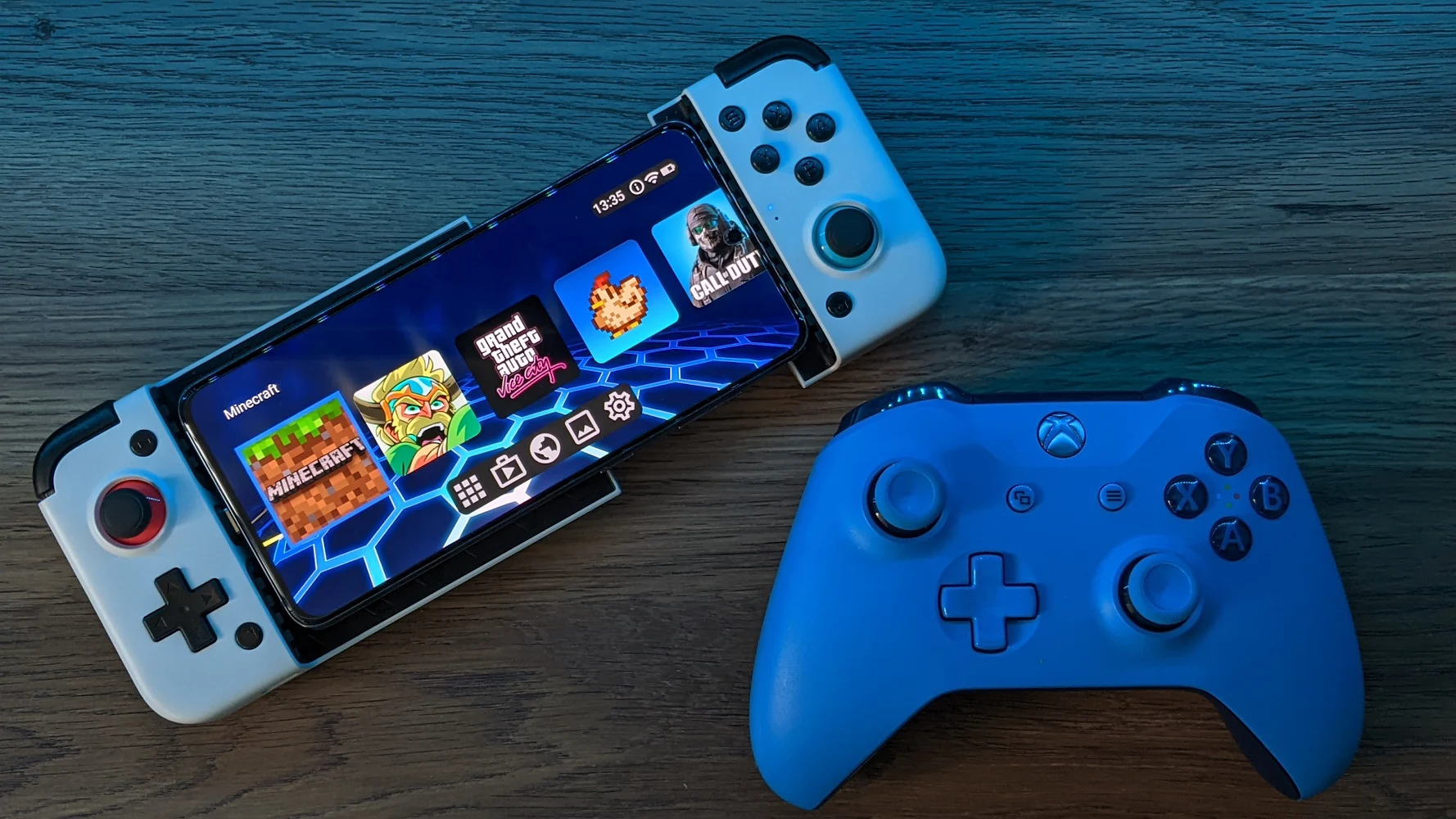
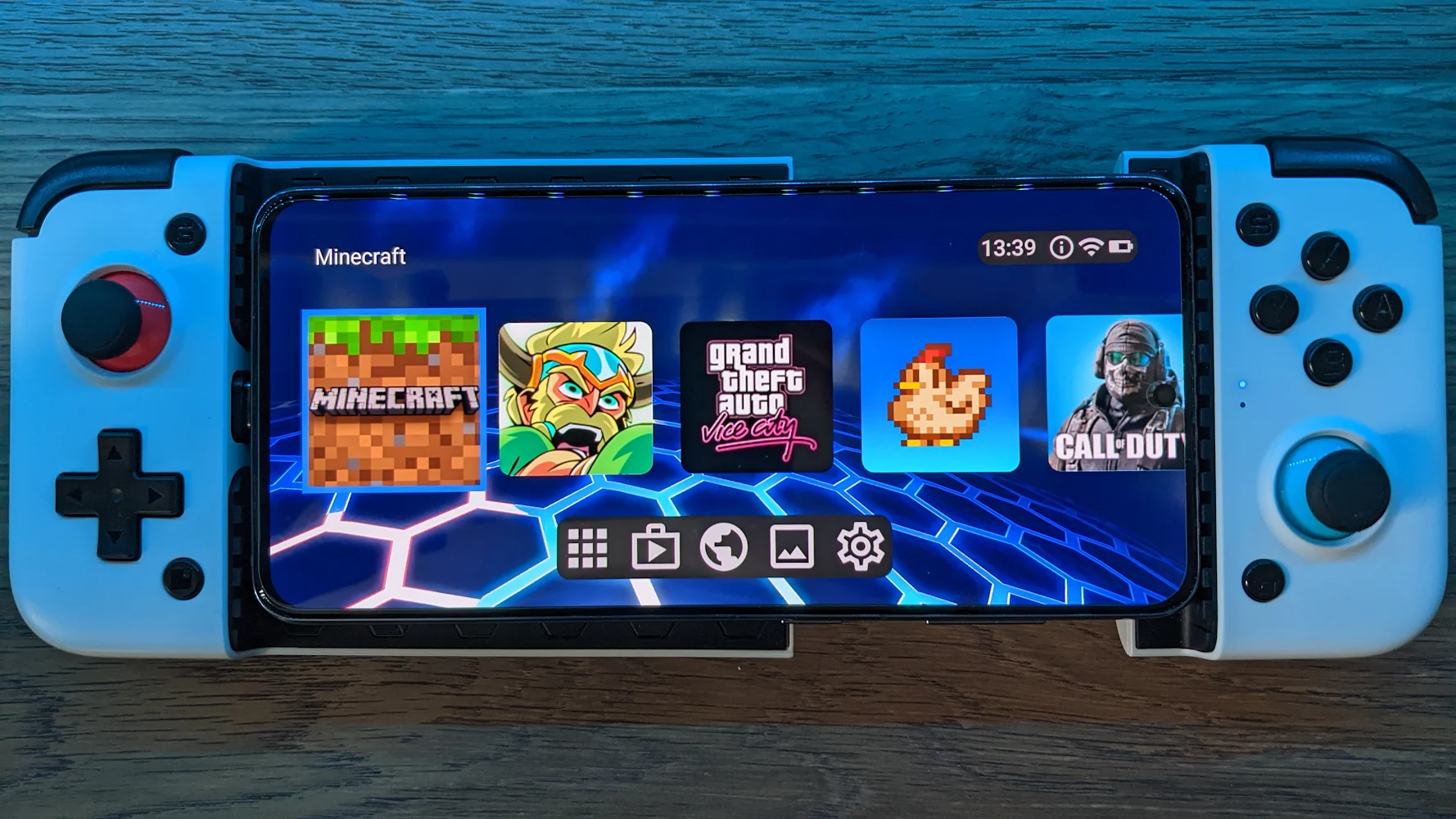
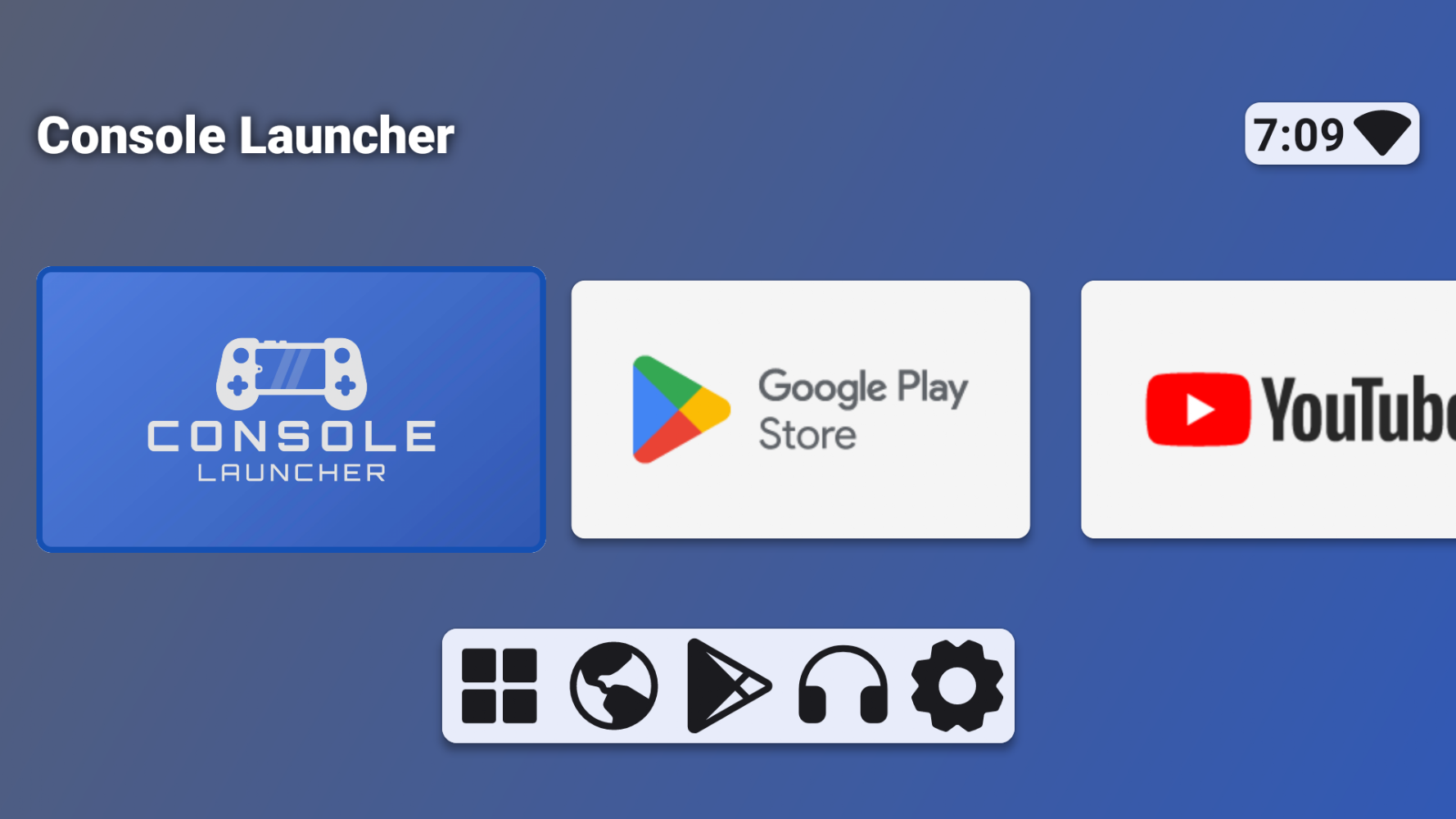
Console Launcher on Android is a comfortable and innovative a tool that can literally turn your Android phone or tablet into a real game console. Console Launcher will not offer you its own unique games, but it will allow you to transform your smartphone into a real gaming system, comparable in power to game consoles with an intuitive interface, with support for controllers and large application icons, with the ability to send voice messages to allies, without in-app purchases and intrusive advertising.
Controller support
You can download Console Launcher for free Android and use the controller to launch applications, games, and view them or delete it, which means you no longer need to use the touch screen. Thanks to controller support, you can more comfortably control games and applications on your Android device, and there are also large icons and landscape mode, which is always on by default. Also, you don’t have to bother with setting up your smartphone, because on the main screen there are already games ready for you, and you can also go to the settings and adjust various parameters that will give you even more comfort and convenience in using Console Launcher.
How to update Console Launcher [Free Shoping]
- Download the new version of the app
- Install it over the old one (do not uninstall the previous version)
- Important: The update will only work if the previous version was downloaded from our website. If the app was installed from another source, the new version will cause a signature conflict, and you will see the error "App not installed".
Attention
Due to the modified signature and modifications, the native security may detect the app as malicious.Similar Apps







![4K Wallpaper Expert [Adfree]](https://static.androeed.store/_c/2026/04/23/4k_wallpaper_expert-w100.webp "Download 4K Wallpaper Expert [Adfree]")