
Canva: AI Photo & Video Editor
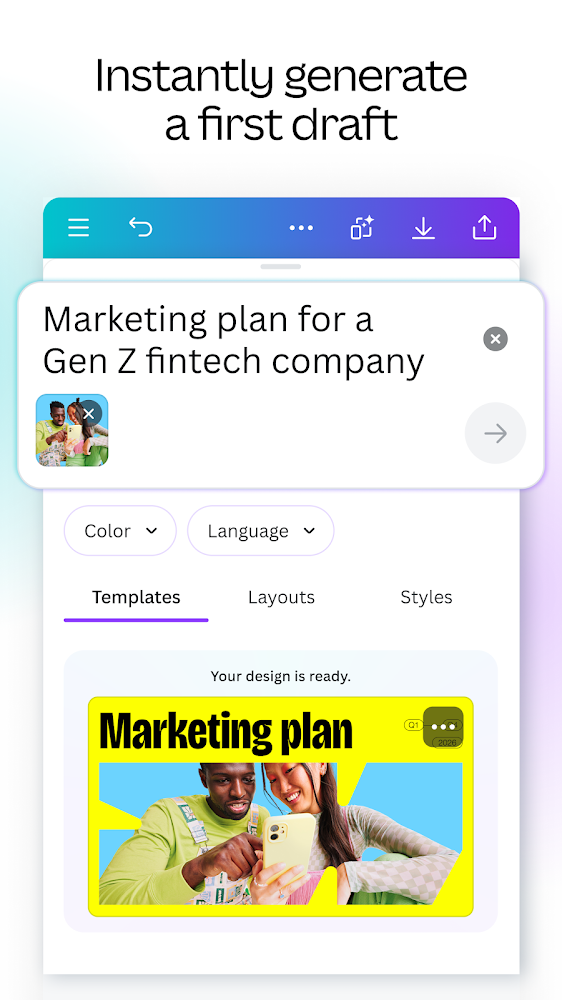
Multifunctional and convenient graphic editor
It's easy to create your own design!
Try this amazing picture editor that will open up a lot of new possibilities for you and see that you do not need to be a professional to create a bright, unique and memorable design! Cross-platform Canva will make it the №1 editor for you, use it anywhere from your smartphone to your home PC by clicking on https://www.canva.com/en_en/.
Limitless features and ease of use
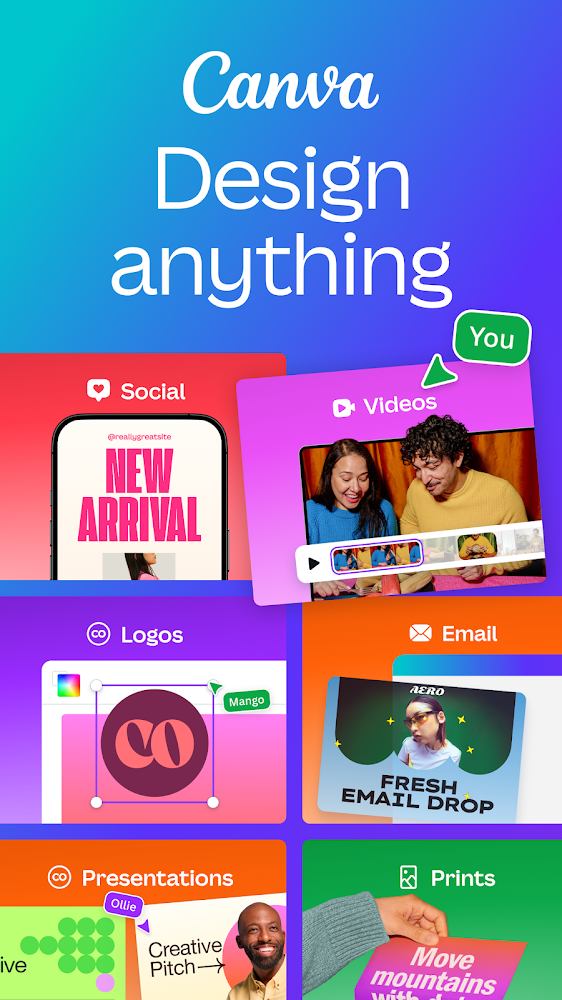
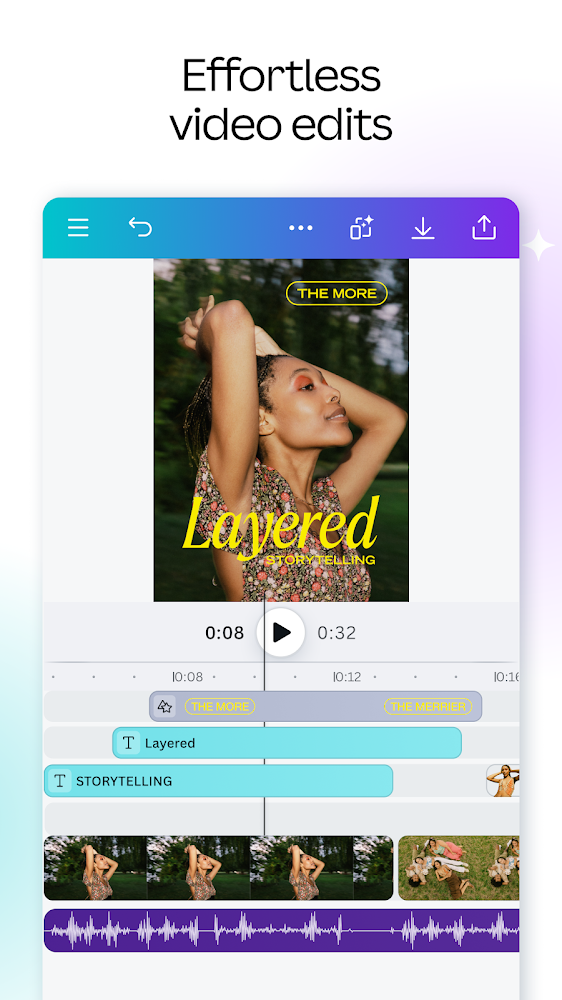
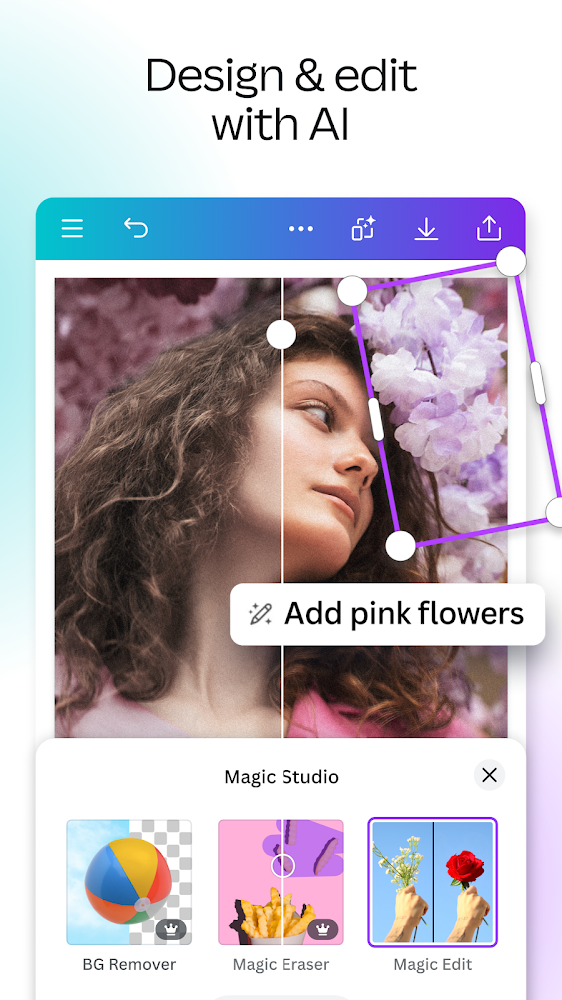
Canva has an incredibly user-friendly interface and editor, create everything you want: business cards and flyers, invitations and collages, posts for Facebook and previews with banners for YouTube and Twitter. Edit stories for Instagram and add text to your own photos, make unique logos and edit videos.
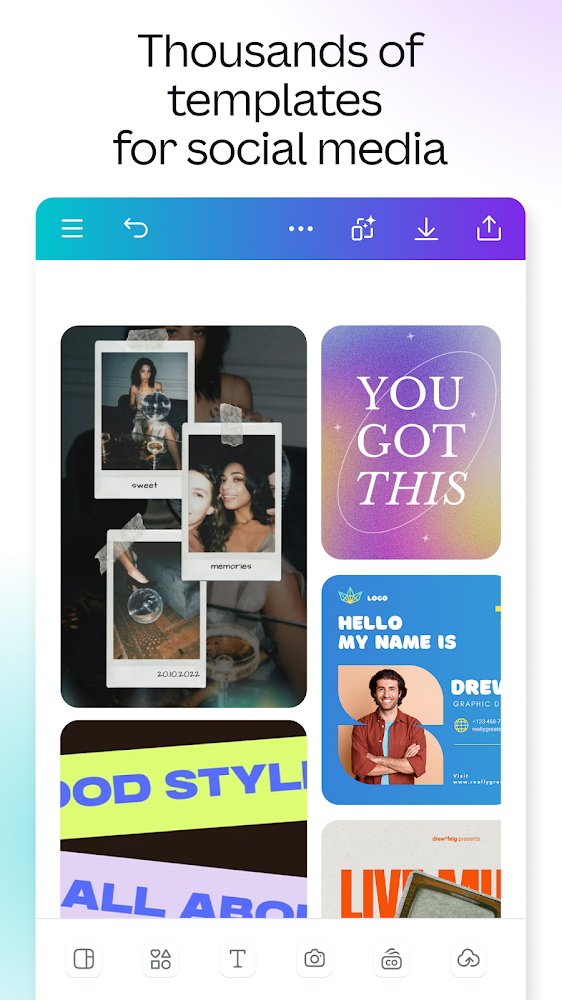
Get inspiration from a huge template catalog of over 60,000 free designs from real professionals! Work like a pro with an easy-to-use and highly functional image editor: make logos, use filters for photos, insert your own text on images, there are more than 180 fonts in Russian, change the spacing, color and position of text.
Files for downloads
Canva: AI Photo & Video Editor
About filetypes
How to update Canva: AI Photo & Video Editor
- Download the new version of the app
- Install it over the old one (do not uninstall the previous version)
- Important: The update will only work if the previous version was downloaded from our website. If the app was installed from another source, the new version will cause a signature conflict, and you will see the error "App not installed".
- You can read more about signatures in the documentation.
Attention
Due to the modified signature and modifications, the native security may detect the app as malicious.Similar Apps








New Comments