AutoMath Photo Calculator
Recognizes and solves mathematical equations
2.5
Reviews
3
Discussion
Check update
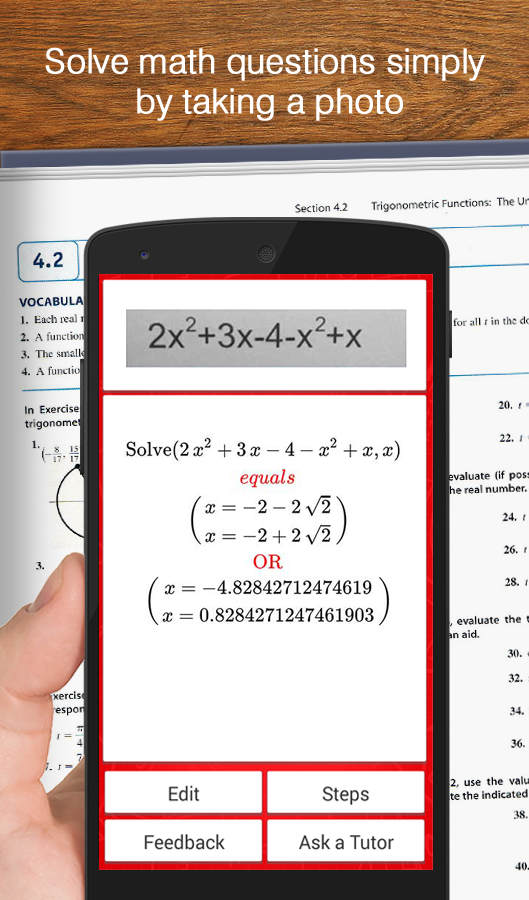
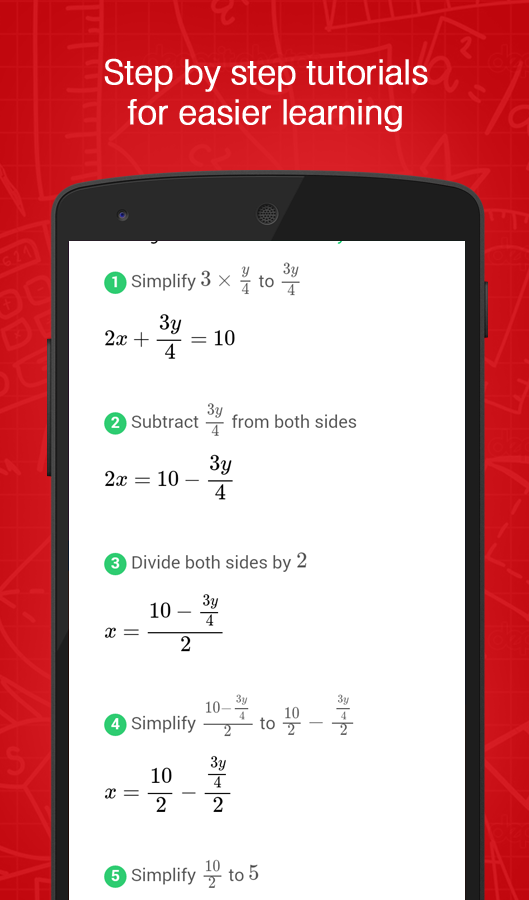
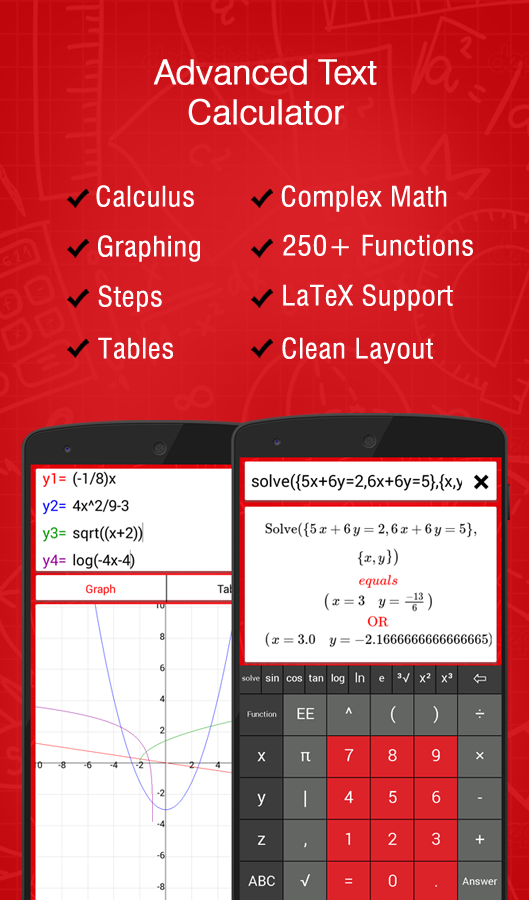
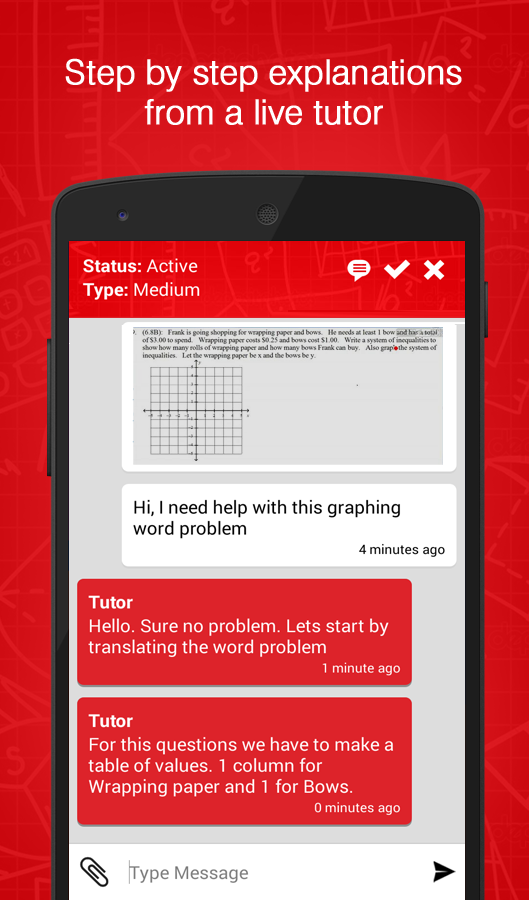
AutoMath Photo Calculator is a true treasure for parents, students, and schoolchildren alike. The app uses the camera to recognize mathematical problems and offers a solution with the answer instantly, in real time. It knows over 250 functions and can work without an internet connection.
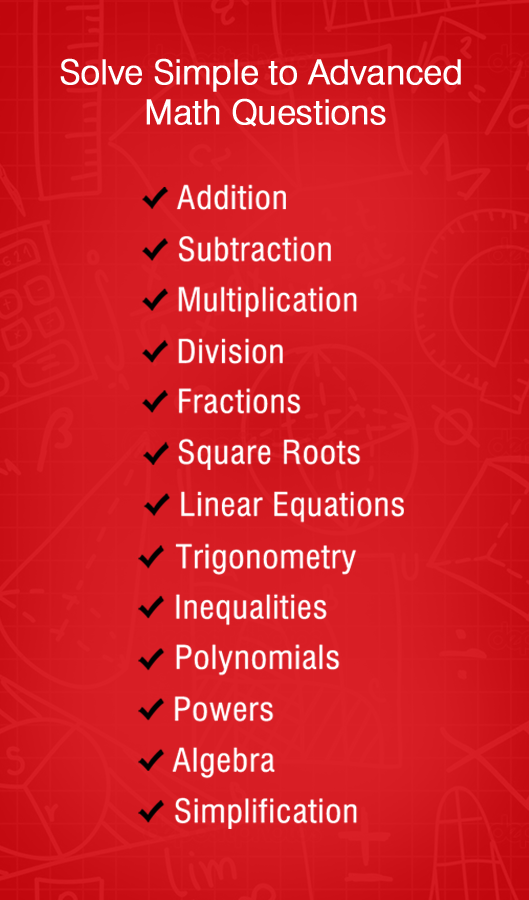
The application solves simple addition, subtraction, multiplication, and division problems, squares and roots, trigonometric expressions, equations and fractions, simplifies polynomials, and handles fractals. Future updates will include support for complex fractals, graph plotting, and handwriting recognition. For the best experience, keep the frame as close to the problem as possible with its borders around the expression, hold the camera so the numbers are straight and clear at about 5 centimeters away, and adjust the frame size with your finger if the problem does not fit. The app often makes mistakes, but it is still quite usable, and it features a built-in editor that lets you correct a formula if it was not recognized properly.
The application solves simple addition, subtraction, multiplication, and division problems, squares and roots, trigonometric expressions, equations and fractions, simplifies polynomials, and handles fractals. Future updates will include support for complex fractals, graph plotting, and handwriting recognition. For the best experience, keep the frame as close to the problem as possible with its borders around the expression, hold the camera so the numbers are straight and clear at about 5 centimeters away, and adjust the frame size with your finger if the problem does not fit. The app often makes mistakes, but it is still quite usable, and it features a built-in editor that lets you correct a formula if it was not recognized properly.
Version
1.8
Version code
0
Android OS
Android 4.0
Disk space
0 Байт
Updated
-----
First release
14 Dec 2014
Open GL
Views today
5
Rating
2.5
Hits today
0
This application cannot be downloaded. The files for this application are outdated and are not relevant at this time.
About filetypes
XAPK and APKS are original file formats fully compatible with versions from Google Play. Use them if official versions in Google Play are unavailable to you. All your saves and progress will remain unchanged when updating. Installation: For APKS use SAI, For XAPK — XAPK Installer.
How to update AutoMath Photo Calculator
- Download the new version of the app
- Install it over the old one (do not uninstall the previous version)
- Important: The update will only work if the previous version was downloaded from our website. If the app was installed from another source, the new version will cause a signature conflict, and you will see the error "App not installed".
- You can read more about signatures in the documentation.
Attention
Due to the modified signature and modifications, the native security may detect the app as malicious.Similar Apps
NEW

Login Access: DB Algebra 12+
Learn algebra through gameplay
Version: 2.5.1
130.69 МБ
23 Jun 2026
NEW

Migii Prep – TOEIC® L&R Test
TOEIC prep with 12,000+ exercises
Version: 1.8.5
48.48 МБ
21 Jun 2026
NEW

Zendora: Hybrid Learning App
Fun otter adventures in space
Version: 1.0.34
334.36 МБ
21 Jun 2026

Duolingo: Language Lessons
Good educational app
Version: 6.84.4
295.01 МБ
19 Jun 2026
NEW

PTCB PTCE: Pharmacy Technician
Pharmacy technician exam prep 2026
Version: 12.02.7311
119.35 МБ
17 Jun 2026
NEW

HelloChinese: Learn Chinese
Learn Chinese through game-based lessons
Version: 7.10.33
170.56 МБ
16 Jun 2026
NEW

FluentPal: Get fluent faster
Improve language skills with AI
Version: 1.167
138.26 МБ
16 Jun 2026

Neural Network
Application for learning and using neural networks
Version: 4.20.4
40.27 МБ
16 Jun 2026

Cake - Learn English & Korean
A comfortable app for learning English
Version: 6.7.1
37.87 МБ
15 Jun 2026

Draw Cartoons 2: Learn&Animate
Create a cartoon on your phone
Version: 0.5.1
101.81 МБ
15 Jun 2026
New Comments