
All-In-One Offline Maps
Navigation app with lots of free maps
Works offline
Comfortable navigator application, which will please you with comfort in use and speed in work, the ability to use maps even when you are offline. In All-In-One Offline Maps for Android you will find everything you need, and all the maps that you open on the screen of your Android device will be saved and become permanently available for quick viewing without connecting to the Internet . Before the road, even abroad, you can download any necessary location and use the application always.
Place marks and store addresses
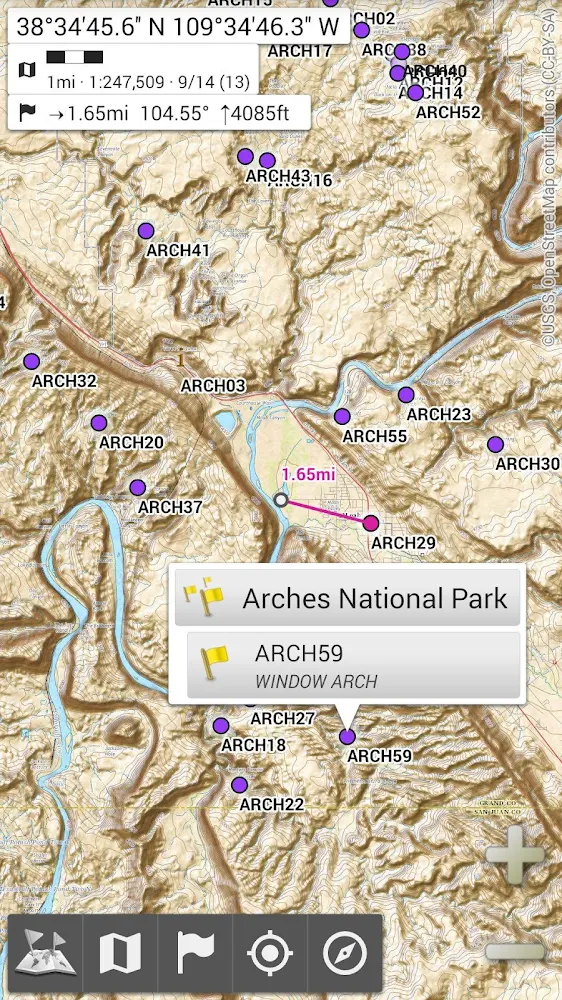
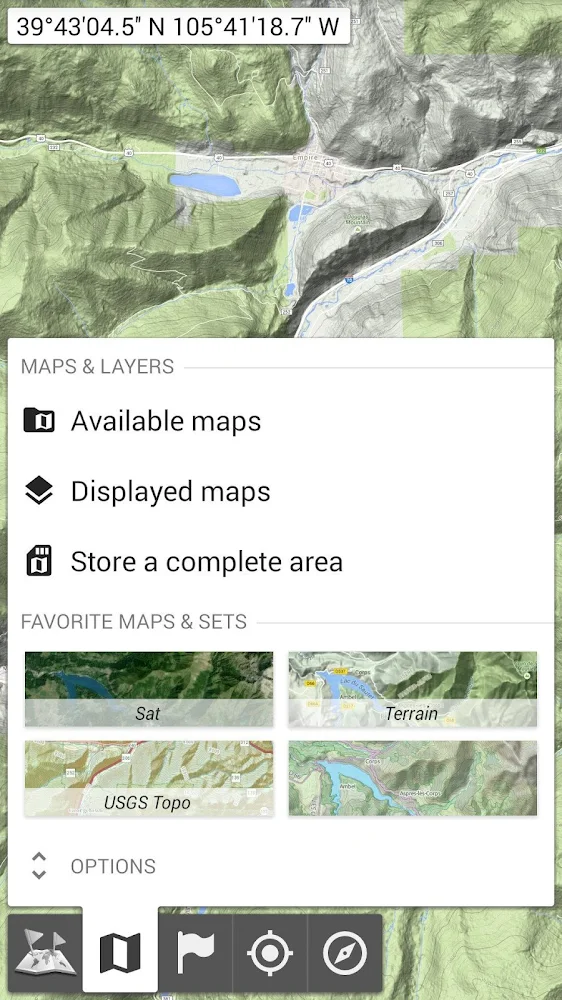
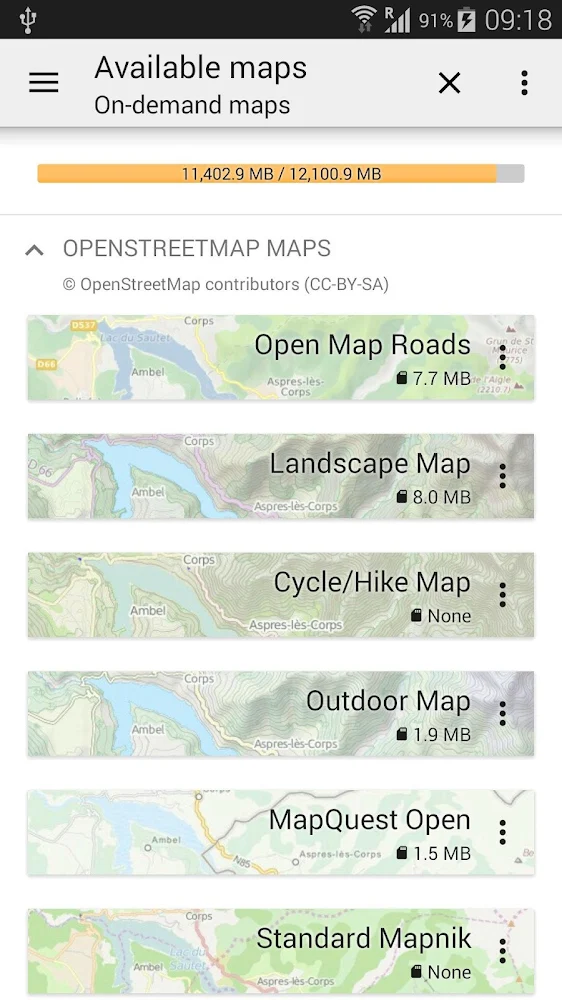
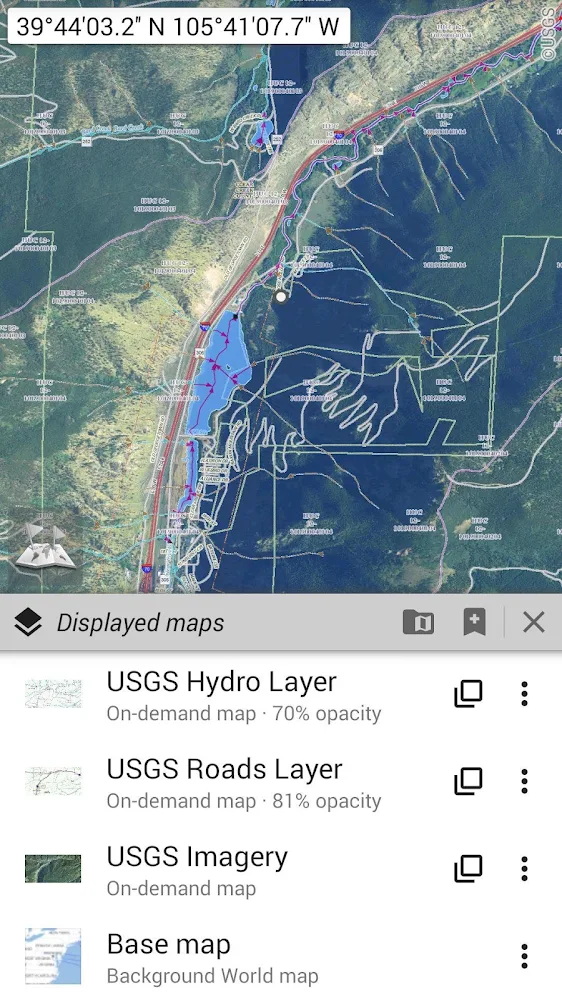
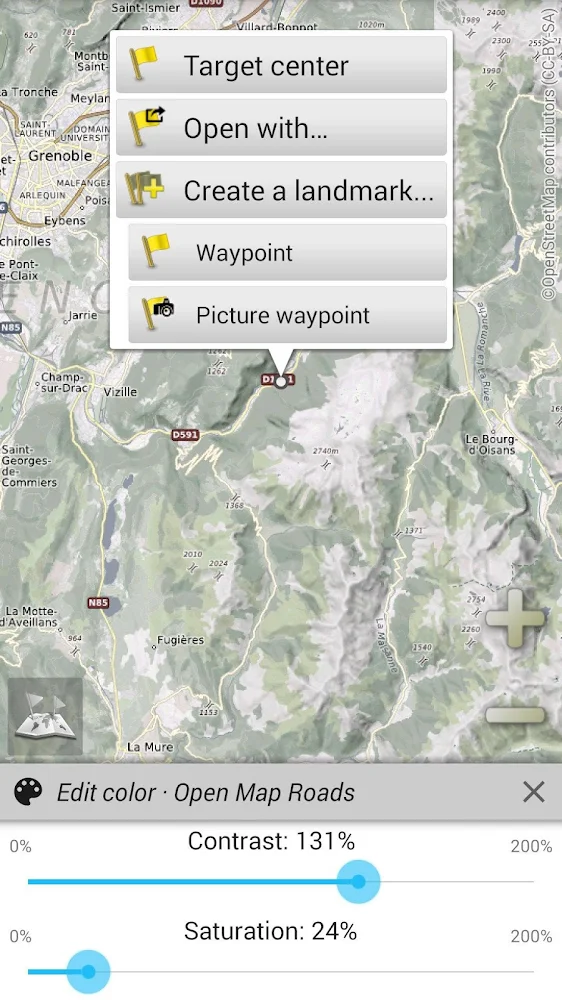
You can download a free navigation app for android and use a large number of maps, in including topographic maps, satellite maps, various layers and classic road maps. You can also adjust transparency, contrast, brightness, and saturation for each layer displayed on the map. Your current location and direction of travel will be clearly displayed on the map, which rotates as you move. Economy mode of operation, ease of use, offline mode, various display formats for location and coordinate grid, various distance units and gesture zoom - all this awaits you in All-In-One Offline Maps.
Files for downloads
All-In-One Offline Maps
About filetypes
How to update All-In-One Offline Maps
- Download the new version of the app
- Install it over the old one (do not uninstall the previous version)
- Important: The update will only work if the previous version was downloaded from our website. If the app was installed from another source, the new version will cause a signature conflict, and you will see the error "App not installed".
- You can read more about signatures in the documentation.
Attention
Due to the modified signature and modifications, the native security may detect the app as malicious.Similar Apps










New Comments